I stopped downloading apps after finding these hidden tools inside Google Search
It saved me from installing extra apps
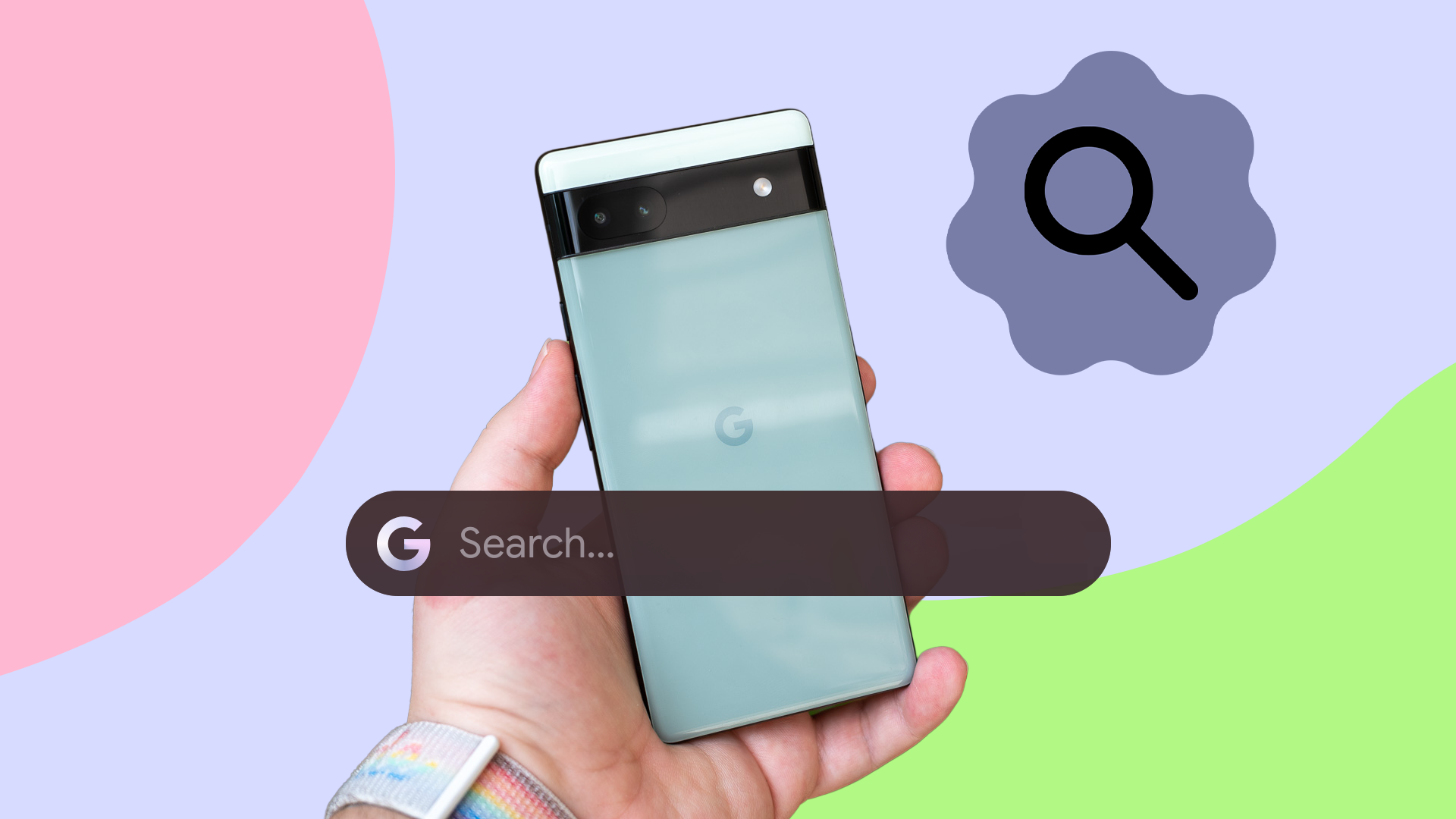
Google Search is often used for quick answers or conversions, but it contains hidden tools that can replace the need for additional apps. One handy feature is the built-in timer and stopwatch, accessible directly from a browser or phone. Users can start a countdown or custom duration, with controls to start, pause, reset, and add time intervals. A fullscreen option enhances visibility on desktops.
For elapsed time measurement, typing "stopwatch" in the search bar displays a running time with a circular indicator, and users can pause or reset it. The search engine also handles arithmetic and complex calculations by entering equations directly into the search bar. It provides an interactive calculator for further computations.
A built-in unit converter simplifies tasks like converting miles to kilometers or Celsius to Fahrenheit. Categories include length, temperature, weight, speed, volume, area, and digital storage, allowing conversions for various needs. Currency conversions are straightforward, such as converting USD to EUR.
For those who need a spirit level for DIY projects, Google Search offers a built-in bubble level. Simply type "bubble level" in the search bar, and an interactive tool appears, using the phone's sensors to show a moving bubble when tilted. This tool eliminates the need for a physical spirit level.
Decisions can be made more quickly with Google Search's virtual coin flip, die roller, spinning wheel, and fidget spinner modes. These tools are useful for random selections in games or choosing options. The color picker helps identify exact shades for design work, offering HEX, RGB, HSL, HSV, and CMYK values for consistent usage.
Lastly, a metronome built into Google Search assists musicians by setting the tempo for practice sessions. While dedicated apps remain useful for many tasks, Google Search provides quick solutions for everyday needs without the inconvenience of downloading or switching between applications.
Written by urgent.news from Android Police's reporting — not their text. Machine-written — may contain errors; check the original before relying on it.
This story
This is one outlet's version. Read the fullest account.
- I sideloaded companion apps to run alongside Android Auto and finally got the multitasking Google refuses to allow xda-developers.com
- I replaced Google's core apps with the open source Fossify suite for a bloat-free Android setup androidpolice.com
- Google is bringing automatic Android photo and video backups to Windows PCs through Quick Share techspot.com
- Google Find Hub rolls out ‘Notify when left behind’ tracker alerts on Android 9to5google.com
- Android Canary 2611 is out today for Google’s most adventurous testers androidauthority.com