Google Docs now handles Markdown natively, so I can write without switching between tools
I no longer have to choose between Markdown and Google Docs' familiar writing features.
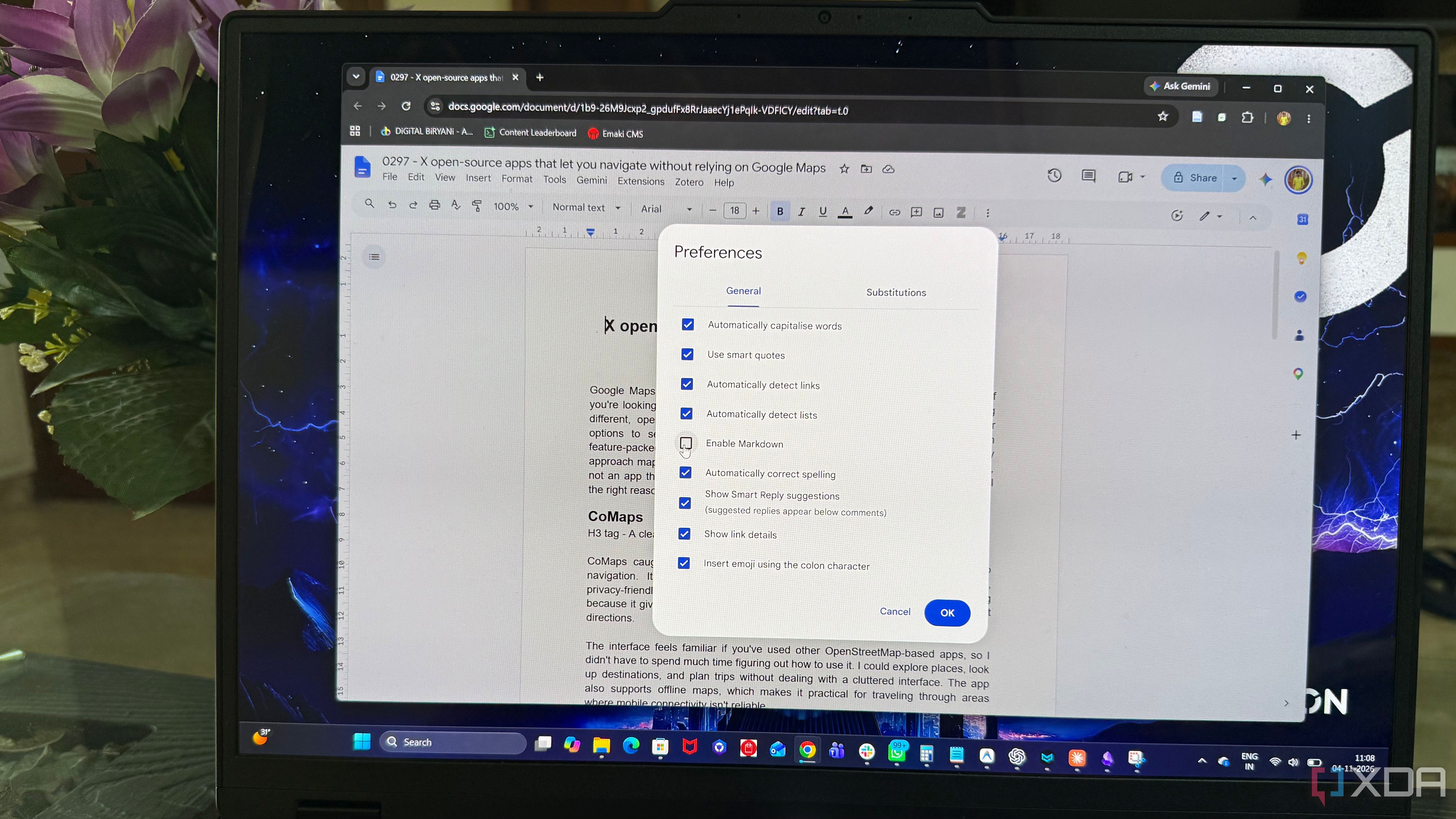
Google Docs has introduced native Markdown support, allowing users to edit Markdown files directly within the platform. This update simplifies the process of combining preferred writing formats with collaboration features. Previously, users had to import .md files and convert them into Google Docs format, which often altered the original formatting and structure.
Now, users can simply upload a Markdown file to Google Drive, double-click it, and it will open in Markdown mode. The file title will display a small .md label to indicate the preserved original format. Google Docs' preview option renders the document with properly formatted headings, links, and tables, making it easier to check the content's structure before editing.
However, editing Markdown files natively means certain formatting tools are not available. Smart chips may become plain text or links, while HTML formatting is converted to plain text. Font colors, highlights, and text alignment are also removed. Despite these limitations, native Markdown support enables all the collaboration features Google Docs is known for, such as sharing, real-time collaboration, and comments.
This streamlines the process of working on Markdown files alongside others. Version history is another useful addition, allowing users to track changes made after uploading a Markdown file. The voice typing feature works seamlessly in Markdown files, though manual Markdown syntax formatting is required for the transcribed text. Google Docs' native Markdown support does not replace dedicated Markdown tools or personal knowledge management systems (PKMS) like Obsidian and Logseq.
While Docs is useful for collaborative writing, it is not designed to replace comprehensive PKMS. These dedicated tools offer features like backlinks, plugins, and local-first workflows that go beyond simple Markdown editing. For those who write in Markdown or work with LLM output primarily for sharing drafts and collecting comments, Google Docs now serves as a primary writing space.
However, for users relying on advanced features like backlinks, plugins, or a local-first workflow, Obsidian or Logseq are still recommended, with Google Docs serving as a convenient handoff point.
Written by urgent.news from XDA Developers's reporting — not their text. Machine-written — may contain errors; check the original before relying on it.
This story
This is one outlet's version. Read the fullest account.
- Google Pics: How to level up your visuals in Docs and Slides computerworld.com