How macOS is changing on touchscreens beyond Sidecar, but only a bit
Apple didn't just put a touchscreen on the MacBook Pro , it made some minor macOS changes to buttons and menus to accommodate your fingers. Here's where they are so far, and what apps will get them first. PROLED display on MacBook Pro The company introduced the 14-inch and 16-inch MacBook Pro with PROLED XDR Display at its "Pro and tell" event in Los Angeles on Wednesday, October 28. The new…
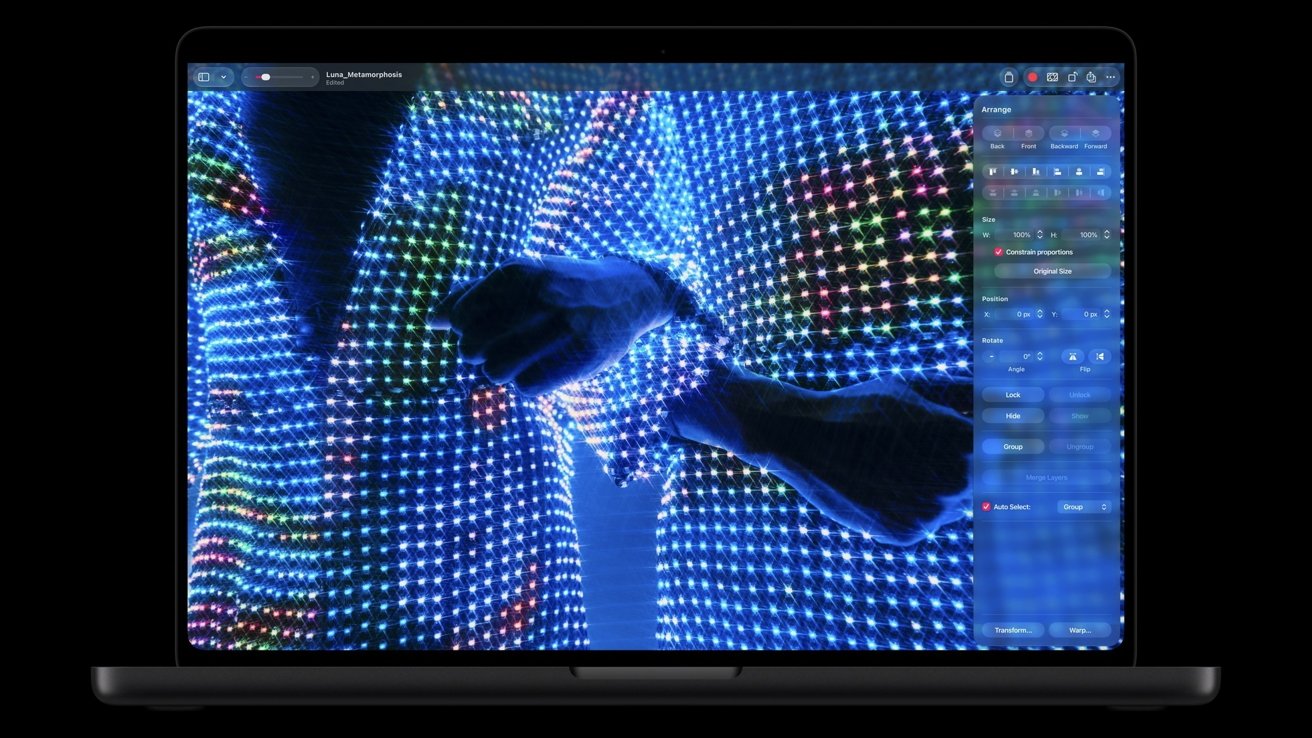
Apple unveiled new MacBook Pro models with touchscreen capabilities during a press event in Los Angeles. The 14-inch and 16-inch laptops, priced starting at $2,899 and $3,399 respectively, feature a traditional keyboard and trackpad but include touchscreen support. macOS 27, running on the new devices, has undergone minor adjustments to accommodate fingers, such as enlarging buttons at the top-left corner of windows.
Users can now swipe to scroll, pinch to zoom, and drag slides, with double-tapping a window to fill the screen or flick it into a tiled position. Additional changes have been observed in macOS 27.2 beta testing, including larger targets for moving Finder items and circular resize handles in Calendar. While these adjustments primarily benefit the new MacBook Pro, many existing Mac apps will support touch immediately, and developers can incorporate more advanced touch features using Apple's updated gesture APIs.
Written by urgent.news from AppleInsider's reporting — not their text. Machine-written — may contain errors; check the original before relying on it.