7 things you should do first when you buy a new MacBook Pro
Before you dive headfirst into using your shiny new MacBook Pro, there are a few settings and features you should look at and get familiar with.
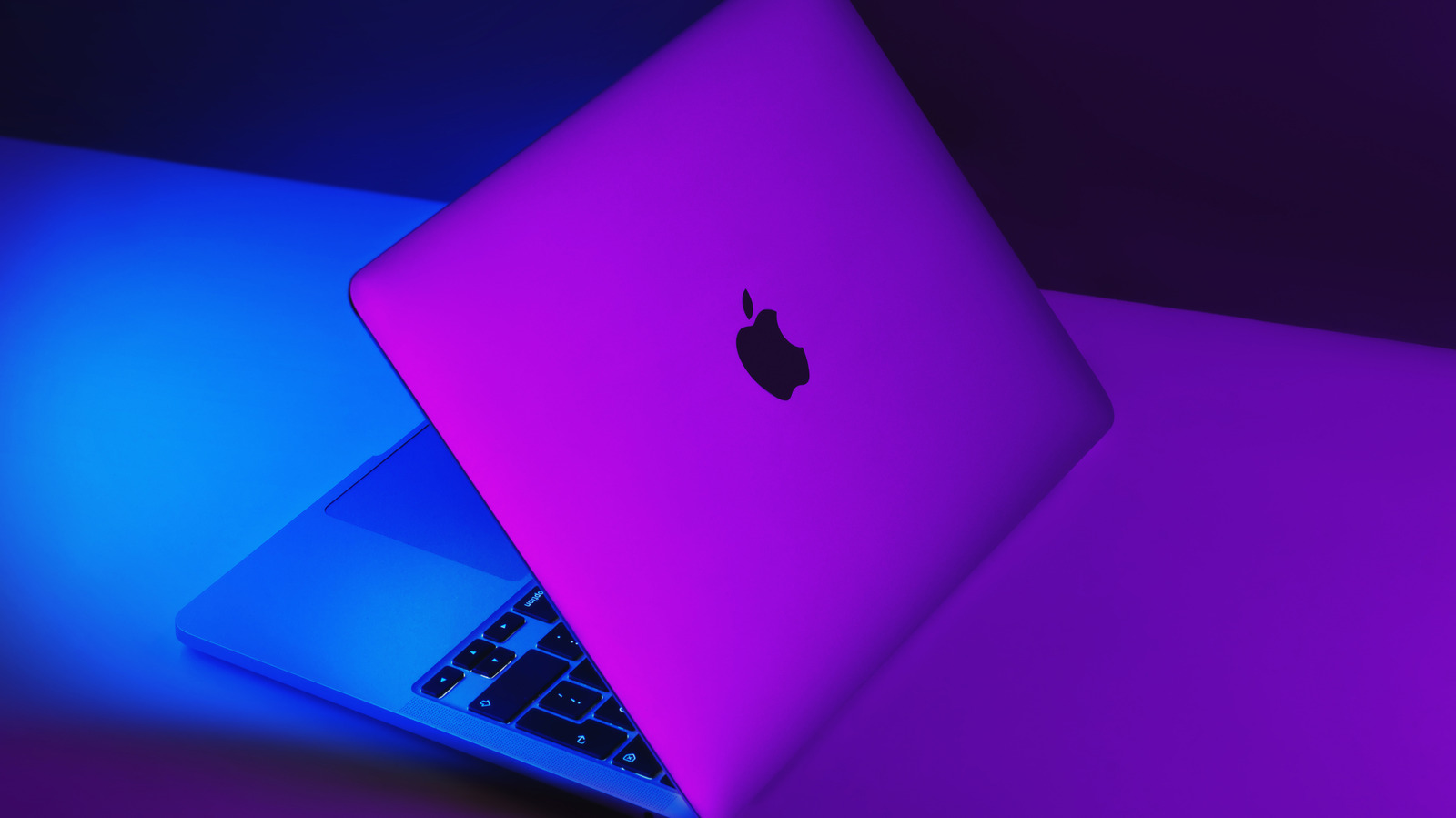
When purchasing a new MacBook Pro, start by familiarizing yourself with Spotlight and configuring backups. Setting up a new Mac, especially one with a touchscreen and an XDR display, is exciting. The Setup Assistant will guide you through signing in to your Apple Account, enabling iCloud, and migrating files from an older Mac or a Windows PC.
Spotlight, built into Siri AI in macOS 27, is a powerful tool for navigating your Mac, answering questions, and searching the web. Customize your Dock, Appearance, and wallpaper to personalize your new MacBook Pro. Don't forget to set up Time Machine for backups, which automatically keeps your files safe and makes transferring them to a new computer seamless.
Lastly, adjust settings like Tap to Click and the three-finger drag gesture for better trackpad functionality, and explore the Displays menu for better control over multiple monitors.
Rewritten by urgent.news; may contain errors — check the original.
Source: engadget.com