Your iPhone's camera can do a lot more than take pictures
The iPhone camera app has some surprisingly handy tricks that go beyond taking pictures. Here are a few lesser-known capabilities worth knowing about.
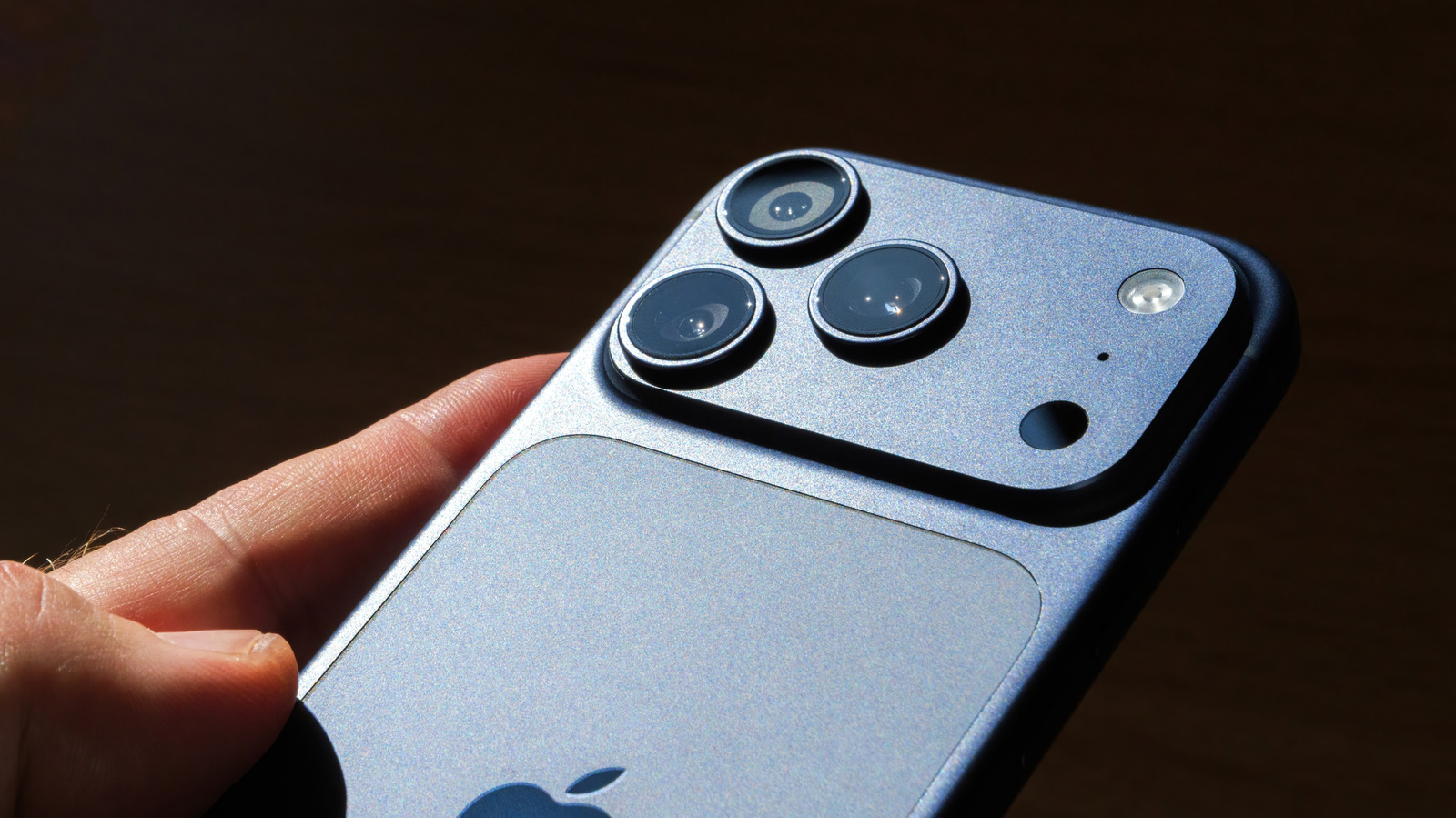
The iPhone camera app is a powerful tool that goes far beyond snapping photos. Many iPhone users may not be aware of its additional features, which can assist with everyday tasks and improve video recording capabilities.
For instance, if you encounter text in a foreign language, the camera can translate it. Ensure you have Live Text enabled in your settings, then point the camera at the text. A yellow frame will appear, and tapping the Live Text button on the lower right will allow you to translate using Apple Translate or Google Translate. Live Text also converts currencies and units of measurement, making it handy for travel.
The camera can also simplify website visits and phone calls. Point your camera at a phone number or website, tap the Live Text icon, and you'll have the option to visit the site or call the number, bypassing the need for typing and potential typos.
QR codes are another item the camera can handle. Pointing it at a QR code allows you to tap the associated link, streamlining the process of accessing websites.
In terms of video recording, the iPhone has provided high-quality video functionality since 2009. However, Action Mode and Cinematic Mode have enhanced the experience. Action Mode, available on iPhone 14 and newer models, stabilizes footage by applying image stabilization, crucial for handheld shooting. To access this feature, tap the button with six dots at the bottom right of the screen while in video mode.
Cinematic Mode, also available on iPhone 13 mini and up, adds depth of field to your videos, keeping your subject in focus and allowing for natural movement.
Rewritten by urgent.news; may contain errors — check the original.
Source: engadget.com