Why you should consider using your old phone as a smart home remote
Sick of juggling multiple smart home apps and voice commands? Learn how to turn an old phone into a dedicated smart home remote, complete with camera feeds.
Your old smartphone or tablet can serve as a convenient smart home remote. Instead of navigating through multiple apps or voice commands to control your lights, cameras and other devices, you can create a dedicated dashboard on an old device. Simply mount it on a stand and plug it in for continuous use. No high-powered hardware is required, as it only needs to display a single app or webpage.
I've used an old Android phone with a MagSafe-compatible ring and wireless charging stand for mine. Beyond smart lights, you can integrate various devices like robot vacuums, music controls and cameras. Even cameras can be displayed for quick monitoring of your front door. Dedicated smart displays like Apple's HomeView with Siri may seem ideal, but an old phone is a cost-effective alternative.
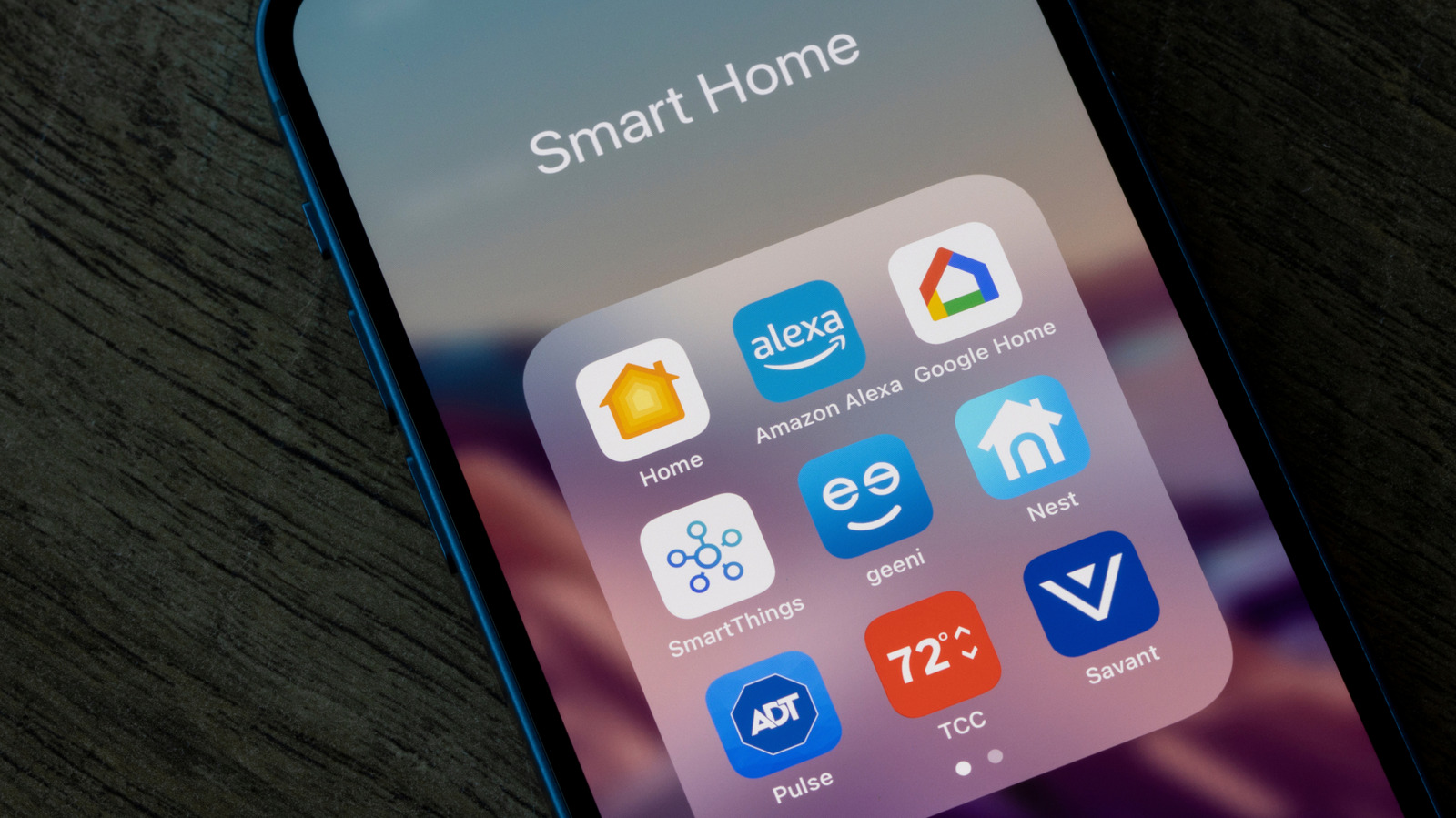
If you have devices from different manufacturers, consider using a hub like Google Home, Apple HomeKit or Samsung SmartThings. Linking Philips Hue, TP-Link Kasa and Govee devices to a Google Home account eliminates the need for multiple apps. For iPhone users, Apple's Home app offers a better layout for an always-on remote. To keep your device always-on, disable the display timeout using settings like the Stay Awake developer option on Android or Guided Access on iOS.
While Google Home and HomeKit offer limited customization, third-party apps like HomeDash or HomePad allow for personalized dashboards with additional elements like clocks, weather and music players. HomePad even features a personal photo album screensaver. For maximum customization, Home Assistant, a free smart home platform, offers extensive support for various devices and connectivity protocols. However, you'll need an always-on computer to host it.
Rewritten by urgent.news; may contain errors — check the original.
Source: engadget.com