What is the globe icon on your MacBook keyboard used for?
Wondering what the Globe key on your MacBook keyboard actually does? Learn how to use this powerful button for window tiling, emojis and hidden Mac shortcuts.
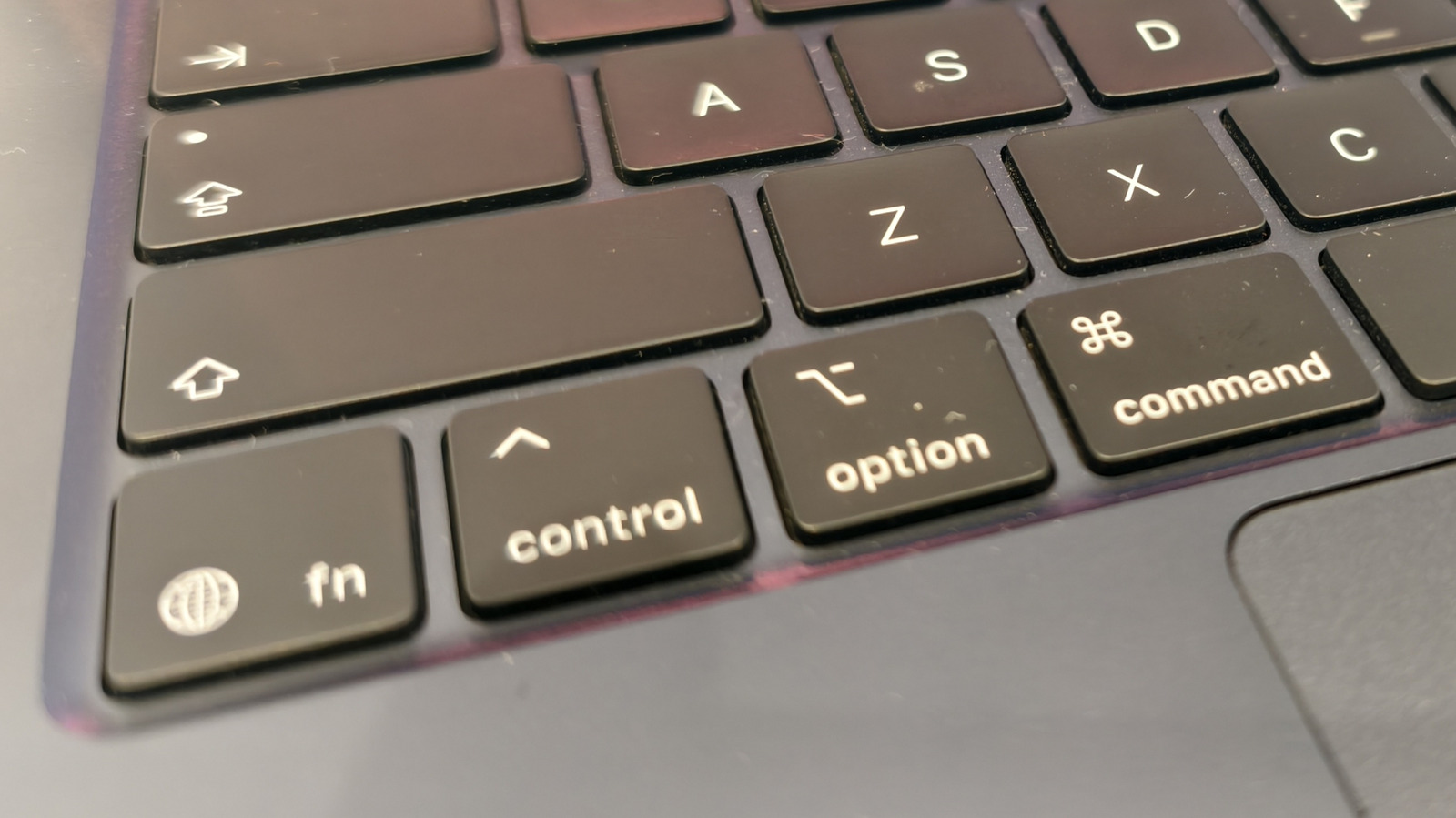
The globe key on your MacBook keyboard serves a variety of functions beyond acting as the Function (Fn) key. This versatile key can be used to access Emoji, scroll through documents, switch between language keyboards, control window tiling, expand or center windows, and navigate the desktop. By holding down the Globe key while pressing another key, you can trigger a specific function, such as adjusting brightness or volume, opening Spotlight search, or launching dictation.
The Globe key can also be customized to perform different tasks, like changing the input source or opening the App Browser. With its many functions, it's worth taking the time to explore and utilize the Globe key's capabilities on your MacBook for increased productivity and efficiency.
Rewritten by urgent.news; may contain errors — check the original.
Source: engadget.com