I run Nextcloud on a single-board computer with 4GB RAM, and I don't need Google Drive anymore
Take control of your files
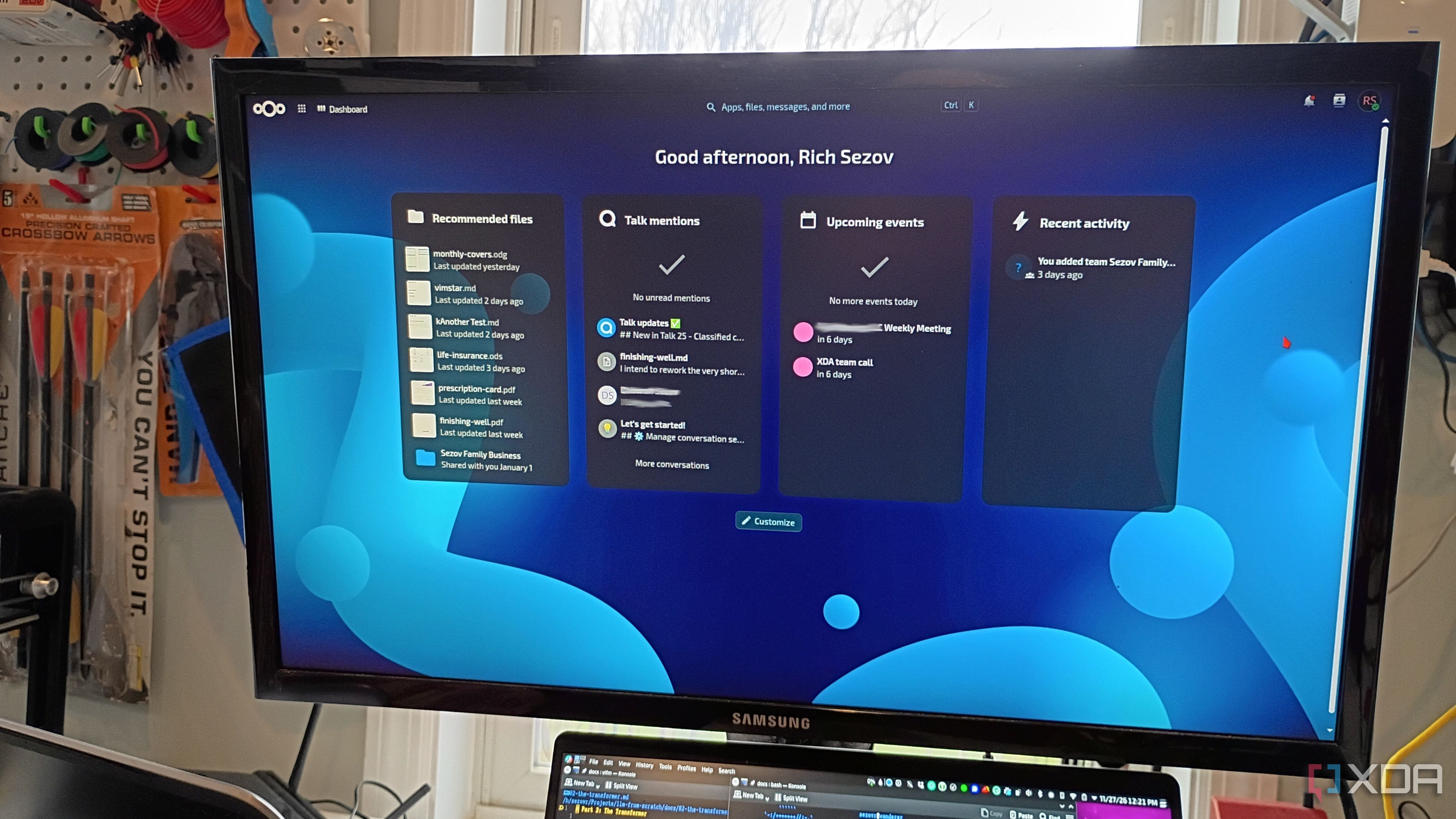
Google Drive is an excellent tool for collaborating on documents, but it has certain limitations. For instance, collaborators need a Google account, or you must be quite permissive with your documents. The free plan offers 15GB of storage for documents, email, and photos, which isn't ideal for organizing your files. Additionally, sync only functions on Windows and Mac, limiting its usefulness for Linux users.
Nextcloud is a fantastic alternative to avoid these constraints of services like Google Drive, Microsoft 365, or other subscription-based cloud services. You can run Nextcloud on a single-board computer or through a provider like Federated Computer. I opted for the former, using a Libre Computer Renegade, which is available for around $80 on Amazon.
This purchase provides a one-time investment that can be utilized for years. The Renegade's form factor is similar to Raspberry Pis, making it compatible with the majority of cases available for Raspberry Pi, including 3D-printed designs. However, other single-board manufacturers like Orange Pi, Nano Pi, and Radxa Rock 5B have distinct layouts, which might require specialized cases and racks, complicating integration into a home lab setup.
Speed may be a priority for you, but the Renegade's 4GB of RAM is more than sufficient to run a Nextcloud instance for you, your family, friends, and even strangers, bypassing cloud provider limitations. I acquired a used Thinkpad with a 256GB NVMe, which was insufficient for my requirements. Consequently, I purchased a 2TB NVMe to replace the 256GB one.
This left me with an extra NVMe, which I connected via a USB adapter. My goal was to build a Nextcloud instance, and I had all the necessary hardware. The Renegade supports Gigabit Ethernet and multiple USB ports for storage devices. Raspberry Pis and Libre Computers both have a slot for a MicroSD card, which is not recommended for long-term storage due to wear and tear.
Instead, use it as a bootloader, flash it using Libre Computer's bootloader builder, and let the NVMe connected via USB handle all disk activity. The process of setting up the bootloader and flashing the MicroSD card was somewhat trial-and-error, but once I figured out which USB port the bootloader used, I placed an aarch64 Linux distribution image on a flash drive and booted the system from that port.
With the NVMe connected, the system booted and was ready for configuration. Nextcloud's All-in-One (AIO) installer uses Docker to orchestrate various components, including Apache & Caddy, PostgreSQL, Nextcloud, Client Push, Redis, and Nextcloud Office. Begin with these default services, and only install additional components after ensuring smooth operation.
I chose Nextcloud Office powered by Collabora Online, as my family has been using LibreOffice for years, and I preferred better compatibility with Microsoft's ooxml format. You can also install additional containers, such as Nextcloud Talk, Imaginary, and Nextcloud Whiteboard, for added functionality. The backup container, powered by BorgBackup, provides deduplication and compression features, allowing you to create and restore backups through the AIO interface.
While the system may initially seem complex, Nextcloud's capabilities are vast, offering a powerful alternative to cloud-based solutions.
Rewritten by urgent.news; may contain errors — check the original.
Source: xda-developers.com