I skipped buying an expensive NAS, and turned my old gaming PC into a media server
A old gaming rig makes a great media server for Plex or Jellyfin.
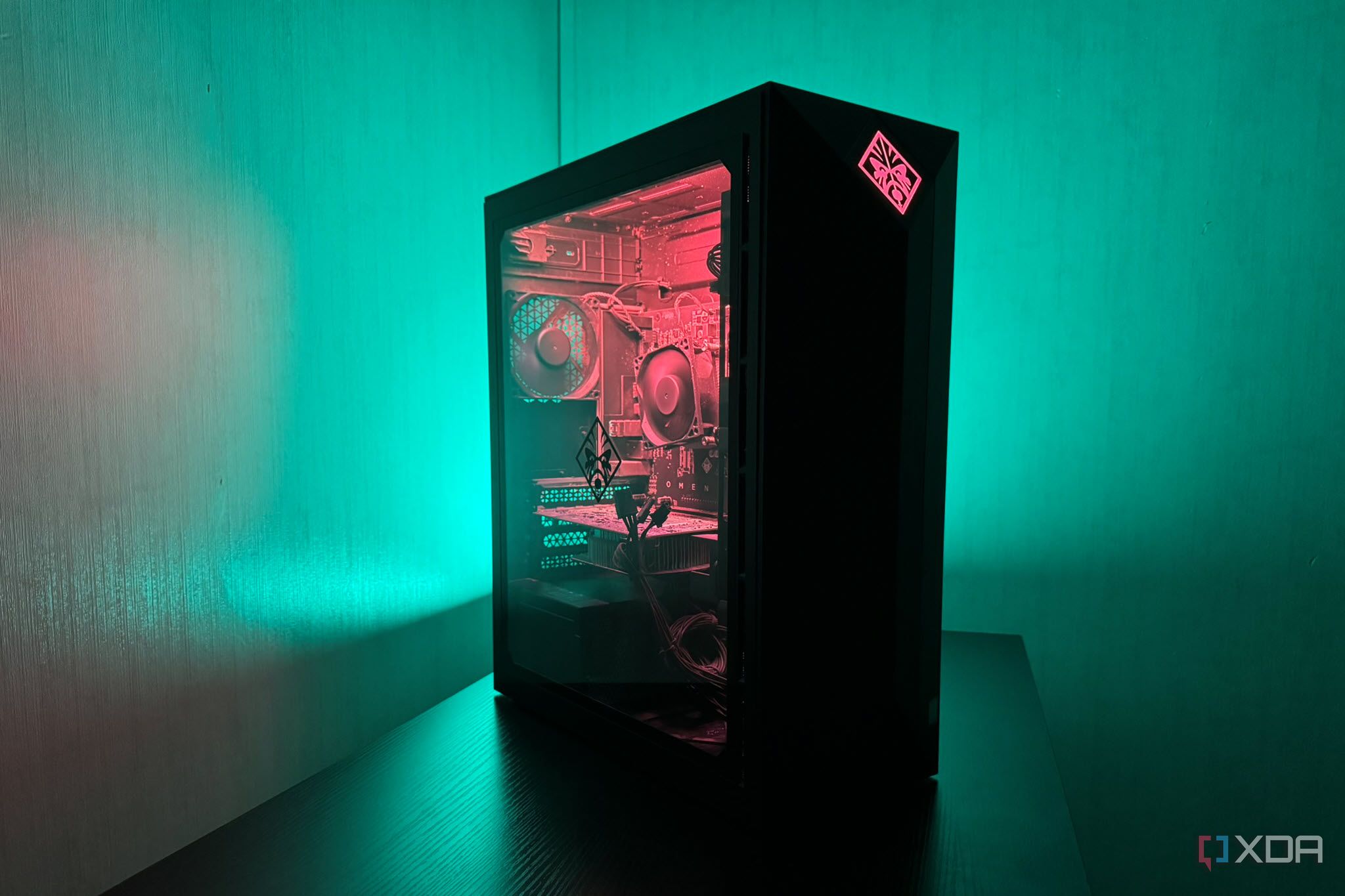
The writer recently upgraded to a new PC but decided to repurpose the old HP Omen gaming PC into a media server instead of purchasing an expensive NAS. While considering a multi-bay NAS for media storage, the writer decided to utilize the powerful hardware in the gaming rig. They ran Jellyfin, Emby, and Plex on separate ports, with the Nvidia Shield Pro Plex server accessing the files on its storage drives.
The Omen runs Windows 11 Pro, and the writer connected external drives for additional storage, though this isn't ideal for OpenMediaVault's SMART health monitoring support. The writer also connected the external drives to the old gaming rig for additional storage. After cleaning up space on the drives, the writer performed maintenance, like updating firmware and installing a BIOS update.
They plan to install Navidrome and experiment with their ripped CD library. The old gaming rig's hardware, such as the Intel i7 8700, 32GB DDR4 RAM, and GeForce GTX 1060 3GB graphics card, can handle transcoding tasks and media server software. The writer confidently accesses their library across various screens, including the CD library remotely via Jellybox.
The writer's external drives include a 500GB Samsung M.2 NVMe drive and a 1 TB SATA drive. A hodgepodge of external drives serves as media storage, with the 500GB NVMe drive and 1 TB SATA drive providing ample space for media servers and light software. The writer connected multiple external drives to the HP Omen via USB 3.0 ports.
Despite the writer's desire for a 4-bay NAS with larger drives, the cost of storage remains a concern. The writer plans to continue using their PC as a media server while exploring other smaller side projects and keeping the old gaming rig as a backup.
Rewritten by urgent.news; may contain errors — check the original.
Source: xda-developers.com