As an Android user, these are the first 5 settings I changed on the iPhone 18 Pro
An Apple with a Pixel complex.
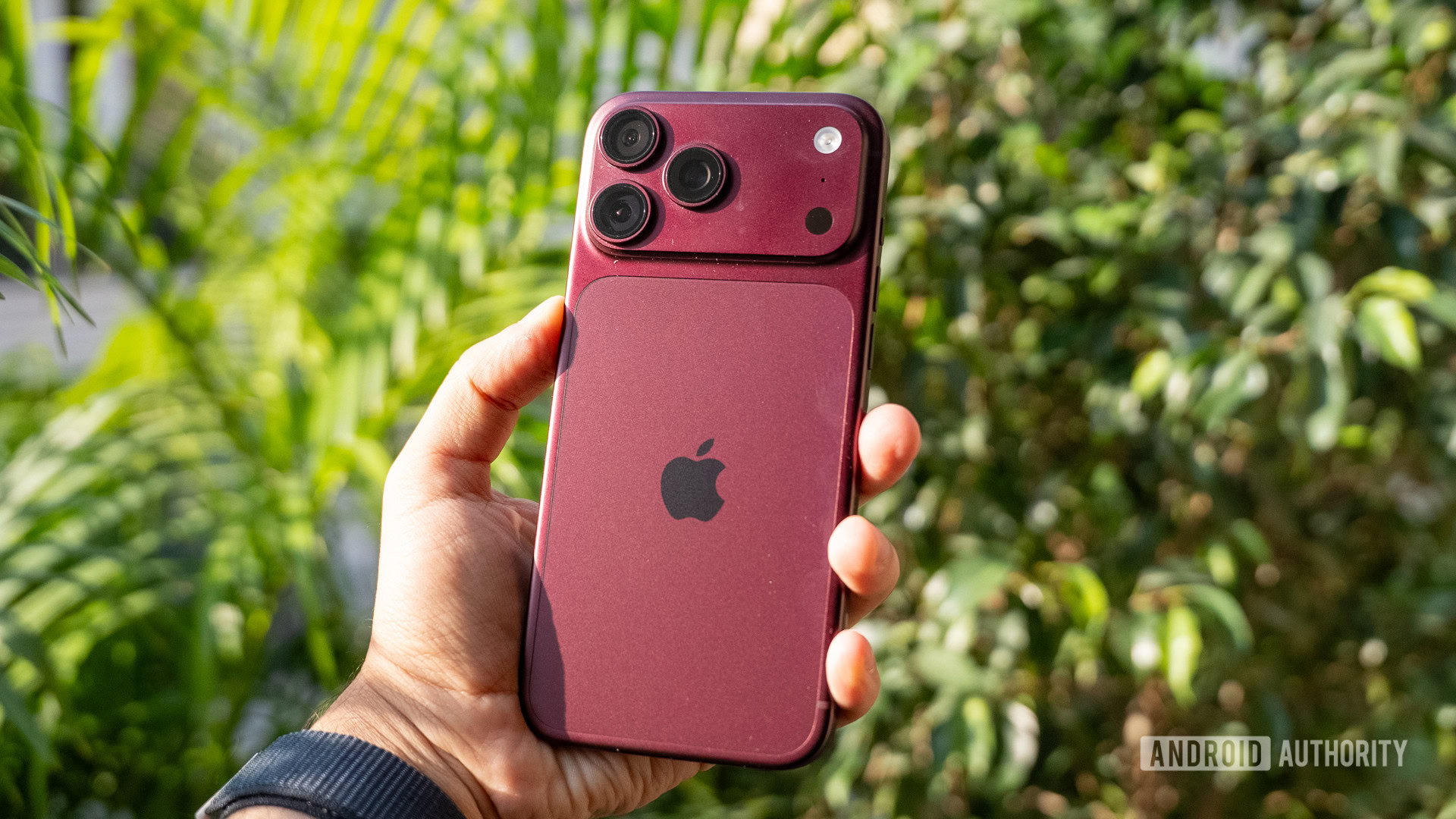
Here are the first five settings I changed on my iPhone 18 Pro:
1. I enabled RCS messaging to make texting Android users more convenient. Most of my conversations happen through the Messages app, and with regular SMS, I miss features like read receipts, typing indicators, and sharing high-quality photos and videos. iPhones now support RCS, so enabling it makes switching between Android and iPhone feel less inconvenient.
2. I switched my notifications from the default stacked view to a List view on the Lock Screen. While iOS groups notifications into a stack, I prefer the more familiar Android-style list view. This makes it easier to scroll through alerts without expanding a stack first.
3. I replaced Safari with Chrome as my default browser and Gmail as my default email app. Android offers more flexibility in choosing default apps, and since I've been using Chrome and Gmail for years, I didn't want to switch to Safari and Apple Mail. Changing these default apps ensures I can continue using the familiar apps I set up on my Android devices.
4. I limited the iPhone's charging to 80% to extend the battery's lifespan. Keeping the limit at 80% helps reduce battery wear over time, especially if the phone is left plugged in for long periods. Apple offers a similar feature on the iPhone 18 Pro, making the transition easier.
5. I customized the Always-On Display to resemble the one on my Pixel 11 Pro XL. I preferred Google's approach, which had a clean black background with only essential information visible. Apple's default look felt too busy, with the wallpaper and notifications showing up even when the phone is locked. Disabling two options improved the Always-On Display, making it cleaner and more minimal, just like the one I loved on my Pixel.
Rewritten by urgent.news; may contain errors — check the original.
Source: androidauthority.com