The cool phone camera trick that can test your remote control's battery
Trying to figure out whether a remote control needs new batteries? Your phone camera can tell you if it's time to replace them. Here's how.
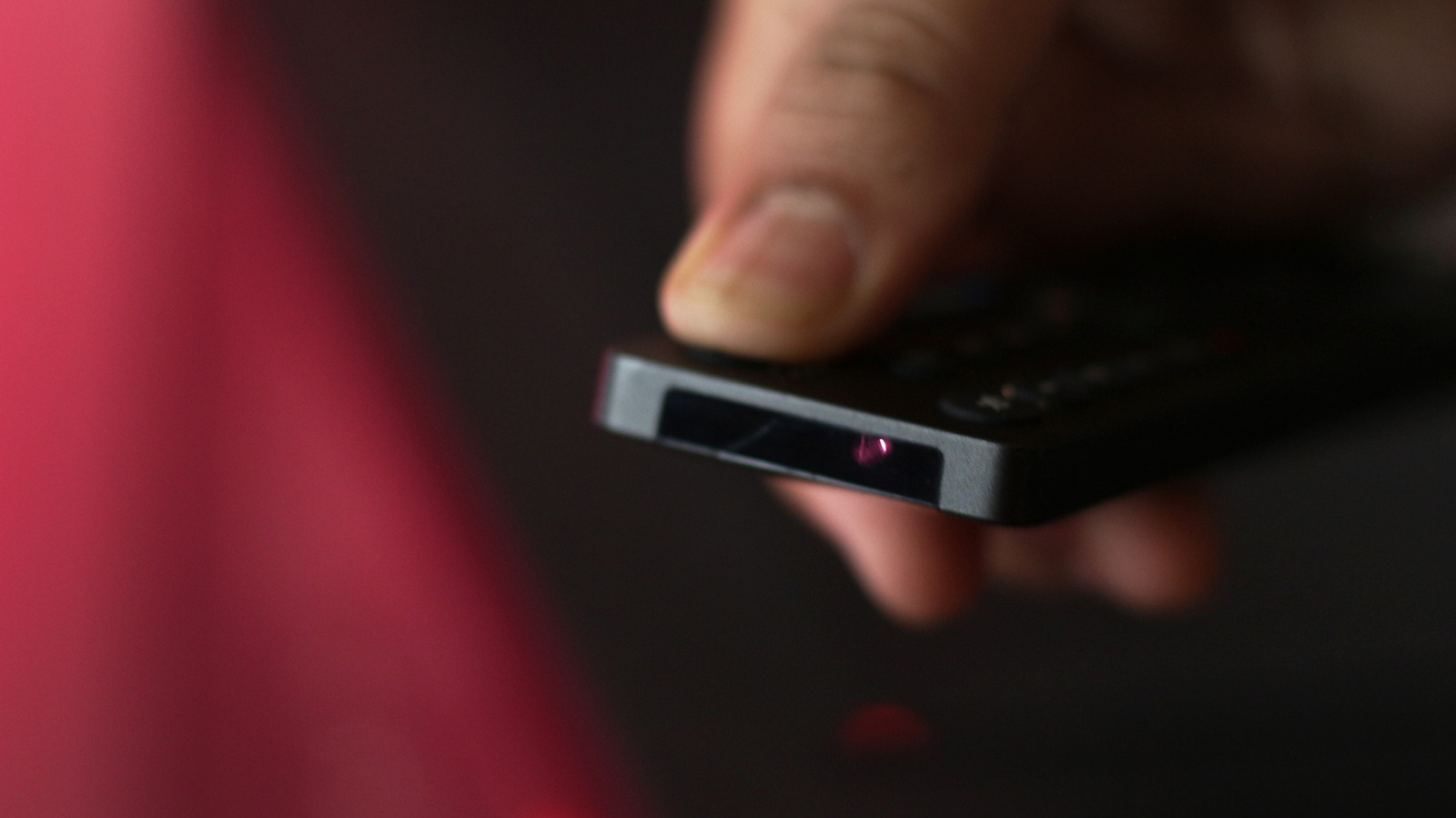
Smartphones possess capabilities beyond mere photography. They can perform various practical functions, including determining whether a TV remote's batteries are depleted. When activating a remote control button, it transmits a command via infrared light. Although many contemporary televisions include Bluetooth remotes that support advanced features, they may still utilize infrared technology for fundamental operations like turning the TV on or off.
The infrared emitter, typically a small LED, is located at the front of the remote, albeit some newer models conceal it behind a dark plastic window. To assess the battery level, open the Camera app on your smartphone, direct it towards the remote's front, and press and hold a button while observing the phone's display. If the remote employs a power button, that would be the optimal choice, as numerous Bluetooth remotes continue to rely on infrared for that function.
A flashing light, typically a muted purple, appearing on the remote's surface indicates sufficient battery power. This innovative technique also aids in identifying whether a remote control employs infrared or Bluetooth for specific commands. Pressing a button like volume control without witnessing a flashing light suggests the use of Bluetooth.
However, it should be noted that this method cannot resolve all remote control issues. For instance, a malfunctioning button might fail to register button presses, rendering the infrared emitter's illumination even if the batteries are functioning optimally. To circumvent remote control problems, certain Android devices feature built-in IR blasters.
By configuring these devices as virtual remote controls for televisions using IR remote applications, users can navigate the TV's interface with D-pad controls, adjust volume or search for movies using the phone's keyboard. Modern smart TV operating systems such as Android TV and Fire OS also offer the ability to utilize a smartphone as a remote control, provided it lacks an IR emitter.
Users must install a companion app on their device, link it to the same account as the TV, and connect both devices to the same Wi-Fi network. Google Home app seamlessly integrates with smart TVs powered by Google TV and Android TV, enabling users to manage the TV using D-pad controls, alter volume levels, or utilize the phone's keyboard to search for movie titles.
If the virtual remote fails to power on the TV, users may need to adjust their TV's network standby settings, often referred to as Wake-on-LAN. Enabling this feature ensures users no longer need to worry about dead batteries in their remote controls.
Rewritten by urgent.news; may contain errors — check the original.
Source: engadget.com