How to reduce Google Maps battery drain on Android
Navigation shouldn't cost battery life
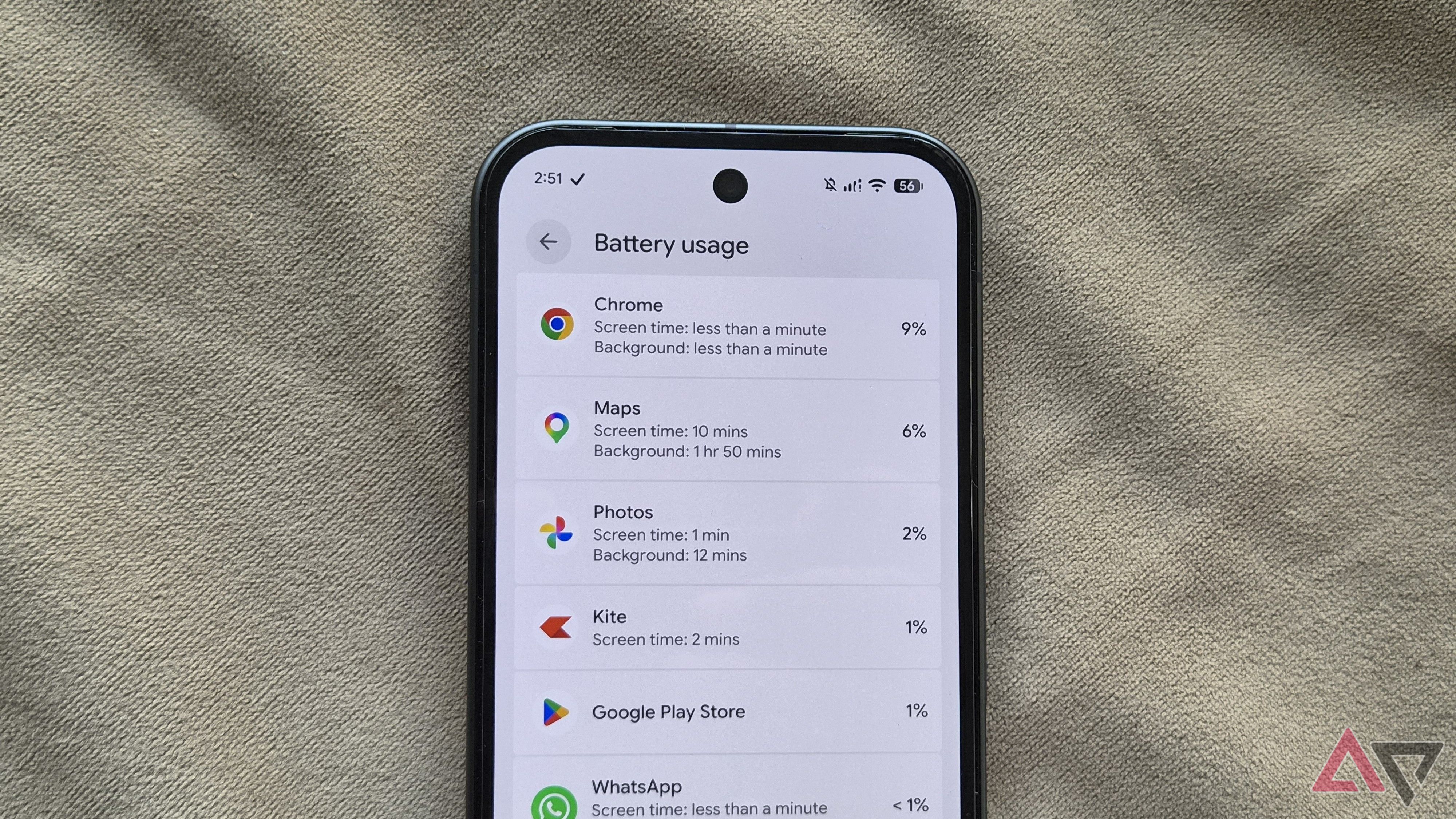
Navigation apps like Google Maps can quickly drain a phone's battery, especially during long trips. This issue became apparent to me when my Samsung Galaxy S26's battery dropped by a significant amount while using Google Maps. To address this, I investigated the app's settings to find ways to reduce battery consumption.
One notable change was switching from the satellite view to the default view. Satellite imagery, while visually appealing, requires more processing power, which in turn uses more battery. You can change to the default view by tapping the layers icon in the upper-right corner and selecting Default.