6 handy ways you can use your old mini PC
From retro gaming consoles to home media servers, discover six handy ways to repurpose your old mini PC and give the hardware a new lease on life.
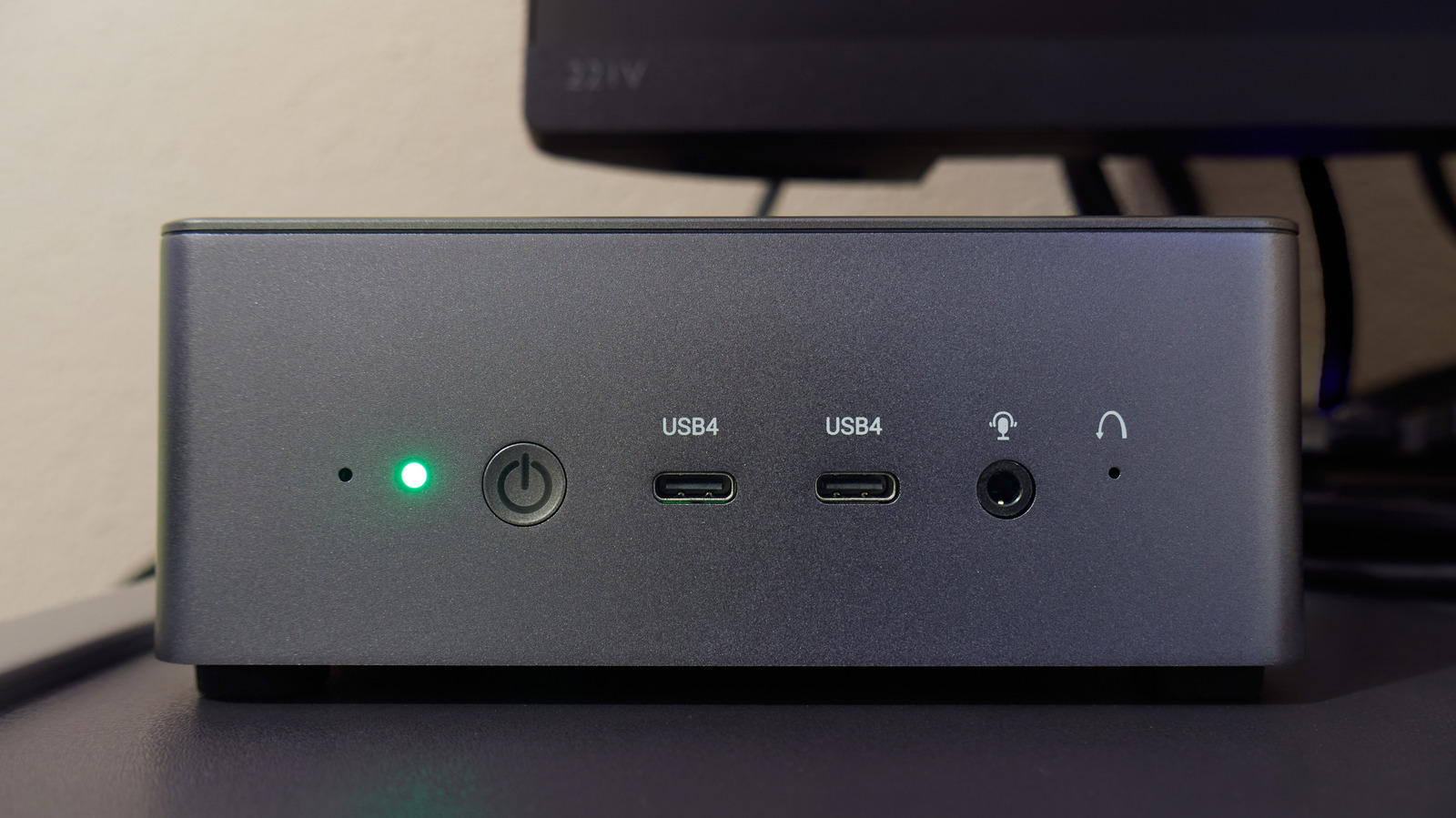
In the current era dominated by AI advancements, many people find themselves wondering what to do with their old mini PCs. These compact machines, once considered obsolete, can be repurposed for various tasks. This article explores six creative ways to breathe new life into your outdated mini PC.
The first suggestion is to transform your mini PC into a retro gaming console. Utilize Batocera, a free Linux-based operating system, to play classic Nintendo, Sega, and PlayStation games. Download Batocera's PC image and flash it onto a USB drive, then boot your mini PC from it. Connect the device to your TV, pair a compatible controller, and enjoy your favorite games in a console-style interface.
Another option is to use Steam's Big Picture Mode if your mini PC meets the hardware requirements. This feature allows you to experience PC gaming on your TV, although the performance may be limited by the processor and integrated graphics.
For media enthusiasts, an old mini PC can serve as a dedicated home for movies and music collections. Install Kodi to create a media center that allows you to browse and play stored content locally. If you wish to access your library from other devices, Plex or Jellyfin can stream your files over your home network. However, keep in mind any hardware limitations and the need for additional software like Plex Pass or Remote Watch Pass for remote streaming.
The mini PC can also function as a network-attached storage (NAS) device. By attaching an external SSD or hard drive and sharing files using software like OpenMediaVault, you can store family photos, documents, and backups without relying on paid cloud storage. While this solution is cost-effective, it's essential to consider the ongoing costs of drives, electricity, and maintenance.
For those who enjoy hosting parties, an old mini PC can be repurposed as a digital jukebox. Pair it with a touchscreen and speakers to create a music station, using apps like Jukiora or TouchGroove. These applications allow guests to browse and add songs to the playlist via a touchscreen interface or QR code, eliminating the need to pass around a phone or controller.
Lastly, if you have security cameras in your home, your mini PC can be used as a network video recorder (NVR) to store footage locally. Frigate, an open-source NVR, works with compatible IP cameras and utilizes AI to detect objects like people and vehicles. This setup allows you to easily find specific footage without sifting through hours of video. However, note that Frigate requires processors with AVX and AVX2 instructions, and additional hardware resources may be necessary for optimal performance.
Rewritten by urgent.news; may contain errors — check the original.
Source: engadget.com