Dev hacks Coway air purifier to cut it off from the cloud
A developer reverse-engineered his Coway Airmega IconS air purifier to run it locally in Home Assistant, without Coway’s cloud.
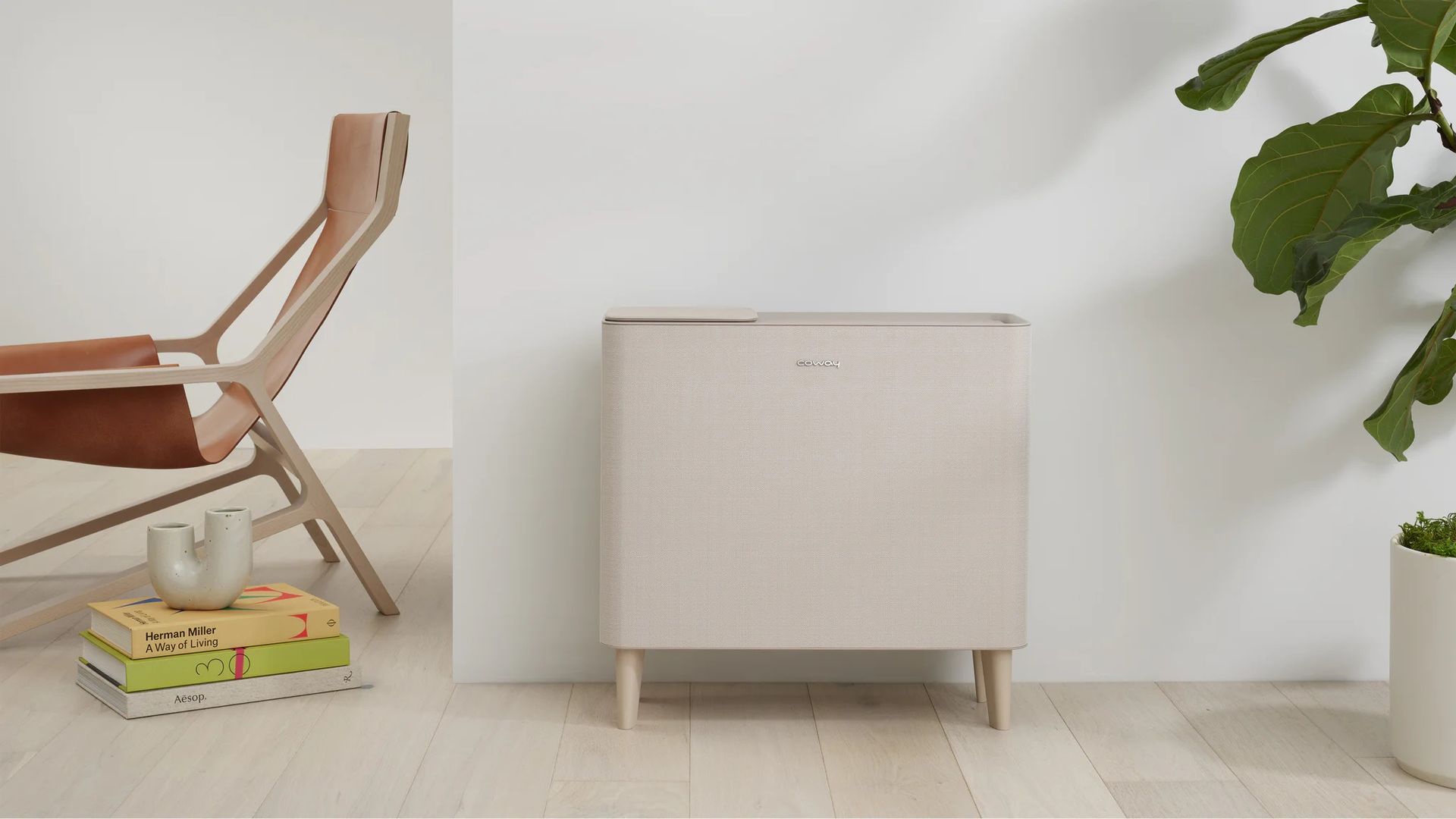
A developer found a way to disconnect his Coway Airmega IconS air purifier from the cloud using a root certificate, allowing local control through a Home Assistant server. The fan initially downloaded the certificate over plain HTTP, creating an opportunity to intercept and replace it. The developer, Scott J. Goldman, detailed his process, starting with replacing the Airmega IconS with an overpriced box fan featuring a HEPA filter and air quality sensor.
He aimed to resolve the inconsistent Home Assistant integration and avoid the unreliable Coway IoCare cloud integration, which frequently broke. By exploiting the fan's security lapse, he intercepted the fan's traffic using mitmproxy/mitmweb and nftables port redirection. The fan's commands were transmitted over MQTT, secured with TLS on port 8883 and routed through AWS IoT.
Goldman used a proxy to serve his own certificate authority to the fan, allowing his proxy to intercept and redirect the fan's HTTPS requests to Coway's certificate server. This method bypassed the need for complex certificate forging by utilizing the fan's plain-HTTP certificate download. He also rebuilt the fan's Bluetooth setup in about 20 minutes using an AI, which mapped the raw MQTT stream to his app button presses.
The coway-local project now allows direct connection to Home Assistant, enabling local control and eliminating dependence on Coway's cloud. This project highlights the potential benefits of using AI to take control of IoT devices, particularly when faced with unreliable manufacturer integrations.
Written by urgent.news from Tom's Hardware's reporting — not their text. Machine-written — may contain errors; check the original before relying on it.