The reasons why your TV soundbar has an audio delay
Audio delays are really irritating, especially when watching sports and live events. We've got several possible causes and what you can do about them.
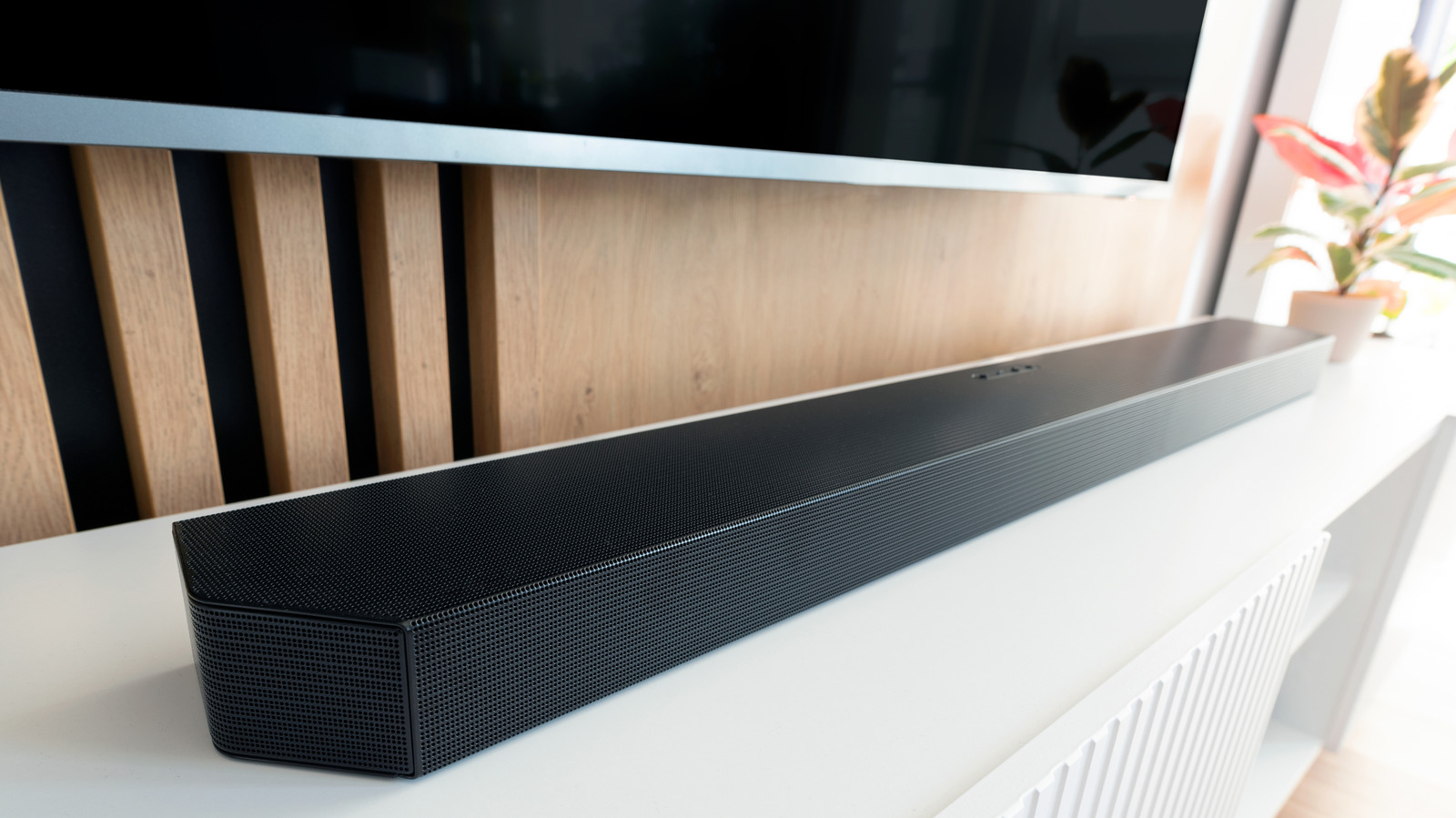
Experiencing audio delay while watching TV can be quite frustrating, as it often results in characters' mouth movements not matching the dialogue. This issue is common with soundbars connected to TVs and can be easily resolved by adjusting some settings. To determine the cause of the delay, try watching content from a different source, like a Blu-ray player.
If the audio syncs properly, the problem may lie with the cable broadcast or streaming service. However, if the delay persists, it's likely due to either your TV, soundbar, or a combination of both.
First, inspect the connection between your TV and soundbar. A loose digital optical or HDMI cable can cause audio delay, so ensure it's securely tightened or replaced with a new one. Another possibility is audio processing delays. When using only your TV's speakers, the TV decodes both video and audio signals simultaneously, resulting in synced audio and video.
However, introducing a soundbar or other home theater system component adds an extra layer of processing. Your TV decodes the video, and your soundbar decodes the audio. Even a slight discrepancy in processing times can lead to audio delay.
Various factors can contribute to audio delay, including the TV, soundbar, streaming device, gaming console, and poor Wi-Fi or Bluetooth connections. Different soundbar brands have unique settings and controls. For Samsung soundbars, utilize the Sound Control button on the remote or the Audio Sync feature to adjust the audio alignment.
LG soundbars have an AV Sync feature, while Sonos soundbars can be adjusted using the Sonos app. Direct routing, which connects your cable box, streaming device, or gaming console directly to the soundbar's HDMI input, can also help bypass audio delay caused by the TV.
Adjusting your TV's settings can often resolve audio delay. Disable any extra audio and video modes and processing features, as they require additional processing time and result in lag. Specifically, disable features like digital noise reduction, dynamic contrast, game mode, movie/cinema mode, virtual surround sound, dialogue enhancers, and 3D audio.
HDMI ARC (Audio Return Channel) hardware in the TV and soundbar is another common cause of audio delay due to insufficient bandwidth for high-end audio signals. If your TV and soundbar both have HDMI eARC ports, use an ultra-high-speed HDMI cable to connect them and bypass the TV entirely. Lastly, explore your TV's settings for features like Lip Sync, AV Sync, Audio Delay, or Audio Sync to fine-tune the audio delay setting.
If all else fails, try rebooting or resetting your home theater components and updating their firmware to fix any potential bugs.
Written by urgent.news from Engadget's reporting — not their text. Machine-written — may contain errors; check the original before relying on it.