How to use your iPhone to take the best picture of the Moon
We explain how to take the best photos of the Moon with your iPhone, regardless of which model.
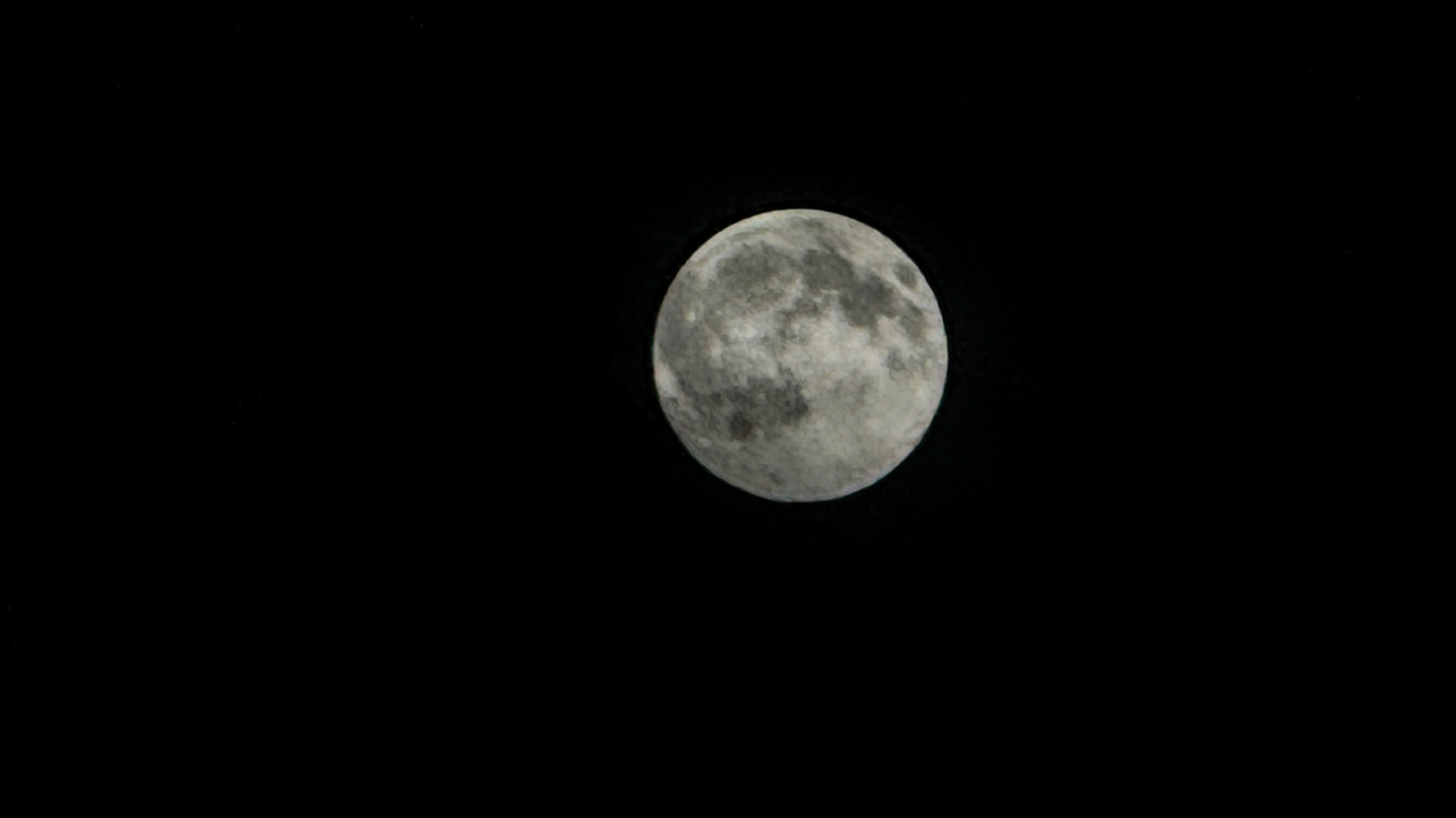
Capturing a crisp, detailed moon photo with your iPhone can be a challenge. The iPhone's camera struggles with shooting the bright moon against the dark night sky. Overexposure often occurs, turning the moon into a featureless circle. Blurry images are another common issue, caused by longer shutter speeds needed for exposure and potential phone movement.
The zoom capabilities on newer iPhones like the 17 Pro and 18 Pro are impressive, but still limited. A tripod is recommended for stability, though any tripod will do. Holding the phone against a surface and using the three-second timer is another option. Older iPhones lack manual controls, but you can adjust exposure (-2EV) and brightness settings.
Hold the moon in the frame, lock focus and exposure, and adjust brightness to the minimum. Take the photo or video, and you'll have a clear, detailed shot of the moon.
Written by urgent.news from Engadget's reporting — not their text. Machine-written — may contain errors; check the original before relying on it.