Your Apple AirPods' chirping noise doesn't just mean low battery
Learn why your Apple AirPods are making a noise - and how to turn the sound off.
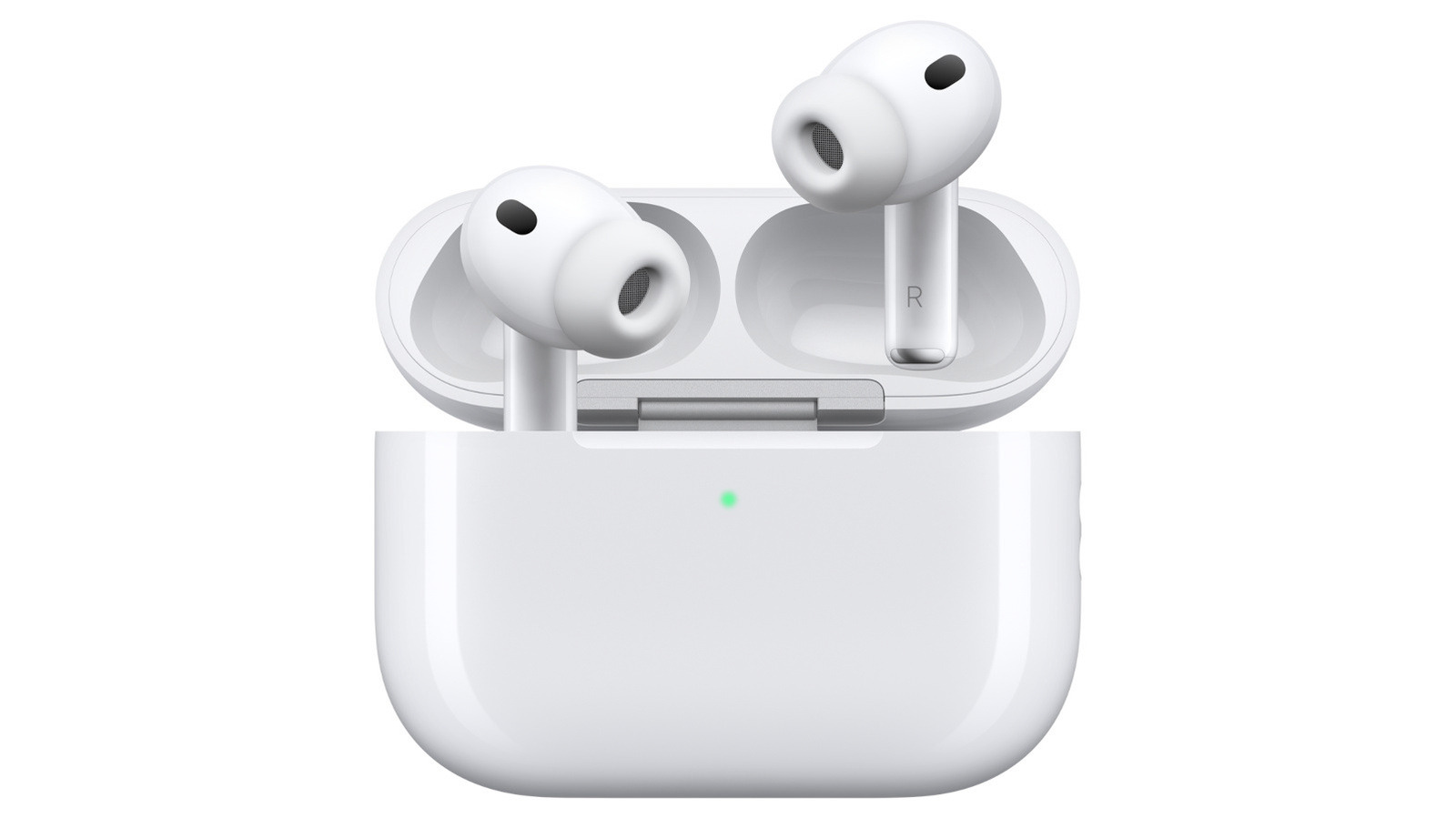
Your Apple AirPods chirping noise may not always signify a low battery. While this is the most common reason, the sound could be caused by various factors. If you notice your AirPods emitting chirps, there are several possible explanations to consider.
Firstly, check the charging case and the paired device. Open the case and observe the device you use for pairing. If the battery is low, the chirping will likely stop when the AirPods are charging. However, the chirping may persist even after the device is plugged in, indicating potential power fluctuations or battery issues.
Connectivity issues with the connected device could also trigger the chirping. If Bluetooth is switched off on your iPhone or other paired device, you might hear your AirPods making some noise. Additionally, accidentally rubbing your AirPods together can cause them to produce sound, as can having them out and rubbing them together.
Interestingly, Apple's AirPods Pro 2 and Pro 3 feature a clinical-grade Hearing Aid functionality, which can emit a brief chirp to ensure microphone and speaker performance. The Find My feature may also produce louder, persistent sounds when activated. Water damage or clogged earbud tips can result in harsher, more intense chirps. Poorly fitting AirPods could also generate high-pitched noises if the earbud tips don't create a proper seal.
To prevent unwanted chirping, you can disable charging case sounds in your AirPods' settings. Open the AirPods case and go to Settings on your connected device, such as your iPhone. Tap on the device's name, usually [your name]'s AirPods, and navigate to the Audio & Routing section. Find the Enable Charging Case Sounds option and toggle it off.
Written by urgent.news from Engadget's reporting — not their text. Machine-written — may contain errors; check the original before relying on it.