How to fix your phone screen when it's unresponsive to touch
Few things are more annoying than an unresponsive touchscreen. Before you give up on your phone, here's what to try to get it working again.
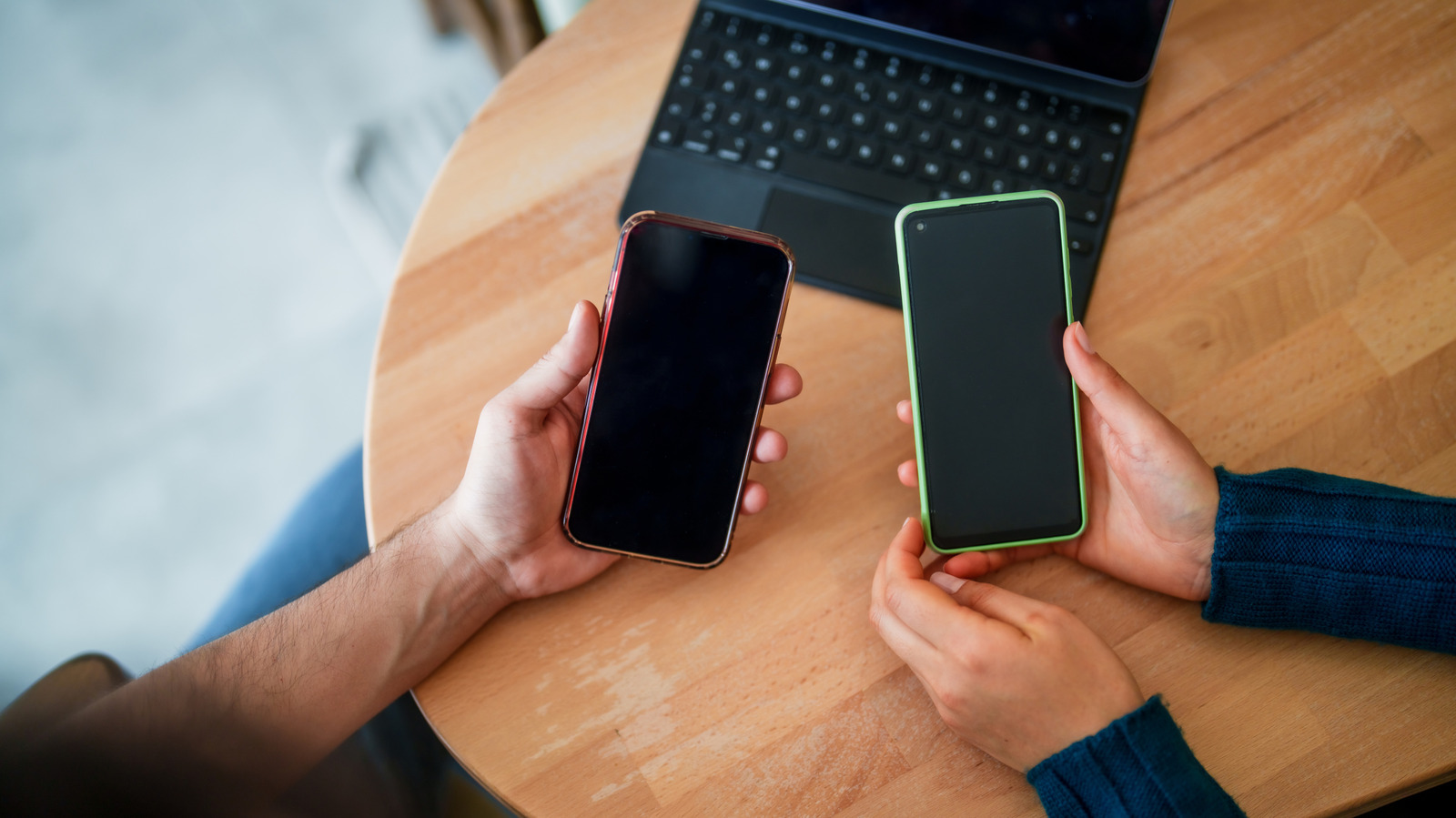
When your phone screen becomes unresponsive to touch, several factors could be at play. Sometimes, it's a straightforward issue like an app freezing. Other times, the cause could be more serious, such as accidental damage from dropping your phone. Regardless of the reason, there are steps you can take to get your device functioning again.
The first step is to rule out any software glitches. If an app is crashing, a simple restart can often resolve the issue. This works because an unresponsive screen results from touch input being unable to reach the app through the processor. On the other hand, hardware issues may require professional attention. Inspect your phone for any visible damage, such as cracks or damaged sensors.
Remove any screen protectors, as they may hide damage or contribute to the problem. If you're wearing gloves, take them off as they can also interfere with touch sensitivity. Additionally, remove any cases, accessories, or stickers that might be covering the screen or sensors. Clean the screen gently with a damp microfiber cloth, ensuring you don't introduce moisture into the device.
If these steps don't work, try restarting your phone. For newer iPhones with Face ID, press and quickly release the volume up button, then do the same with the volume down button. Finally, press and hold the side button until the Apple logo appears. For older iPhone models, the process varies – press and hold the side and volume down buttons together for iPhone 7 and 7 Plus, or the Home and side buttons for iPhone 6s and earlier.
Android devices require different methods, so consult your device's specific instructions. If the issue persists, the problem could be deeper, involving either hardware or software. In this case, safe mode on Android can help identify if a third-party app is causing the problem. Enter safe mode by force restarting your device and holding down the volume down button until the manufacturer's logo appears.
If your screen responds in safe mode, a third-party app is likely the culprit. If not, the issue is likely hardware-related. Once you've ruled out software issues, try resetting your phone's settings. For Android devices, this involves opening Settings, then General Management, followed by Reset and Reset All Settings. For iPhones, navigate to Settings, then General, Transfer or Reset iPhone, and Reset All Settings.
Note that this will erase all data on your device, so ensure you have a backup before proceeding. If these steps don't resolve the issue, a factory reset might be necessary, which will also wipe all data on your phone. In this instance, it's best to take your device to the manufacturer's service center or a reputable repair shop to check for any hardware faults.
If your screen is still unresponsive, consider screen mirroring as a workaround. This method requires your device to be responsive at some point, so set it up while your screen is still functional.
Written by urgent.news from Engadget's reporting — not their text. Machine-written — may contain errors; check the original before relying on it.