I stopped paying for Lightroom after finding a free open-source editor that handles my RAW files just as well
LightCraft isn't going to be enough for some working professionals, but it's great for the weekend photographer
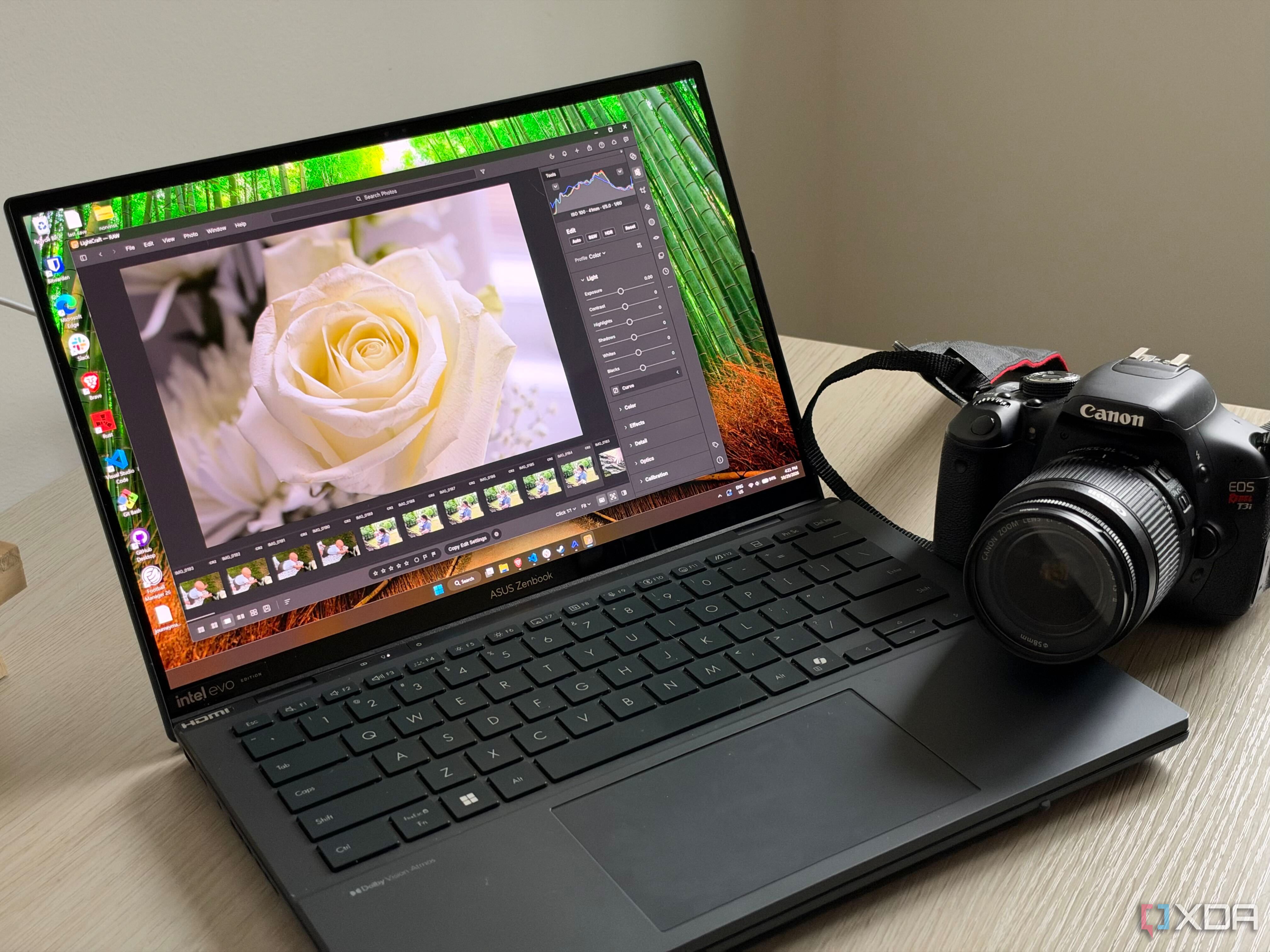
For the past two decades, Adobe Lightroom has been the go-to software for managing RAW files, but the subscription model has left many users frustrated. Numerous alternatives exist, but they each have their own distinct workflow that can be unwelcoming. LightCraft emerged as the first option that doesn't force users to alter their workflow while offering most of the features they use daily.
Created with assistance from Claude Opus, it's a relatively new project. It supports popular formats like 14-bit CR2 files, which could pose a challenge for newer software. Importing these files is similar to Lightroom, and editing them feels intuitive, with essential features like exposure, white balance, tone curves, masking, cropping, and perspective correction easily accessible.
What's particularly appealing about LightCraft is its design and UI, which don't impose any heavy changes on the user. It aims to replicate the functionality of Lightroom without duplicating the annoying aspects of Adobe's apps. Being completely free and open-source, it's particularly appealing for those who appreciate a first-party Adobe app's quality without locking themselves into a subscription.
However, there are areas where LightCraft falls short compared to Lightroom. Color profiling is notably lacking, with Adobe offering a vast range of camera profiles, while LightCraft relies on DNG files, fitted profiles, and look estimates. Lens correction also lags behind, with LightCraft only applying corrections written into the file itself, as opposed to Lightroom's automatic lens profile matching.
AI features like masking and denoise are still in development, with some functionalities requiring locally installed models. While subject and sky selection use more traditional detection methods, object selection and AI denoise rely on optional local models. For most casual users, these gaps wouldn't be a problem, but professional photographers may find LightCraft inadequate due to features like camera profiles, automatic lens corrections, and AI denoise.
However, for casual users like myself, who primarily use iPhones or older DSLRs, LightCraft provides a compelling free alternative to Lightroom, with more features on the way. Ultimately, whether to switch depends on your camera compatibility, editing habits, and whether you're comfortable with manual lens corrections.
Written by urgent.news from XDA Developers's reporting — not their text. Machine-written — may contain errors; check the original before relying on it.