An old SATA SSD makes a better Windows boot drive than you'd think, and NVMe barely helps what you do every day
Do you really need 15,000 MB/s?
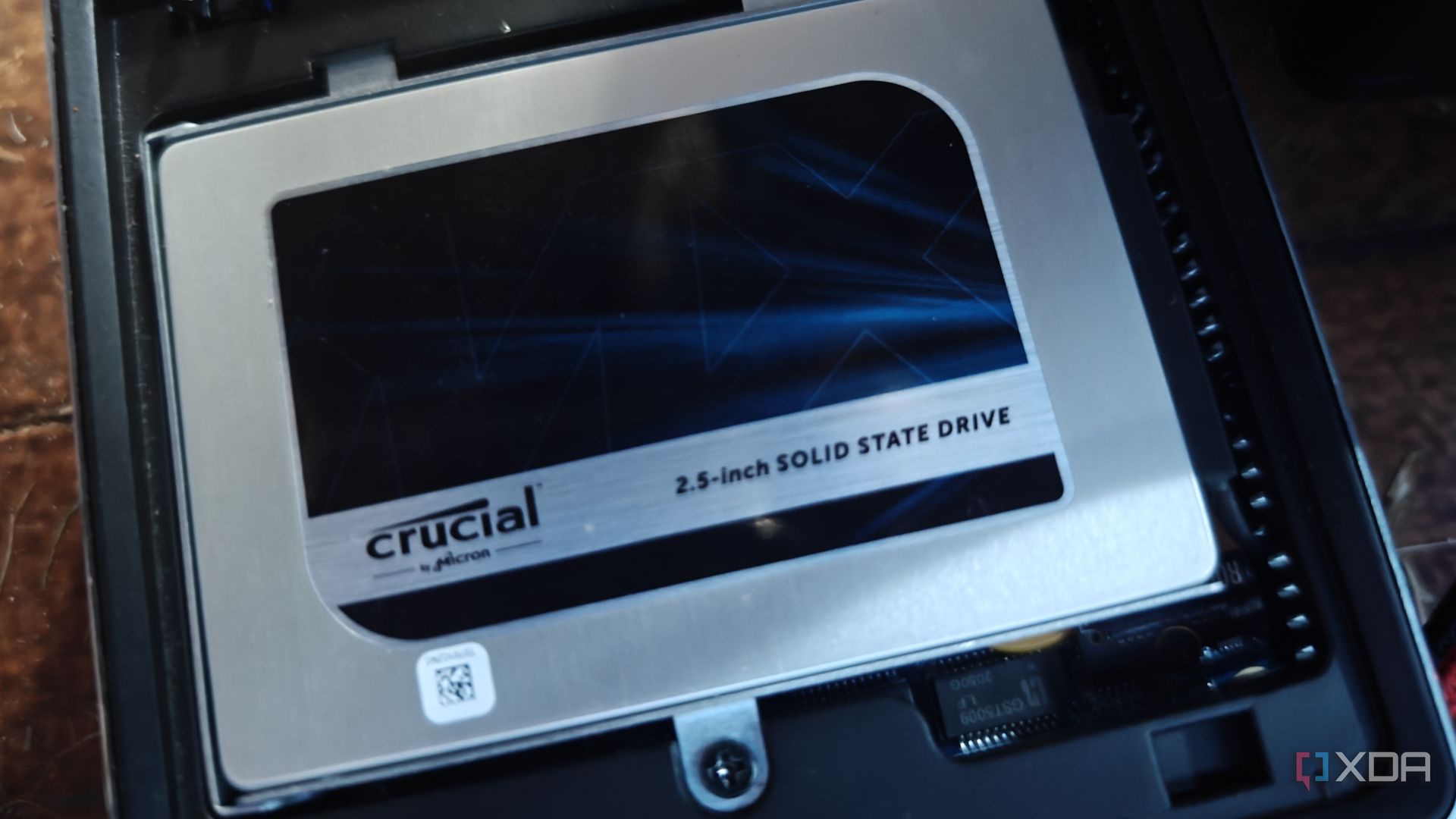
In the debate of whether an NVMe drive is necessary for booting Windows, the answer has remained consistent since the format's inception. While PCIe NVMe SSDs offer superior raw speeds compared to SATA interfaces, the practical benefits for everyday use are questionable. The difference in boot times between SATA and NVMe SSDs is minimal, typically just a couple of seconds.
This isn't significant in any meaningful way and not worth the expense if your existing SATA drive is already functioning well. Most games won't experience any faster loading times due to the use of an NVMe drive. Testing has revealed that the actual performance difference between SATA and NVMe SSDs is only a few seconds, rendering an upgrade unnecessary if your current SATA drive is already satisfactory.
Aside from occasional game starts, a single user's daily activities usually don't fully utilize the faster speeds offered by NVMe SSDs. These speeds are often measured in peak sequential operations, which games and Windows systems rarely leverage. Instead, performance is determined by random 4K read/write operations and controller overhead.
For consumers, these advertised speeds aren't reflective of the real-world usage. Tasks like opening applications, using browsers, or regular software use don't see much of an improvement. High sequential workloads, such as moving large video files, backing up data, running databases, or editing 4K video content, are the real contenders for SSDs.
For a home lab using Proxmox, a SATA SSD works well as a boot drive. The improvement in boot times over mechanical hard drives is substantial, making the OS, games, and software feel more responsive. The transition from mechanical drives to flash-based 2.5-inch and M.2 SSDs has already proven transformative in boot times and overall system responsiveness.
The advantage of SATA flash storage over HDDs wasn't about raw speed, but rather eliminating mechanical seek latency and handling small random operations. While PCIe-powered storage excels in certain scenarios, it's not necessary to rush out and replace an old SATA SSD. If starting from scratch or looking for a replacement, consider going with NVMe or the fastest SSD within your budget for the desired capacity.
PCIe 5.0 SSDs can achieve astonishing speeds, but the drive likely won't reach its maximum throughput due to other bottlenecks in the system. If you have an unused SATA SSD, it might be worthwhile to repurpose it. The cost of SATA drives, including both hard drives and SSDs, is on the rise due to memory shortages and supply constraints.
Reusing existing storage is a more economical choice. For budget PCIe 3.0 or 4.0 SSDs, the bandwidth surpasses SATA without the additional cost of NVMe. PCIe 5.0 SSDs are unnecessary for most PCs, offering little additional benefit unless you need the full capacity of the interface. Regularly checking SSD status using Self-Monitoring, Analysis and Reporting Technology (SMART) is crucial for identifying potential drive failures early.
If you're seeking the latest in solid-state storage technology, go ahead and invest in the premium NVMe drive. However, if a perfectly functional SATA SSD is available, you likely don't need to upgrade. Consider building a secondary system or a compact home server to utilize self-hosted services.
Written by urgent.news from XDA Developers's reporting — not their text. Machine-written — may contain errors; check the original before relying on it.