I walked 6,000 steps with the Fitbit Edge vs Apple Watch 12 — and I'm shocked by the results
I put two of the top wearables of 2026, the Apple Watch 12 and Fitbit Edge, to the test in a head-to-head comparison of fitness tracking performance.
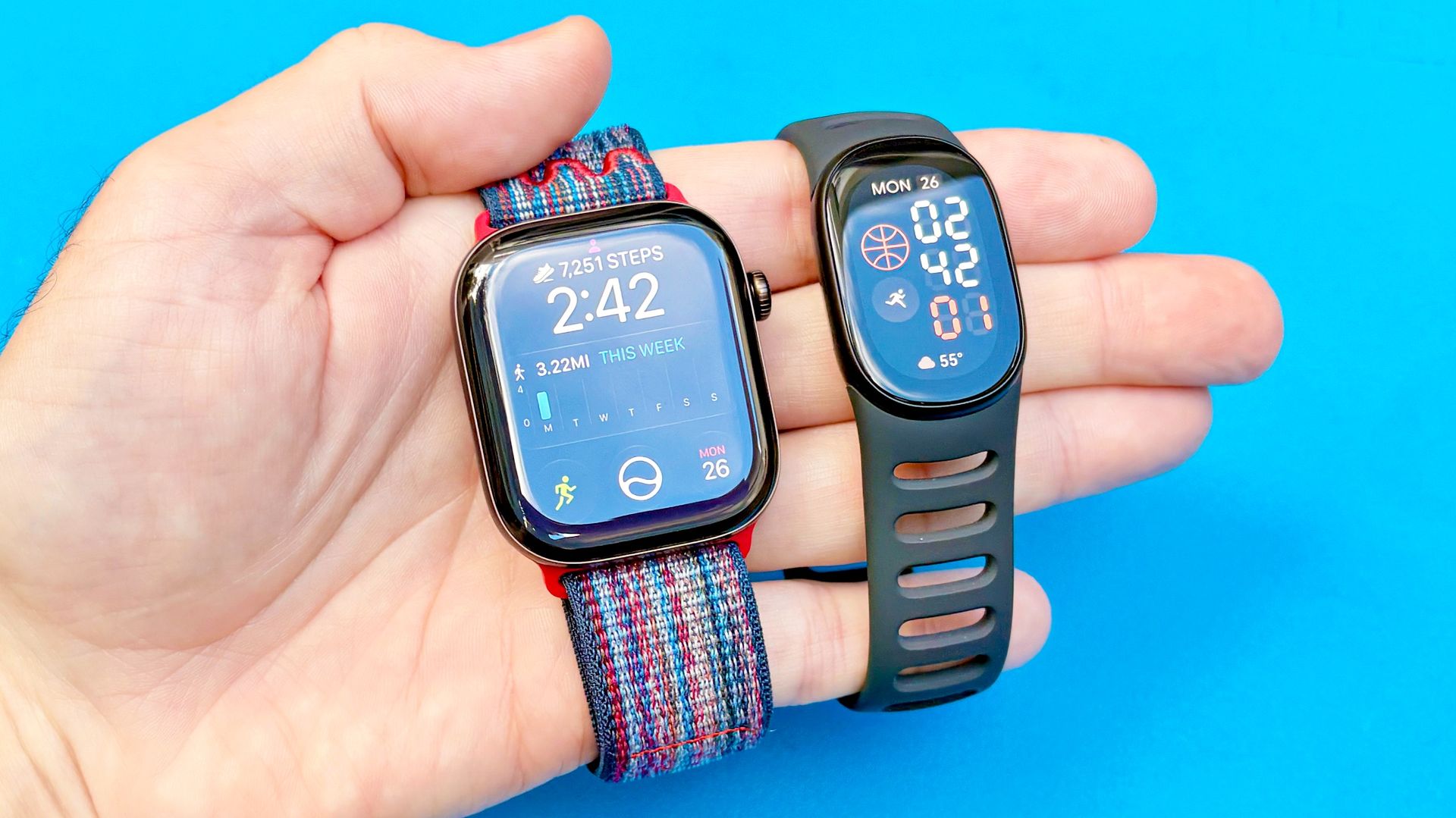
In a recent test comparing the accuracy of the Fitbit Edge and Apple Watch Series 12 fitness trackers, the author walked a precisely measured 3.28-mile route with an elevation gain of 480 feet. The Fitbit Edge and Apple Watch 12 performed admirably in step count, with the Fitbit Edge coming within 15 steps of the Strava control data, and the Apple Watch undercounting by just 41 steps. However, the Apple Watch Series 12 proved more accurate in measuring the total distance, coming within 0.06 miles of the Strava control.
The Fitbit Edge's climb data was within 4 feet of the control data, while the Apple Watch 12's climb data was slightly more generous, with a 0.13-mile discrepancy. In terms of heart rate monitoring, the Fitbit Edge's average heart rate was slightly lower than expected at 115 bpm, while the Apple Watch 12's average was 133 bpm, a figure the author found unexpected. The Fitbit Edge's max heart rate, however, was consistent with the author's expectations at 163 bpm.
Finally, the Apple Watch Series 12's average pace was closer to the control data at 17 minutes and 7 seconds per mile, while the Fitbit Edge's average pace was slightly slower at 18 minutes and 21 seconds per mile. Despite this minor discrepancy, the Fitbit Edge logged an additional three minutes of workout time compared to both the Strava control and the Apple Watch 12.
Written by urgent.news from Tom's Guide's reporting — not their text. Machine-written — may contain errors; check the original before relying on it.
This story
This is one outlet's version. Read the fullest account.
- Fitbit Edge review: Just the right amount of fitness tracker for most people tomsguide.com
- Fitbit Edge Review: Too much and too little at the same time 9to5google.com
- Everything old is new again with the Fitbit Edge theverge.com
- I'll happily give up the 'smart' in smartwatch for a Fitbit Edge, but you might not androidpolice.com
- Fitbit Edge review: notable upgrade over the Charge 6 for GPS and heart rate, Google Health app is an improvement, but lacks software polish and NFC payments (Ray Maker/DC Rainmaker) dcrainmaker.com
- I thought I’d love the $180 Fitbit Edge. 7 days later, I’m just disappointed. androidauthority.com