How I Migrated a Live Database to a Many-to-Many Relationship
How I shipped a feature as a 1:1 relationship, then redesigned it to many-to-many after release, without breaking existing events or clients.
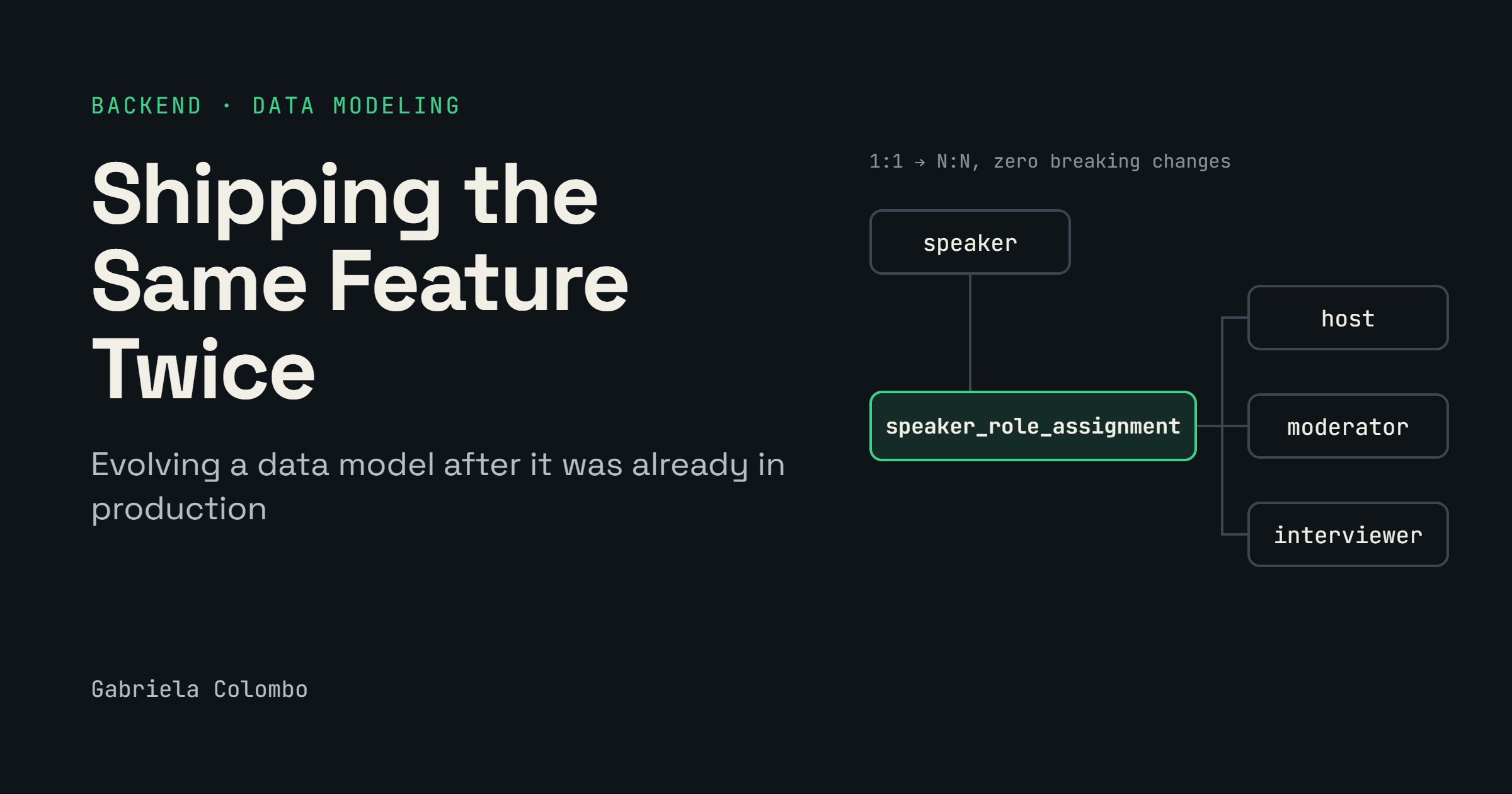
Migrating a live database to a many-to-many relationship requires careful consideration when dealing with existing events and integrations. In 2026, the author designed and built a speaker roles feature for an event platform. Initially, the system used a one-to-one relationship, assigning a default role to every speaker. When the requirement changed to allow speakers to have multiple roles, the author added a pivot table between speakers and roles.
The old one-to-one relationship stayed in place, with the new many-to-many relationship added alongside it. The migration process involved several steps: adding the pivot table, populating it with existing speaker-role links, writing to the new model, and switching the event app to use the new relationship. The author emphasized the importance of asking crucial questions early in the design process, such as whether a one-to-one relationship can ever be more than one-to-one.
By addressing these questions with the right stakeholders, potential redesigns could have been avoided.
Written by urgent.news from HackerNoon's reporting — not their text. Machine-written — may contain errors; check the original before relying on it.