I install these 5 open-source apps on every Pixel before anything else
A new Pixel is great out of the box, but these open-source apps make it even better.
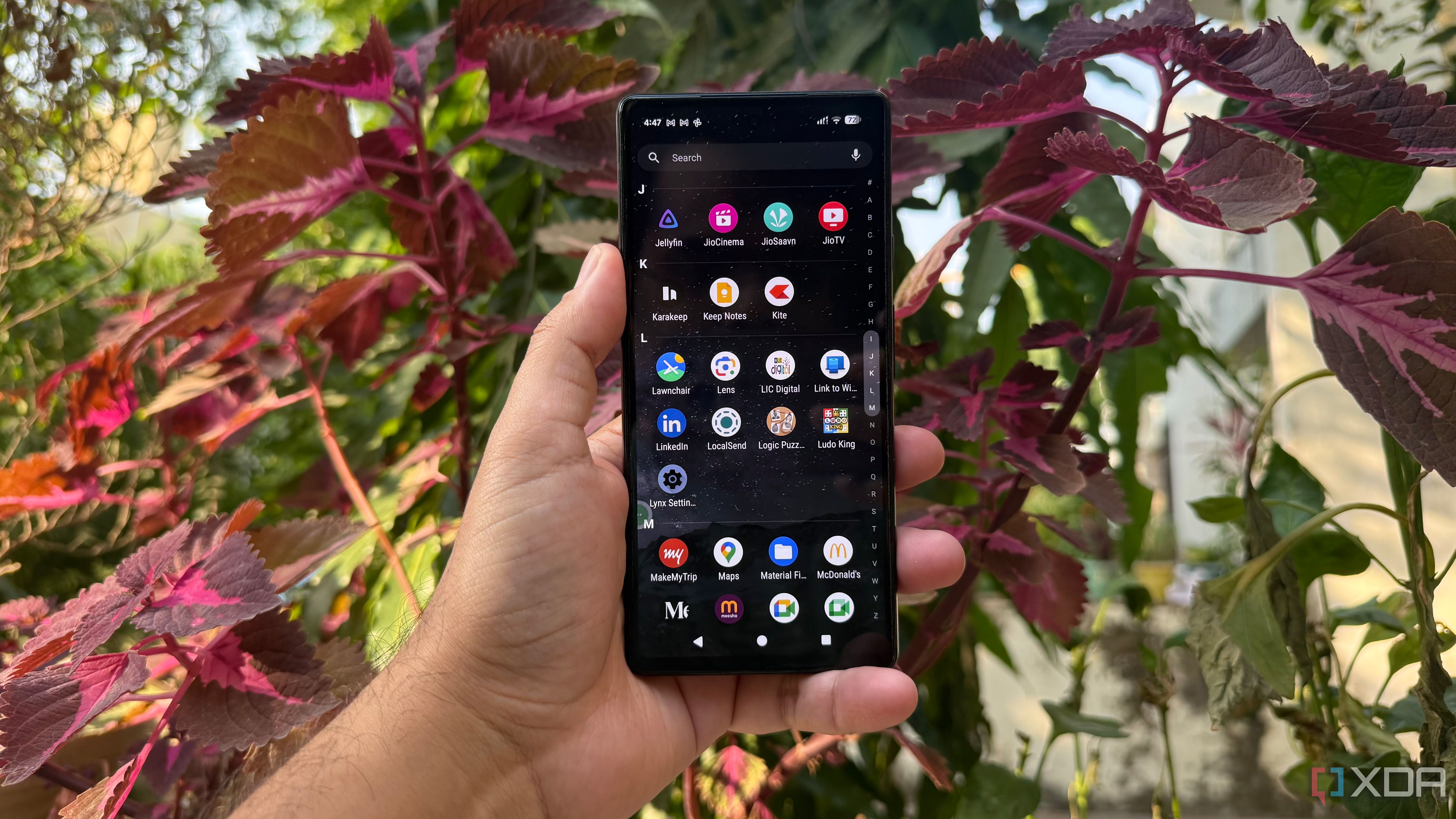
Upon acquiring a new Pixel, I immediately install a handful of open-source applications to enhance the device's functionality. These tools improve everyday tasks and provide features not typically found on Android by default. I appreciate having alternatives to the common apps most people recommend. My first modification to the Pixel is changing the home screen, for which I use Lawnchair, a launcher that offers customization without cluttering the interface.
With Lawnchair, I can adjust the icon layout, grid size, icon sizes, and search bar settings. It also allows me to personalize the app drawer and gestures, ensuring a natural navigation experience without compromising the clean Android interface.
Next, I install F-Droid, an alternative app store dedicated to free and open-source Android software. F-Droid offers a straightforward interface with categorized apps, descriptions, and installation options. While it doesn't replace Google Play entirely, it's a valuable resource for discovering smaller projects and lesser-known applications.
Following this, I install LocalSend, a tool that simplifies file sharing between my Pixel and Windows PC. Using LocalSend, I can send files directly over the local network, avoiding the need to email files or use cloud storage. This free, open-source application is available across multiple platforms, ensuring seamless file transfers without creating accounts or relying on external servers.
Breezy Weather is another open-source app that improves my daily routine by providing a clean, enjoyable weather forecast. With Breezy Weather, I can access detailed hourly and daily forecasts, monitor various weather conditions, and add locations of interest. The app's interface is customizable, allowing me to adjust the design to suit my preferences without unnecessary distractions.
Lastly, I use Karakeep to organize interesting articles, websites, and ideas I come across. I save links, add notes, and categorize content using tags, making it easy to retrieve information later. Karakeep's open-source nature, coupled with the ability to self-host, appeals to me as a convenient way to collect useful resources without cluttering my browser bookmarks.
In summary, these open-source applications make my Pixel feel more personal, solve real problems, and provide control over my digital life.
Written by urgent.news from XDA Developers's reporting — not their text. Machine-written — may contain errors; check the original before relying on it.