The S26 Ultra's best camera setting is hiding in a separate Samsung app
Sharper crops than 12MP, without the storage cost of 50MP
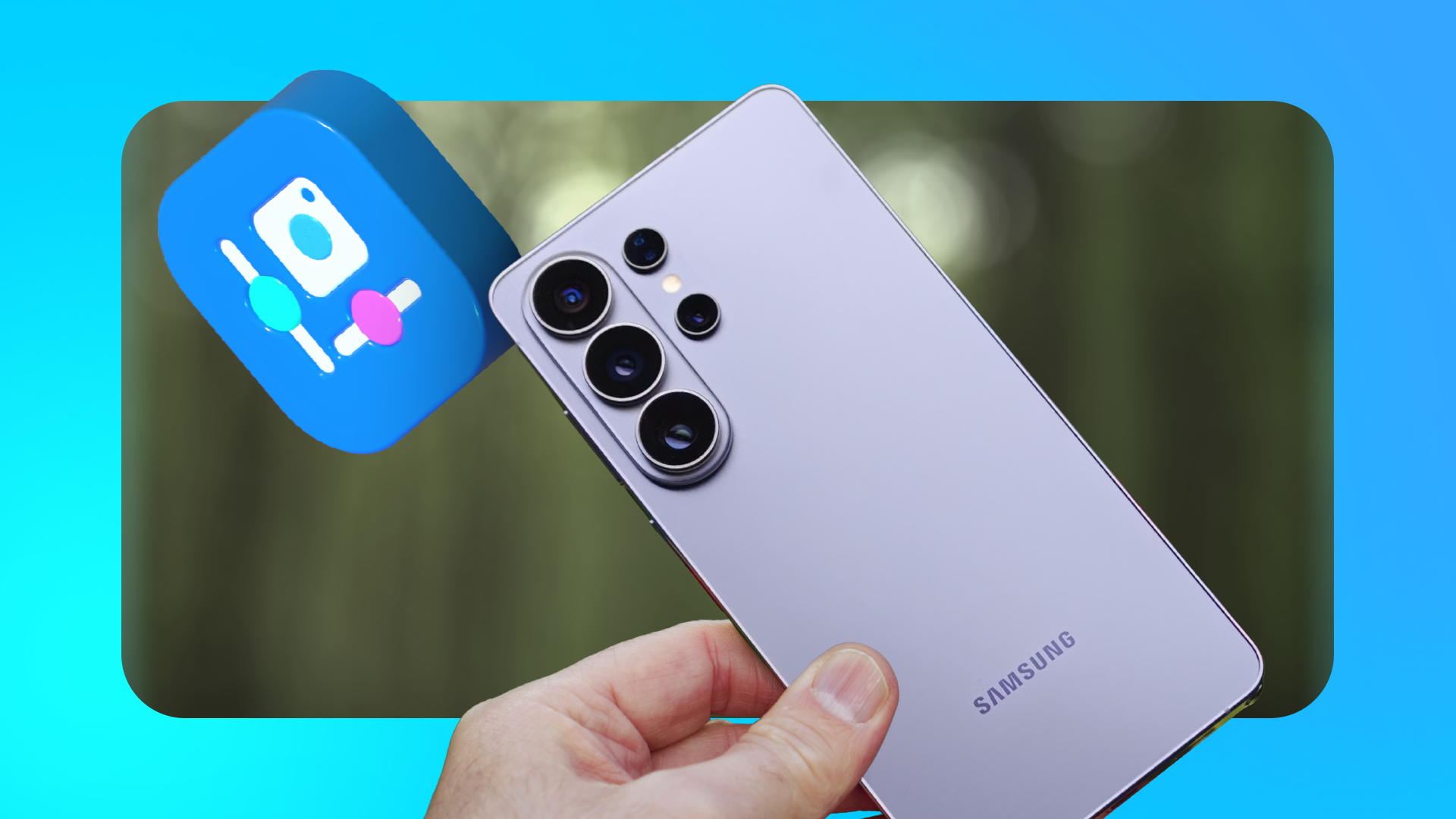
The Samsung Galaxy S26 Ultra offers a camera setting that improves photo quality when cropping or editing, but it's not immediately available in the default camera app. To access this setting, users need to install a separate Samsung app called Camera Assistant. Once installed, the 24MP mode appears in the resolution selector, providing a middle-ground between the 12MP and 50MP settings.
This mode uses AI Fusion technology to produce detail similar to what a 50MP capture would offer, without the excessive storage usage of the latter. However, the 24MP mode struggles in low light and takes longer to process each shot, making it slower than the 12MP option. Despite these drawbacks, the 24MP setting strikes a balance between detail and file size, making it ideal for photos that will be cropped or edited.
The setting can be set as the default in Camera Assistant, ensuring it's always used when opening the camera app. While photographers who prefer manual control can still use the 24MP option in the Expert RAW mode, the hidden 24MP setting in the standard camera app is the best balance of detail and file size for the S26 Ultra's point-and-shoot photos.
Written by urgent.news from Android Police's reporting — not their text. Machine-written — may contain errors; check the original before relying on it.