I finally fixed the 4 things I hated most about Android Auto
Small fixes made a massive difference
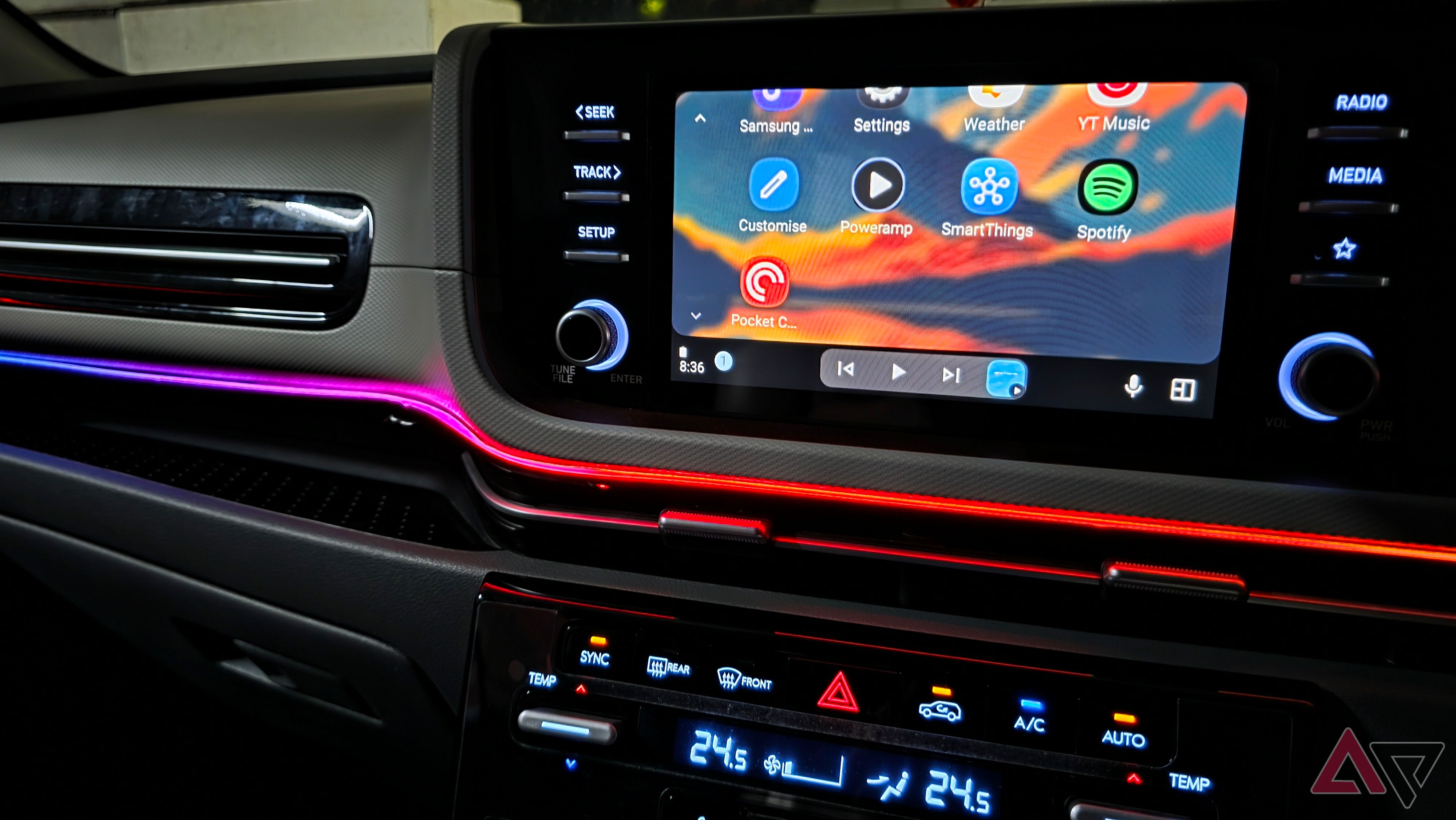
For years, I have relied on Android Auto whenever I drive, and it generally functions as expected. However, as I continued to use it, I noticed minor annoyances that diminished the experience. To address these issues, I changed some habits and resolved the four most bothersome aspects. Android Auto frequently lost connection during drives, leaving my car's screen disconnected at critical moments when navigation was essential.
After testing various fixes, I discovered that my phone's connectivity and battery settings were disrupting the wireless connection. I began by disabling automatic network switching on my Samsung Galaxy S25 Ultra, specifically going to Settings → Connections → Wi-Fi → Intelligent Wi-Fi and turning off options to switch to mobile data or better Wi-Fi networks.
I also ensured that Power saving mode was not active while driving and removed battery restrictions from Android Auto. By preventing my phone from switching networks or restricting background activity, my wireless Android Auto connection became more reliable. Another frustration was the audio quality from my Hyundai's speakers. While streaming music through YouTube Music or Spotify, the sound lacked depth, with weak bass and vocals that didn't stand out.
Rather than blaming the hardware, I switched to Poweramp, loaded my locally stored songs, and experimented with its built-in equalizer. Adjusting the bass, mids, and treble resulted in a noticeable improvement. The bass became punchier, vocals clearer, and my favorite tracks felt more engaging. Additionally, I encountered problems with Gemini voice commands, especially when my kids were talking in the backseat or the cabin had background noise.
To overcome this issue, I created custom Gemini Actions for my most frequent requests and pinned them to the Android Auto dashboard. Examples include shortcuts for sending my ETA to someone on WhatsApp, finding nearby fuel pumps, and creating a grocery list for a weekend run. With a single tap, I could trigger my preferred action, making it more convenient, particularly when cabin noise was present.
Google Maps also annoyed me with its fixation on saving a few minutes on long drives, often suggesting narrow, residential, or village roads for shortcuts. These routes may appear faster but are often less comfortable and practical, particularly with family passengers. To address this, I began zooming out on the map to view the bigger picture and carefully reviewing alternative routes before embarking on lengthy journeys.
While Google Maps excels at calculating ETAs, I no longer blindly follow the fastest route. These adjustments didn't require replacing my car's head unit or investing in expensive accessories. Most solutions involved minor setting tweaks and a different approach to using Android Auto. If you've faced similar frustrations, I recommend trying these modifications.
Written by urgent.news from Android Police's reporting — not their text. Machine-written — may contain errors; check the original before relying on it.
This story
This is one outlet's version. Read the fullest account.