After 100 round trips, I finally found which Android Auto setup works for me
It won't work for everyone, though
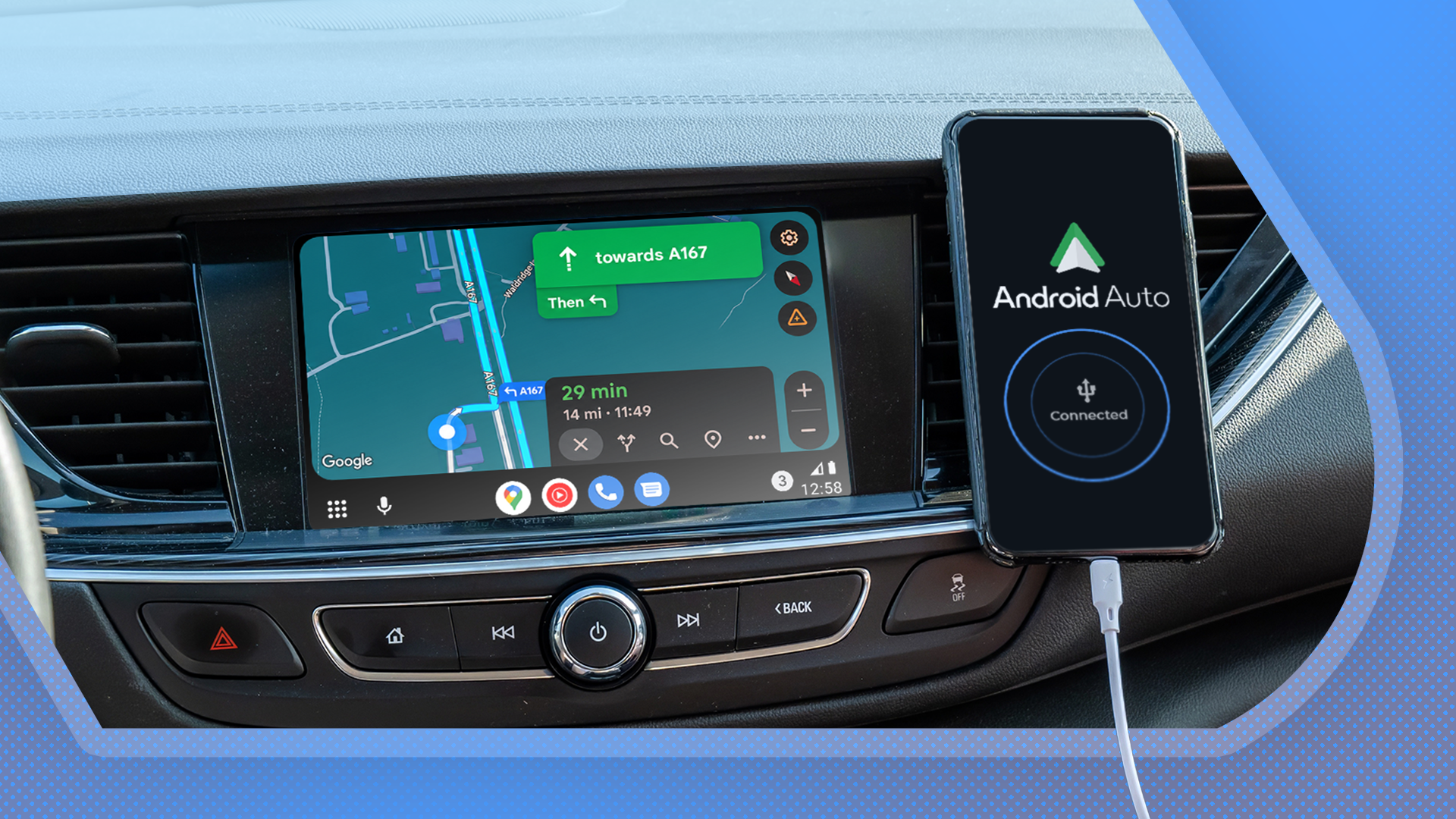
The pursuit of the perfect Android Auto setup can be a long and arduous journey. Despite the convenience that comes with wireless connectivity, it is not always the best choice in terms of quality and performance. This realization came to me after 100 round trips behind the wheel, and I am content to share my findings with fellow Android Auto users.
Wireless Android Auto, while convenient, has its fair share of flaws. As I drove more, I began to notice the unreliability that comes with this setup. On long drives, the connection would frequently fail, causing navigation to freeze, music to stop, and the car's display to revert to its native menu. These issues not only distracted me but also posed a potential danger to road safety, especially when navigating to new locations.
Despite the numerous Reddit threads discussing similar concerns, I was hesitant to switch to a wired setup due to the unknown risks associated with Bluetooth and Wi-Fi technologies.
After months of experimentation, I finally decided to ditch the wireless setup and switch to a wired connection. My decision was not made lightly, as keeping the setup in optimal condition may come at a higher cost. However, the unexpected benefits of this decision far outweighed the drawbacks. With a wired connection, I have not experienced any connection issues, and my phone is kept charged throughout my drives.
For long-distance travelers, this is a significant advantage. While I acknowledge that a wired setup may not be ideal for everyone, its benefits are undeniable.
One of the most significant advantages of a wired Android Auto setup is the nearly instant startup. My phone connects to my car instantly on the first attempt, every time, and Android Auto launches immediately. This speed is something that all Android Auto users would appreciate. However, there is a minor downside to this setup: the repeated plugging and unplugging can potentially damage your phone's USB port. To prevent this, I recommend investing in a magnetic USB adapter.
While there are some limitations to this setup, such as the need to keep your phone in a specific location and the potential for cable clutter, the benefits far outweigh these drawbacks for me. After months of using a wired Android Auto setup, I can confidently say that it works better for me than the wireless setup. As I continue to use it, I am optimistic that it will remain a reliable and efficient solution for my daily drives.
Written by urgent.news from Android Police's reporting — not their text. Machine-written — may contain errors; check the original before relying on it.
This story
This is one outlet's version. Read the fullest account.
- I finally fixed the 4 things I hated most about Android Auto androidpolice.com
- Android Auto’s missing signal bars are finally making a proper comeback androidauthority.com