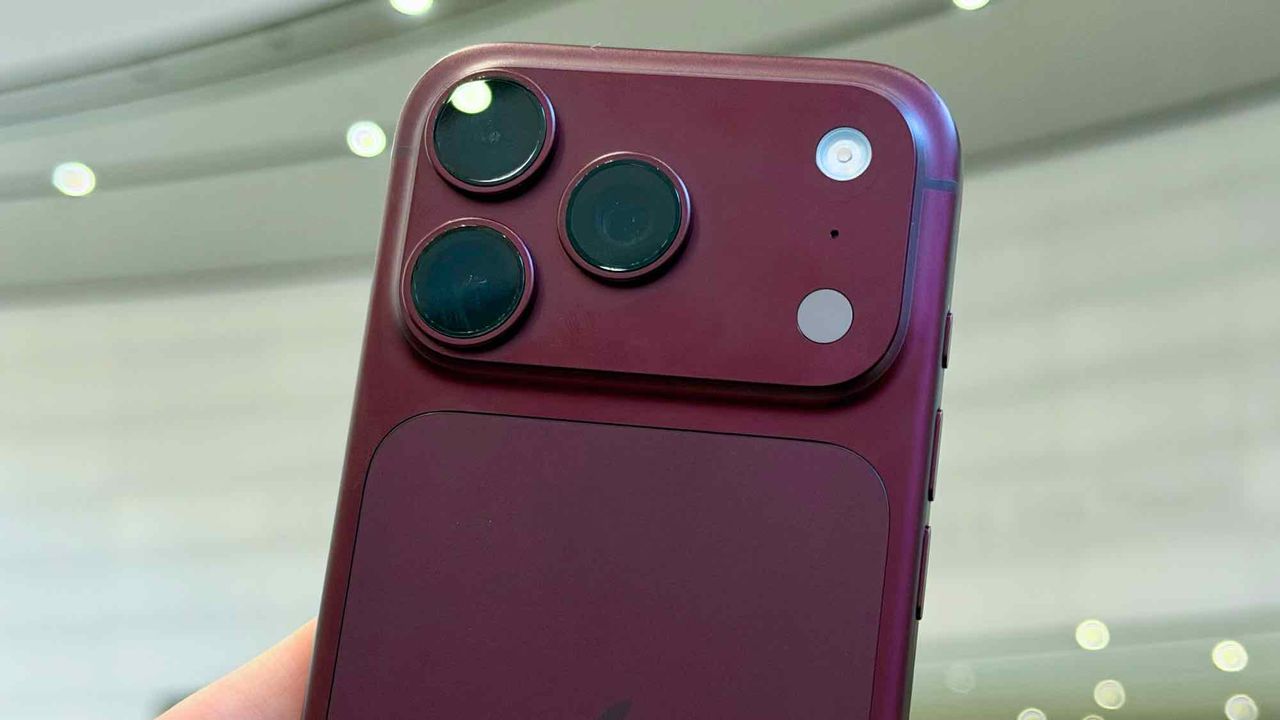
iOS 27 new features: Thinking of buying an iPhone 18 Pro? Check what your old iPhone can do first
For years, an iPhone software update has felt like giving a familiar house a fresh coat of paint: a few visual tweaks, a redesigned app here and there, and a handful of features you might try once and promptly forget. iOS 27 could be different. This time, the more interesting question isn't simply what's new. It's how much of it your existing iPhone can actually do, and whether you really need to…
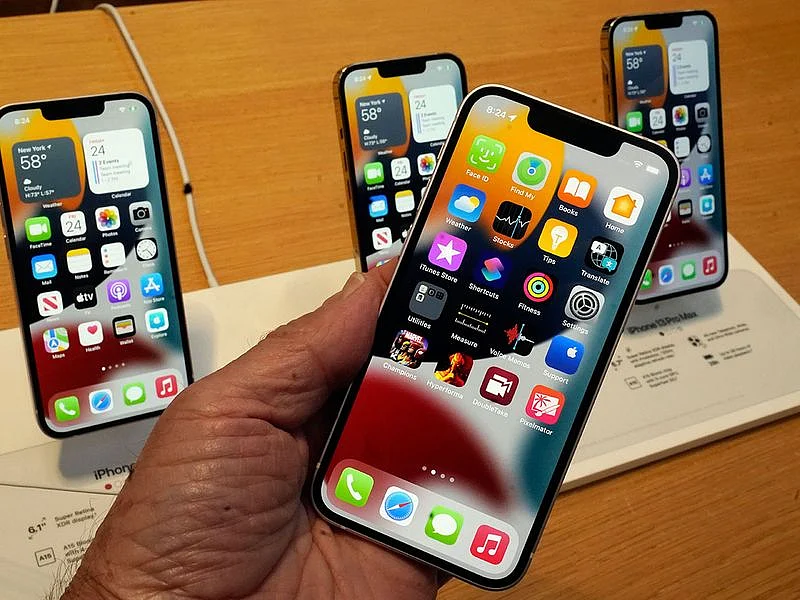
Apple's latest iOS 27 update promises to make iPhones more useful in everyday situations. Instead of focusing on flashy new features, iOS 27 emphasizes performance improvements, flexibility, and smarter integration. Here are eight key changes that could affect how you use your iPhone:
1. Siri is getting smarter, but not universally available. The AI-powered assistant can now handle more complex questions, draw on information stored on your iPhone, and carry out actions across multiple apps. However, Siri AI requires an iPhone 15 Pro or newer and is initially only available in English with daily usage limits.
2. Your iPhone could feel noticeably faster without any extra cost. iOS 27 improves app launches, photo loading speeds, and AirDrop transfers, with apps launching up to 30% faster, photos loading up to 70% faster, and AirDrop transfers up to 80% quicker.
3. Switching between two iPhones becomes easier. iPhone Handoff allows you to seamlessly transition between two compatible iPhones while keeping the same phone number active on both devices. This feature requires carrier support and may incur additional fees.
4. Location sharing is more customizable. iOS 27 lets you set a custom duration for sharing your location, pause sharing with specific contacts until the end of the day, and manage location sharing with greater granularity.
5. Photos and Shortcuts get AI enhancements. Apple Intelligence is now integrated into Photos, offering new Extend and Reframe tools, while Image Playground can generate more realistic images. Additionally, you can create Shortcuts by describing the desired outcome, making AI capabilities more accessible across daily apps.
6. The interface receives a polish update. Apple claims the new interface has more uniform refraction and improved contrast, with sharper, more detailed app icons. A slider allows you to adjust the level of translucency in the Liquid Glass design.
7. CarPlay gets video capabilities, but with restrictions. Developers can now create CarPlay apps with video browsing features, allowing drivers and passengers to find videos directly on the car's display. However, video playback is limited to when the vehicle is parked, making it more suitable for waiting at airports or charging EVs rather than actual driving.
8. Splitting bills on iOS 27 is simplified. In the US, Apple Cash can use Apple Intelligence to help split bills between multiple people, making the process of dividing costs more straightforward.
Written by urgent.news from Gulf News's reporting — not their text. Machine-written — may contain errors; check the original before relying on it.