Google Flow just got much better at turning ideas into finished videos
New controls make AI-generated videos easier to shape and polish.
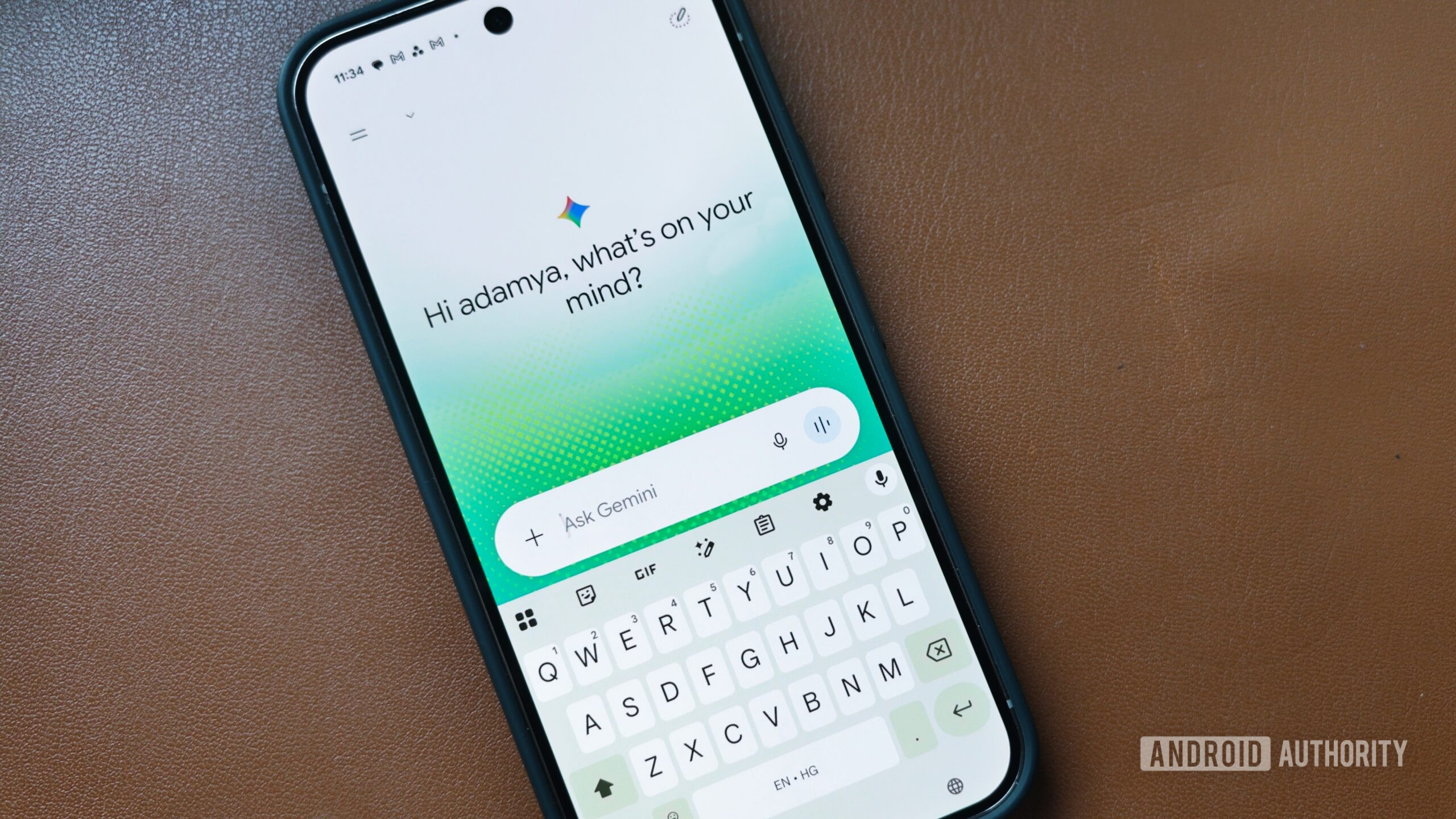
Google Flow, an AI creative studio that started as a filmmaking playground, has received a significant upgrade with the introduction of Gemini Omni 1.1 Flash. This new model offers creators more precise control over AI-generated videos, making the process of turning ideas into finished productions easier than ever.
One of the key features of the update is the ability to analyze up to 10 seconds of an existing video when extending a scene. Previously, the model could only analyze the final second, limiting the context it had to maintain visual consistency and narrative continuity. With the new model, Google Flow can generate scene extensions in 10-second increments, cumulatively reaching up to 40 seconds. This allows creators to seamlessly continue existing clips with more context and visual coherence.
In addition to enhanced scene extension capabilities, Google Flow now supports video references. These references help maintain visual context and character consistency throughout the generated footage. Creators can draft videos in 360p faster and with fewer credits, providing a more accessible entry point for experimentation and iteration. As their work progresses, they can then move to higher-quality renders, such as 1080p and 4K, to achieve the desired level of production value.
Google Flow has evolved beyond its original filmmaking roots, incorporating Veo's controls for camera movement and extending existing shots. However, with Gemini Omni 1.1 Flash, it has transformed into a broader AI creative studio. This platform now enables users to combine text, images, audio, and video within the same workspace. Creators can generate footage, edit existing content, and seamlessly integrate various elements to bring their creative vision to life.
Written by urgent.news from Android Authority's reporting — not their text. Machine-written — may contain errors; check the original before relying on it.
Also reported by 1 other outlet
- Turn on these Google Meet settings for a better video call experience androidpolice.com