Android rolls out local ‘Documents’ backup that syncs to Google Drive
Google now lets Android users automatically upload files and other downloads from their phone or tablet to Google Drive thanks to a new “Documents” backup.
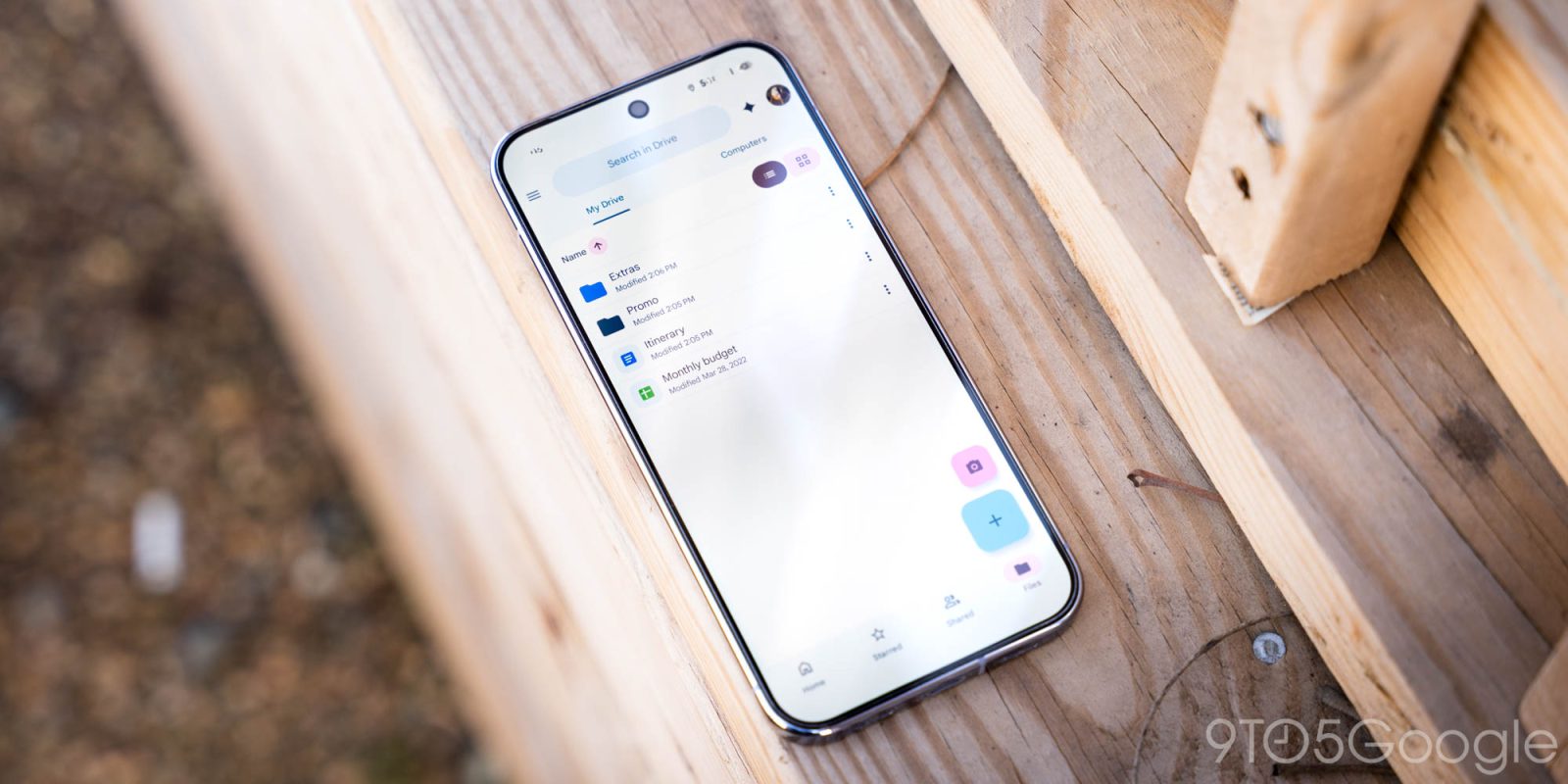
Google has introduced a new feature for Android users, allowing them to automatically back up files and downloads from their devices to Google Drive through a new "Documents" backup option. This local backup feature stores files saved on the device, such as downloads from Chrome, in the cloud. While convenient for accessing files if a device is lost, it will consume storage space on the Google Account, specifically within the "Android backups" folder added to the user's My Drive.
Within the "Android backups" folder, there will be another folder named after the user's device, supporting multiple devices under one account.
To enable this feature, users must navigate to Settings > Accounts and backup > Google Backup (on Pixel devices) and find the new "Documents" menu between Photos & videos and Other device data. Users can manually trigger a device backup to upload the latest documents, though the process follows an automated, nightly schedule. The feature was announced in February, and its rollout began earlier this month, with the latest stable version of Google Play services (26.26) supporting the new "Documents" backup option on various devices as of today. For further updates, viewers can watch 9to5Google on YouTube.
Written by urgent.news from 9to5Google's reporting — not their text. Machine-written — may contain errors; check the original before relying on it.
This story
This is one outlet's version. Read the fullest account.
- Google Plans To Exempt Sanctioned Nations From Android Developer Verification news.slashdot.org
- Google rolling out Android 17 QPR1 Beta 8 for Pixel 9to5google.com
- Take a look at short films created by our latest group of artists in Google’s Flow Sessions program. blog.google
- Google plans to exempt sanctioned nations from Android developer verification arstechnica.com
- Android 17 QPR1 Beta 8 just landed with all of Google’s latest fixes androidauthority.com