Your Apple TV 4K may be making your movies look worse, but this setting helps
If movies just don't look right on your Apple TV 4K, don't worry; you're not imagining it. The streaming box's default settings aren't ideal for movies.
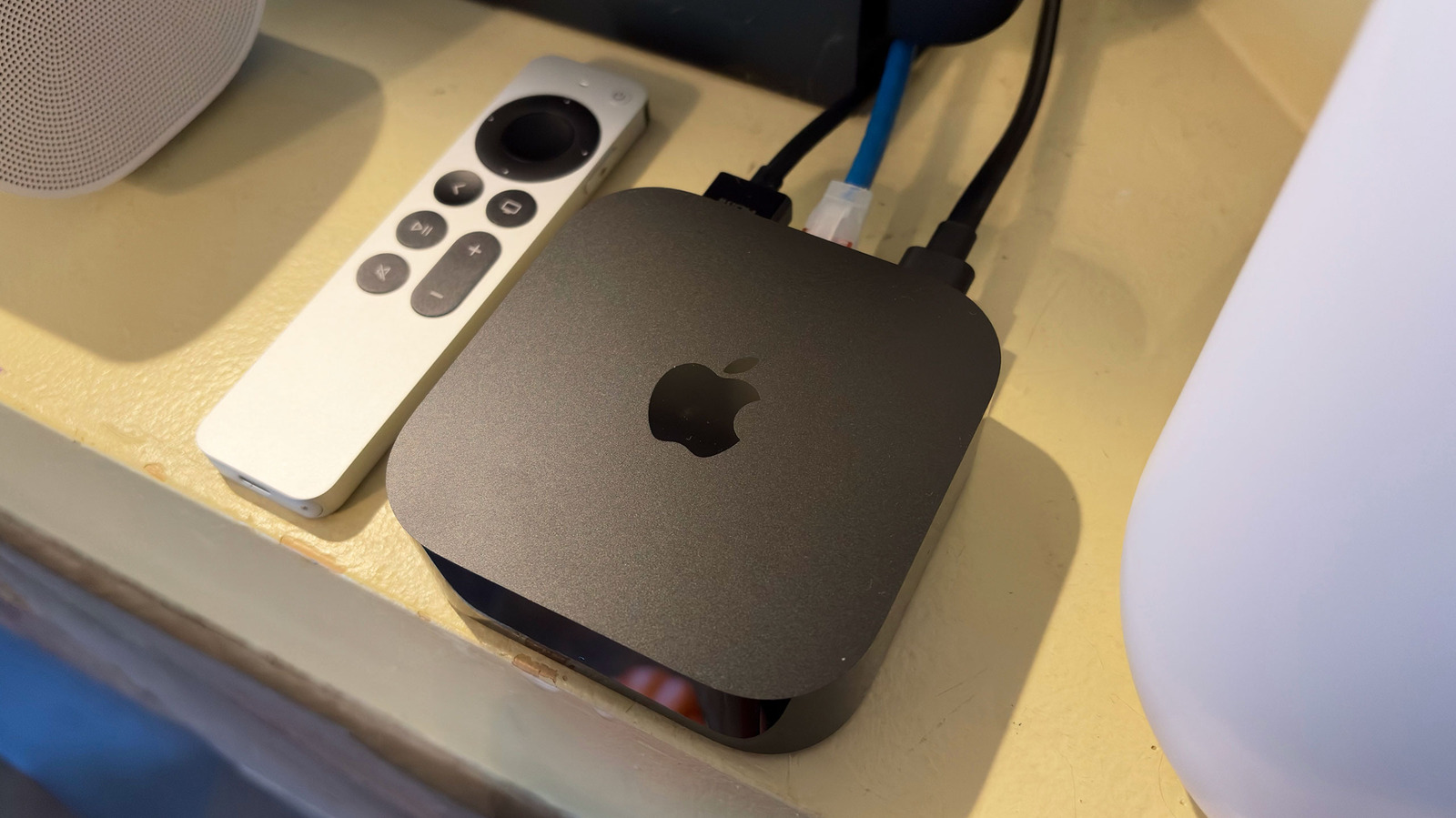
Apple TV 4K users may be sacrificing visual quality for a smoother experience due to default settings. These settings automatically convert all content to the same format, adjusting frame rates and dynamic range, which can result in washed-out, overprocessed, or jittery images. To improve the image quality, users should enable Match Content on their Apple TV 4K, allowing it to play content in its original format.
This may briefly show black screens as the device switches frame rates or dynamic range settings. Additionally, users can optimize frame rates by enabling Match Frame Rate, which plays content at its original frame rate, avoiding issues like jitter and motion problems caused by altering the frame rate.
Rewritten by urgent.news; may contain errors — check the original.
Source: engadget.com