The overlooked Samsung One UI setting that cleans up your screenshots
Learn how to hide the status and navigation bars in One UI screenshots on your Samsung Galaxy phone for cleaner images without manually cropping.
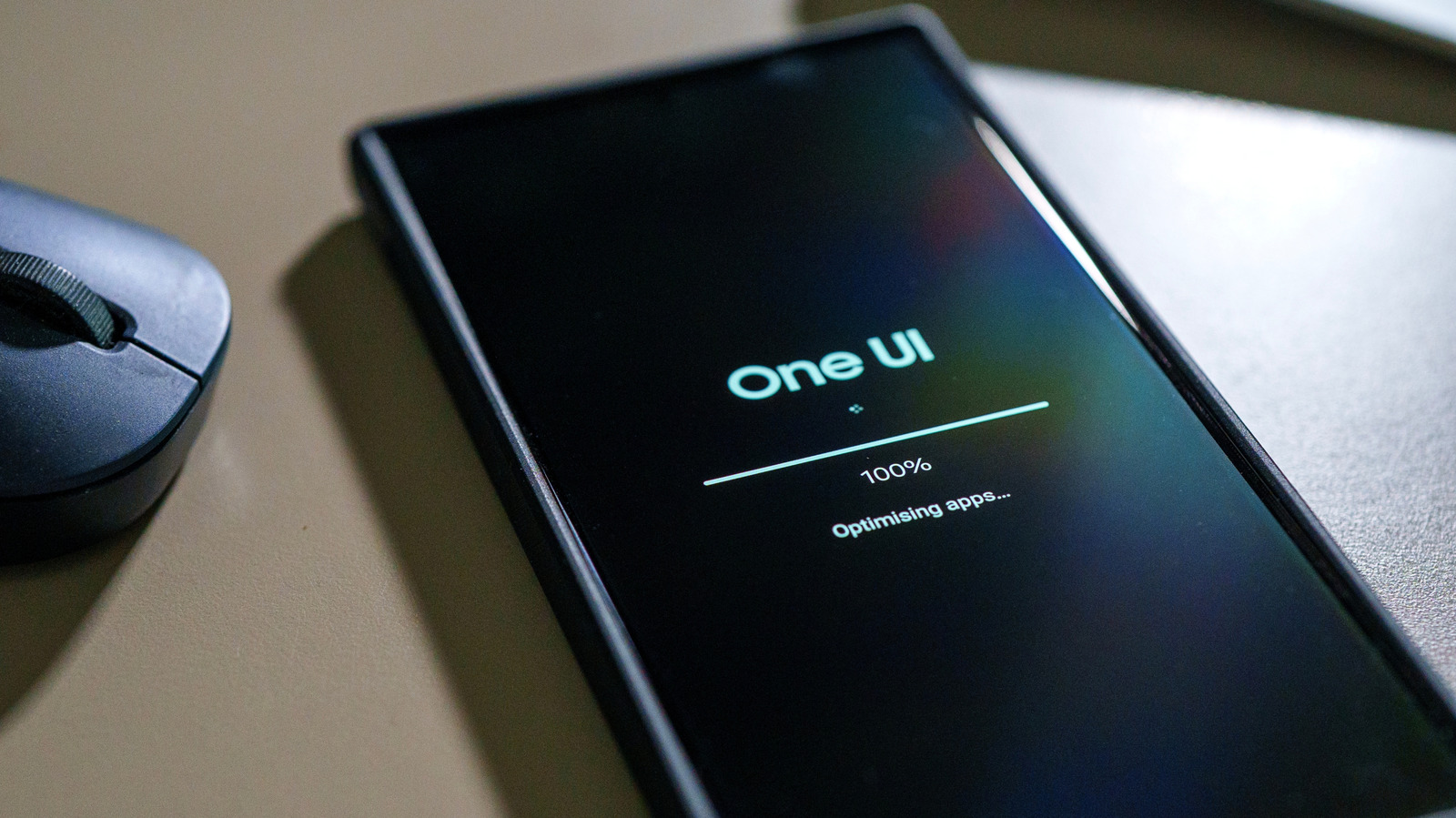
Samsung's One UI operating system enhances the Android experience with useful features, often hidden away in depth. One such feature is the ability to strip away status and navigation bars from screenshots, a setting named "Hide status and navigation bars." This can be found under Advanced features in the settings menu. Once enabled, every screenshot taken afterward automatically excludes the clock, battery information, network status, and status bar icons.
This results in cleaner, more focused images that better showcase the intended content. This feature is particularly beneficial for sharing screenshots of text exchanges, recipes, or tutorials, where having an unobstructed view of the subject matter is crucial. The setting can be toggled on in a matter of seconds with no need for additional apps or extensive editing.
While not essential for casual screenshot sharing, it's a simple yet effective tool for enhancing the quality of your images, especially when creating step-by-step guides, professional presentations, or sharing with others to ensure their full attention remains on the displayed content.
Rewritten by urgent.news; may contain errors — check the original.
Source: engadget.com