Monitoring your car's performance with CarPlay is easier than you think
CarPlay can show you more about your car than you might expect. Here's what you can track from the driver's seat and what you'll need to get started.
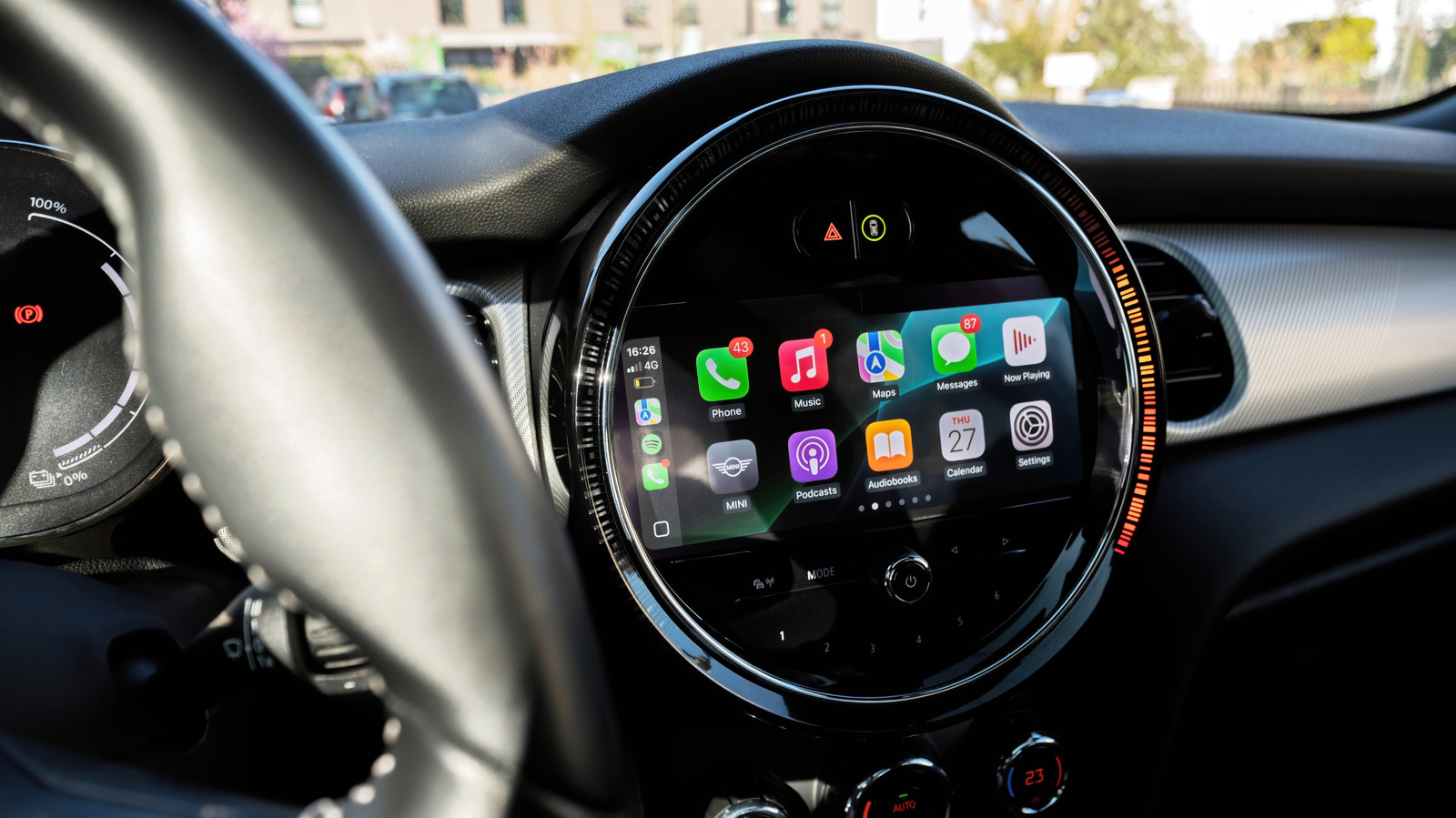
CarPlay Ultra, Apple's upgraded version, offers more than just navigation and music. It can monitor and adjust core car systems and customize the instrument cluster, provided the car has an LCD or OLED display. However, compatibility has been a challenge, with Aston Martin being the only automaker currently using it. Despite this, there are still ways to keep tabs on your car's performance using CarPlay.
You may need additional hardware, such as an OBD-II scanner, but it's not prohibitively expensive. Apps like WrenchTime Pro provide live gauges, trip records, and serious problem flags. For daily driving, Pelican combines OBD-II diagnostics with live navigation. If you prefer basic tracking, apps like Fuelio monitor fuel efficiency and costs, while Trip Logbook functions as an advanced odometer with Siri voice commands.
For electric vehicle owners, apps like PlugShare help plan routes around charging requirements. The reason for these tools stems from CarPlay's functionality and automakers' data-sharing reluctance. CarPlay projects apps from your iPhone, with limited integration with onboard systems. Automakers often prefer their integrated apps, which may require subscriptions.
By keeping data on your iPhone, you're limiting an automaker's control, potentially necessitating them to invest more in support. This may explain why CarPlay Ultra hasn't gained widespread adoption.
Rewritten by urgent.news; may contain errors — check the original.
Source: engadget.com