How to set an iPhone charging limit to 80% (and why you might want to)
Charging your iPhone to 100 percent all the time isn't good for its long-term health, but Apple gives you options to work around this.
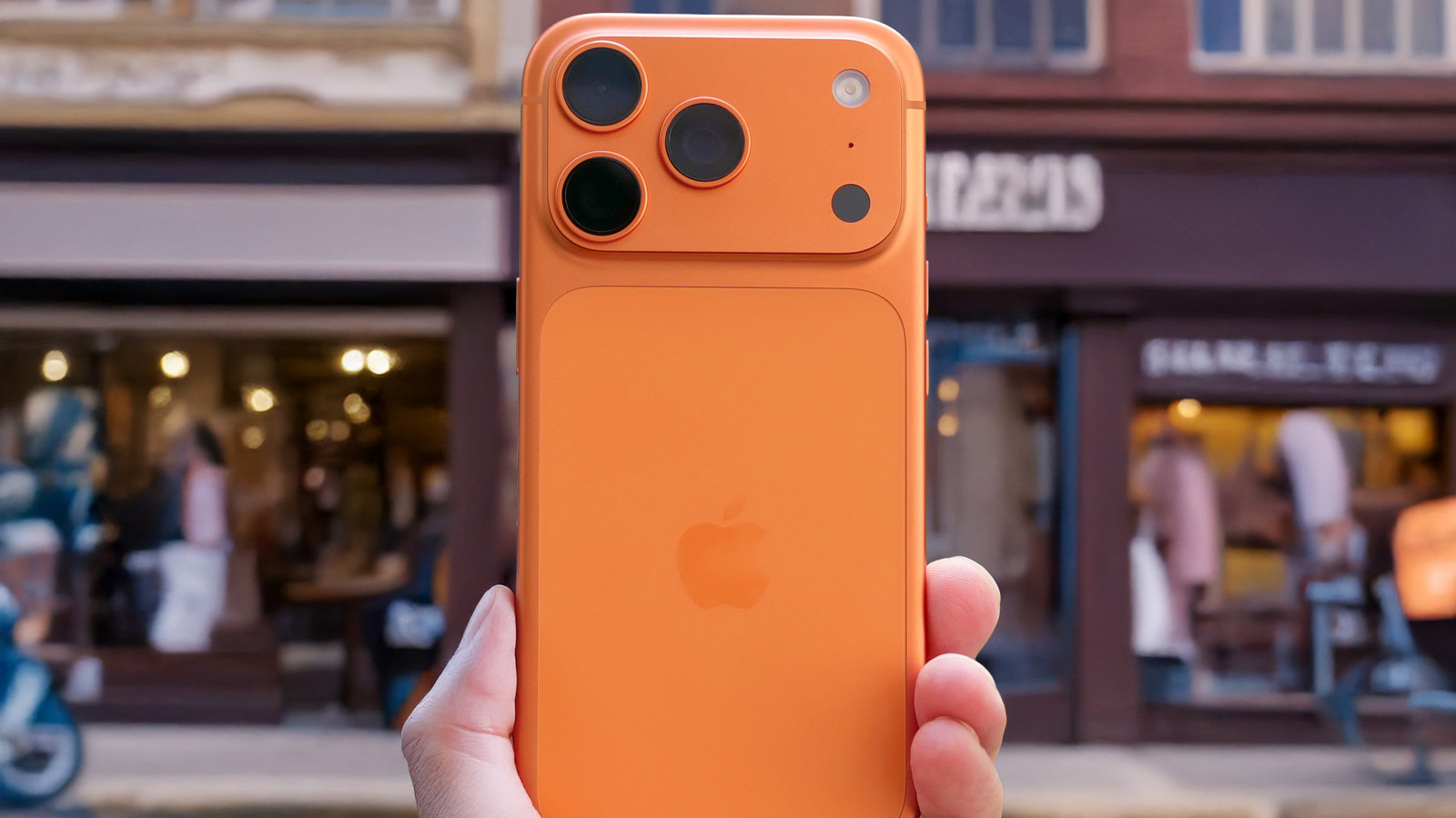
Setting an iPhone charging limit to 80% can help reduce battery wear, particularly for iPhone 15 and later models. The device may spend a considerable amount of its life plugged in, often overnight on a nightstand, during the day on a charging stand, and even in a car. This constant charging can lead to heat stress and potential battery damage.
Apple introduced the Charge Limit feature on iPhone 15 models and later versions, allowing users to set the charge cap at 80, 85, 90, or 95 percent instead of 100. This minor adjustment can significantly extend battery lifespan.
To enable the Charge Limit, navigate to Settings, then Battery, and select Charging. Drag the slider to your preferred limit (80, 85, 90, or 95 percent) or leave it at 100 percent. The iPhone will then charge up to that limit and stop. It will resume charging only when the battery drops by 5 percent while still connected. Occasionally, the battery may reach 100 percent, which is normal as iOS ensures the percentage reading is accurate.
Users can also force a full charge by sliding the limit to 100 percent and tapping Allow Until Tomorrow, which is helpful if the phone will be without a charger for an extended period.
However, there's no need to use the Charge Limit in conjunction with Optimized Battery Charging, as they work independently. iPhone 14 and older models have only an on-off switch for Optimized Battery Charging in Battery Health & Charging settings. Lithium-ion batteries degrade faster when fully charged, especially under heat. A 2021 study by researchers at the Karlsruhe Institute of Technology showed that cells kept at 100 percent capacity at 60 degrees Celsius degraded far quicker than those kept at or below 80 percent.
Apple has seen positive results from users who set their phones to an 80 percent charge limit. One user's iPhone 15 Pro Max, for instance, retained 94 percent capacity after one year and 88 percent after three years when maintained at an 80 percent limit. Another user's iPhone 17, using Optimized Battery Charging instead of a limit, still enjoyed 97 percent capacity after 276 charge cycles since December 2025.
If your iPhone frequently spends time plugged in, the 80 percent limit is highly recommended. For those who charge their phone less frequently, allowing Optimized Battery Charging to operate autonomously might be the better choice.
Rewritten by urgent.news; may contain errors — check the original.
Source: engadget.com