Here's what you need to know before buying an Amazon Fire TV Stick
Amazon doesn't make it easy to know which Fire TV Stick is best for you.
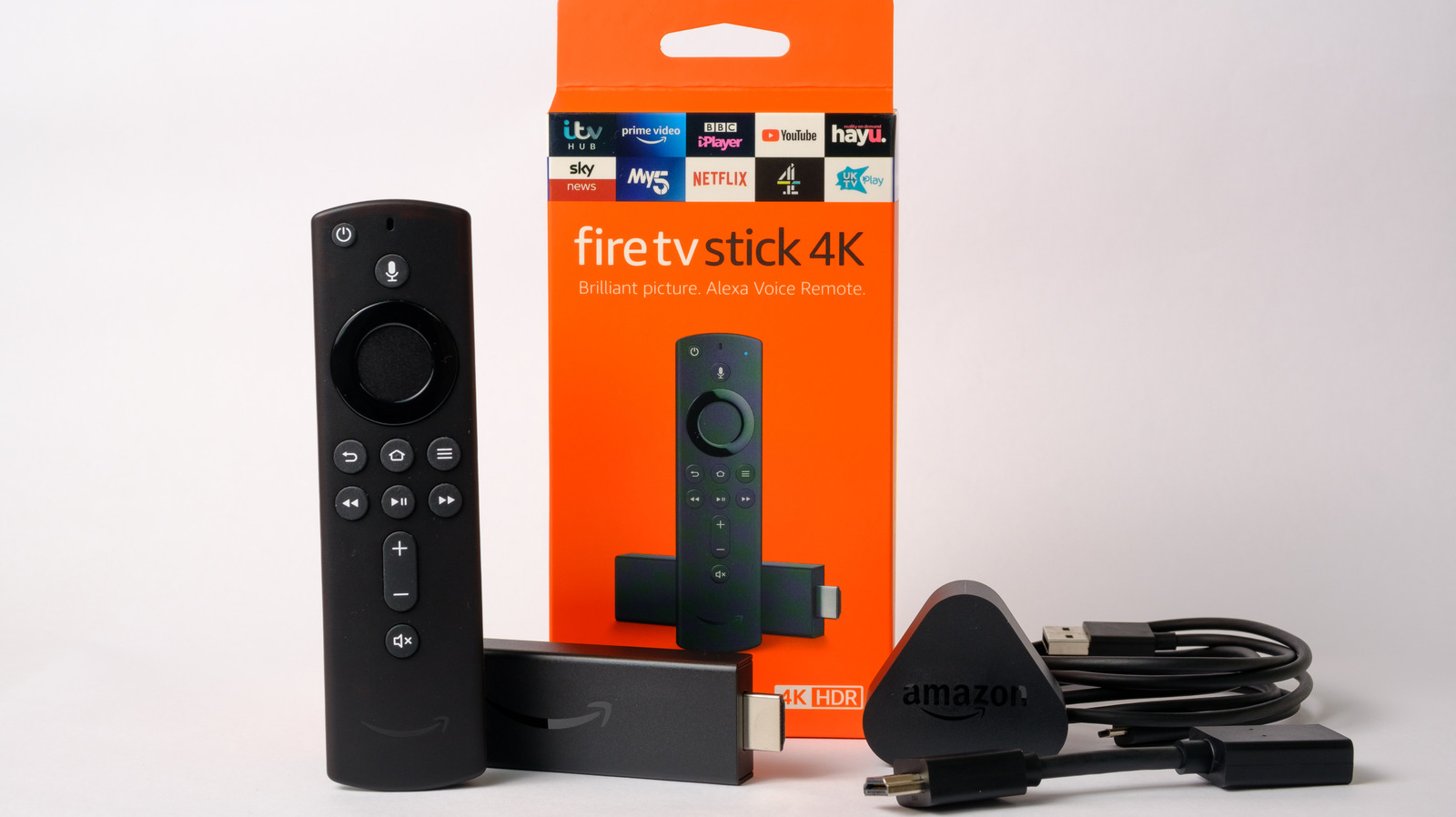
Before purchasing an Amazon Fire TV Stick, it is crucial to assess whether your television can accommodate the device. The Fire Stick requires an HDMI port to be plugged in and for the TV input to be changed accordingly. If your TV does not have an HDMI port, an HDMI to RCA adapter may be necessary. Additionally, the Fire Stick needs to be powered via a USB cable connected to a power outlet.
It is important to note that even if you already possess a smart TV with access to streaming apps, upgrading to a Fire Stick can enhance your viewing experience, particularly with older televisions that may be slow or unresponsive. Amazon offers a variety of Fire Stick models, with the most basic being the HD version for 1080p resolution.
However, for those seeking superior performance and storage, the 4K Select, 4K Plus, and 4K Max versions are available. The 4K Plus, in particular, stands out due to its Dolby Vision support, Wi-Fi 6 connectivity, and ample 8GB storage for a wider array of apps and services. Keep in mind that Amazon frequently offers deals on Fire Sticks, both during Black Friday and throughout the year via Prime Day and flash sales.
To stay updated on sales, you can enable alerts for specific items. Once the Fire Stick is installed and configured, you will find several pre-installed streaming services, such as Netflix, Disney+, and Prime Video, along with complimentary TV channels like Tubi and Pluto. These free channels can be accessed through the Fire Stick's Live TV feature.
Despite the benefits, there are some drawbacks to consider. The Fire Stick is heavily integrated with Amazon, displaying ads prominently and prioritizing Amazon's services. While third-party services are supported, users remain within Amazon's ecosystem, lacking the openness and flexibility of other competitors. If you harbor concerns about Amazon's pervasive influence in your streaming habits, you may wish to explore alternative options for your daily viewing experience.
Rewritten by urgent.news; may contain errors — check the original.
Source: engadget.com