Check your ISP router now: UPnP may be opening ports for devices you never approved
And these are like holes in your firewall.
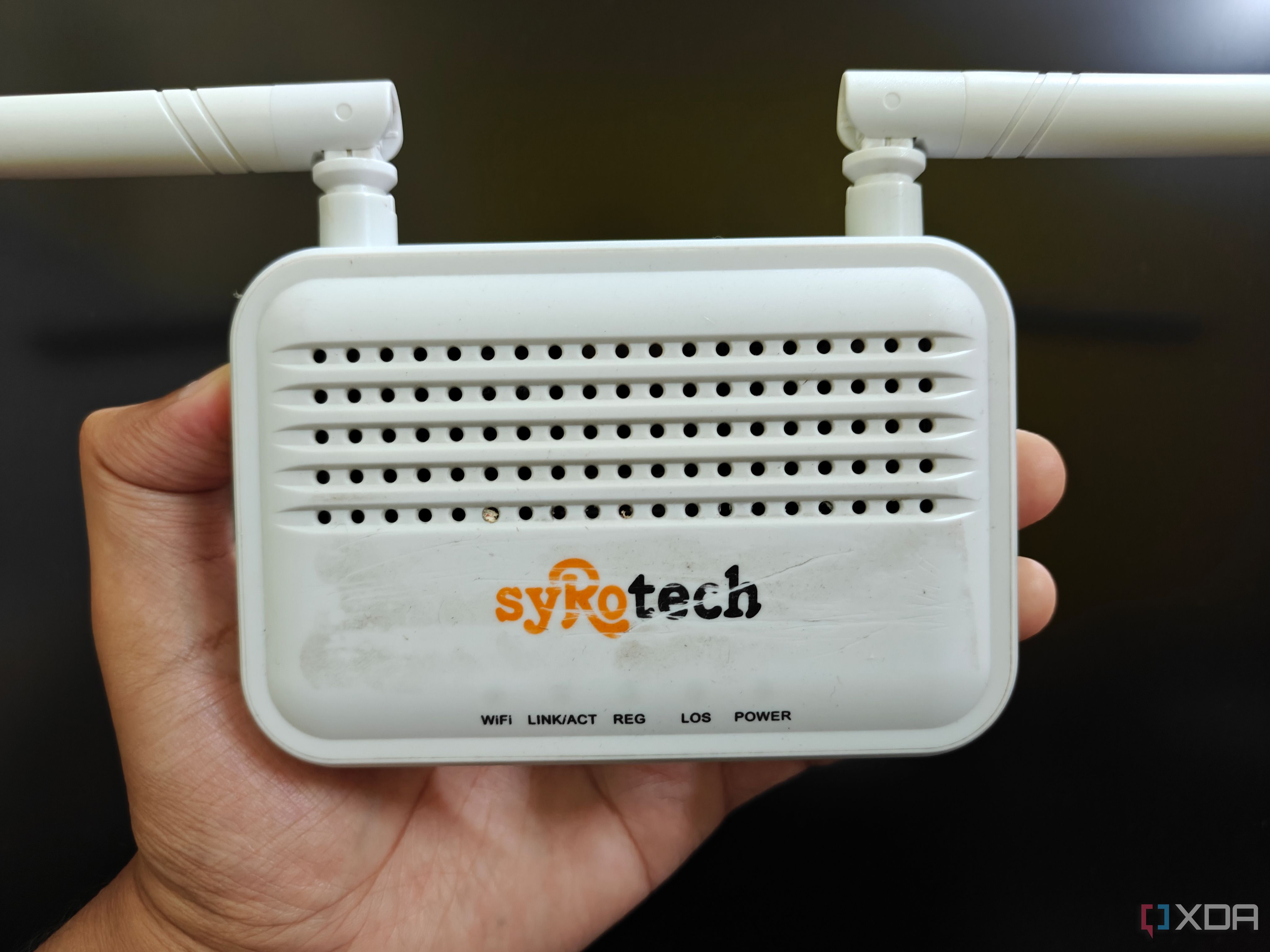
Most individuals never venture into their router's settings page, content with the default configurations provided by their Internet Service Provider (ISP). In my case, my router, a single-band ONT supplied by my fiber ISP, had Universal Plug and Play (UPnP) enabled. UPnP had created open ports in my network without my explicit approval.
Turning off UPnP required merely a single click, and the previously open ports vanished from the list. However, on a router supplied by your ISP, that switch conceals several crucial factors. It does not indicate which version of UPnP is running, whether your IPv6 traffic is protected by a firewall, or if your ISP can reinstate UPnP.
These three elements determine whether UPnP can discreetly open security vulnerabilities in your firewall again. Every open port originated from a device within my home, with each port mapping being a rule permitting specific traffic directly to a device from the internet. This process consists of two steps: the device initially sends a "presence" message (SSDP) to the router's address 239.255.255.250 on UDP port 1900, followed by sending an AddPortMapping request to the router.
This request delineates three factors: the port to be opened, the device receiving the traffic, and the duration the rule should remain active. It also carries a brief designation set by the app. The router, designed without UPnP, accepts these rules from a document dating back to 2001, which assumed a trusting home network environment.
The UPnP specification, introduced in 2010, addressed many past issues but also brought two new safety measures. Firstly, devices can only open ports for themselves unless the requester proves their identity. Secondly, devices must only open ports numbered 1024 or higher. However, your ISP's settings page typically displays a solitary on/off switch, making it impossible to discern the version or safety rules in use.
A UPnP scanner app can reveal whether your router is running InternetGatewayDevice:1 or InternetGatewayDevice:2. The second hidden aspect relates to IPv6, which, despite seeming to offer safety through CGNAT (Carrier-Grade NAT), does not guarantee protection. IPv6 operates without NAT, assigning each device in your home a unique public address, thereby bypassing your router's firewall.
The third concealed factor is your ISP. To manage routers remotely, ISPs often employ TR-069, a system allowing their servers to read and alter router settings. Even if you reset your device, your ISP's settings persist, potentially compromising your security. To maximize your security, if no devices in your home host games, media servers, or torrents, it is advisable to keep UPnP off.
Rewritten by urgent.news; may contain errors — check the original.
Source: xda-developers.com