Apple HomeView doesn’t have a Netflix or YouTube app — here’s the easy workaround to watch them anyway
Want to stream Netflix, YouTube, or Prime Video on your Apple HomeView? Use these two quick Safari and AirPlay tricks to watch almost anything on it.
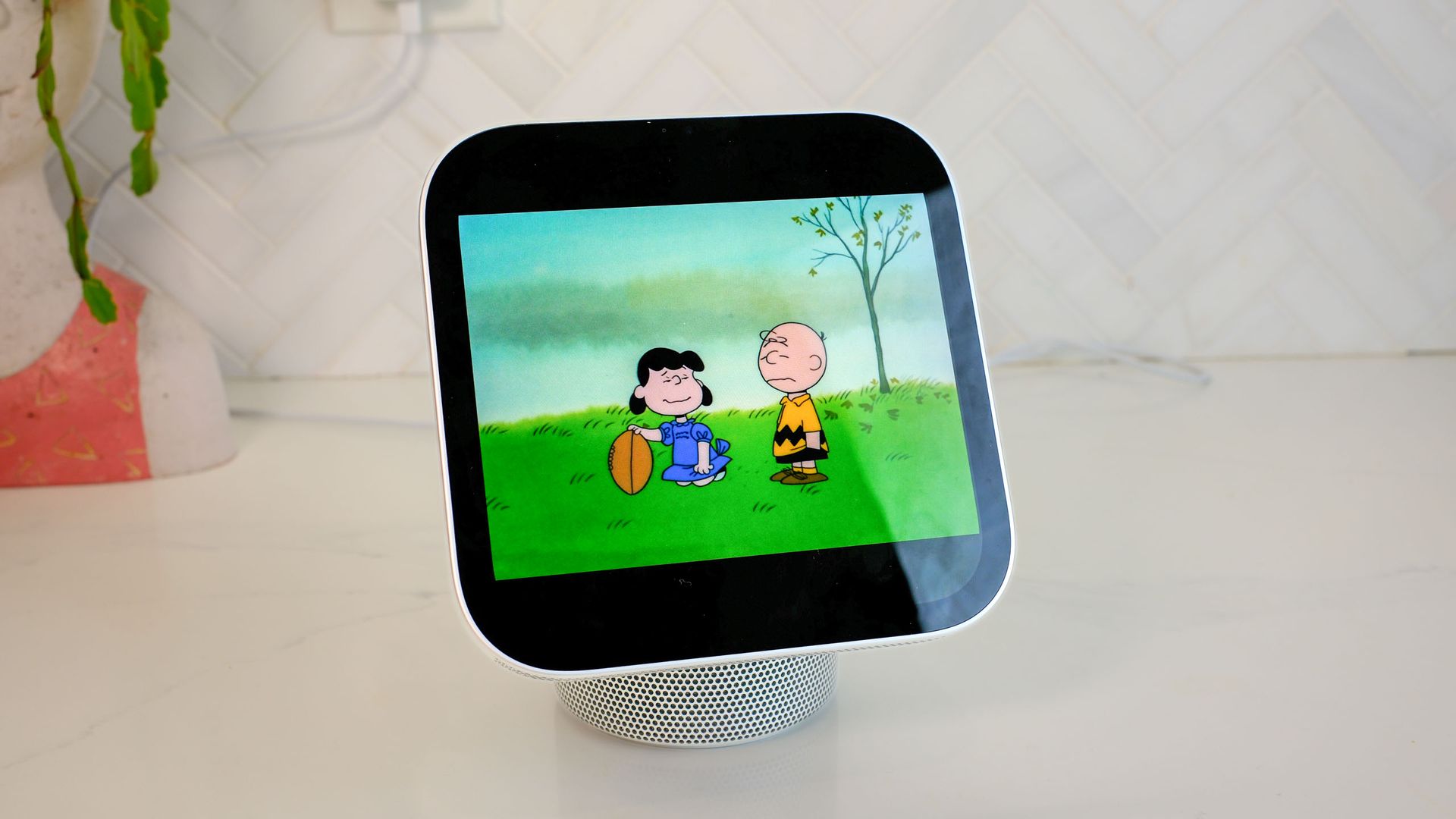
Apple's HomeView smart home display offers flexibility in accessing video content from various streaming services, despite lacking dedicated apps like Netflix or YouTube within the Apple ecosystem. While HomeView may not have a built-in Netflix or YouTube application, users can still enjoy these services using the browser or iPhone integration.
To watch Netflix or Amazon Prime content, users can log in via Safari, navigate to the desired website, enter login credentials, and control playback as usual. For YouTube videos, a more straightforward approach involves casting content directly from an iPhone. By opening the YouTube app on an iPhone, locating a video, and then connecting to the HomeView display via AirPlay, users can watch videos without needing a dedicated YouTube app.
This method ensures seamless streaming of videos from popular services on the small HomeView screen, making it convenient for various activities, such as cooking or bedtime entertainment.
Rewritten by urgent.news; may contain errors — check the original.
Source: tomsguide.com