Why did Android change the name of its Smart Lock feature?
Android renamed Smart Lock to Extend Unlock. Here's why that name better reflects how the feature operates and how it differs from Watch Unlock.
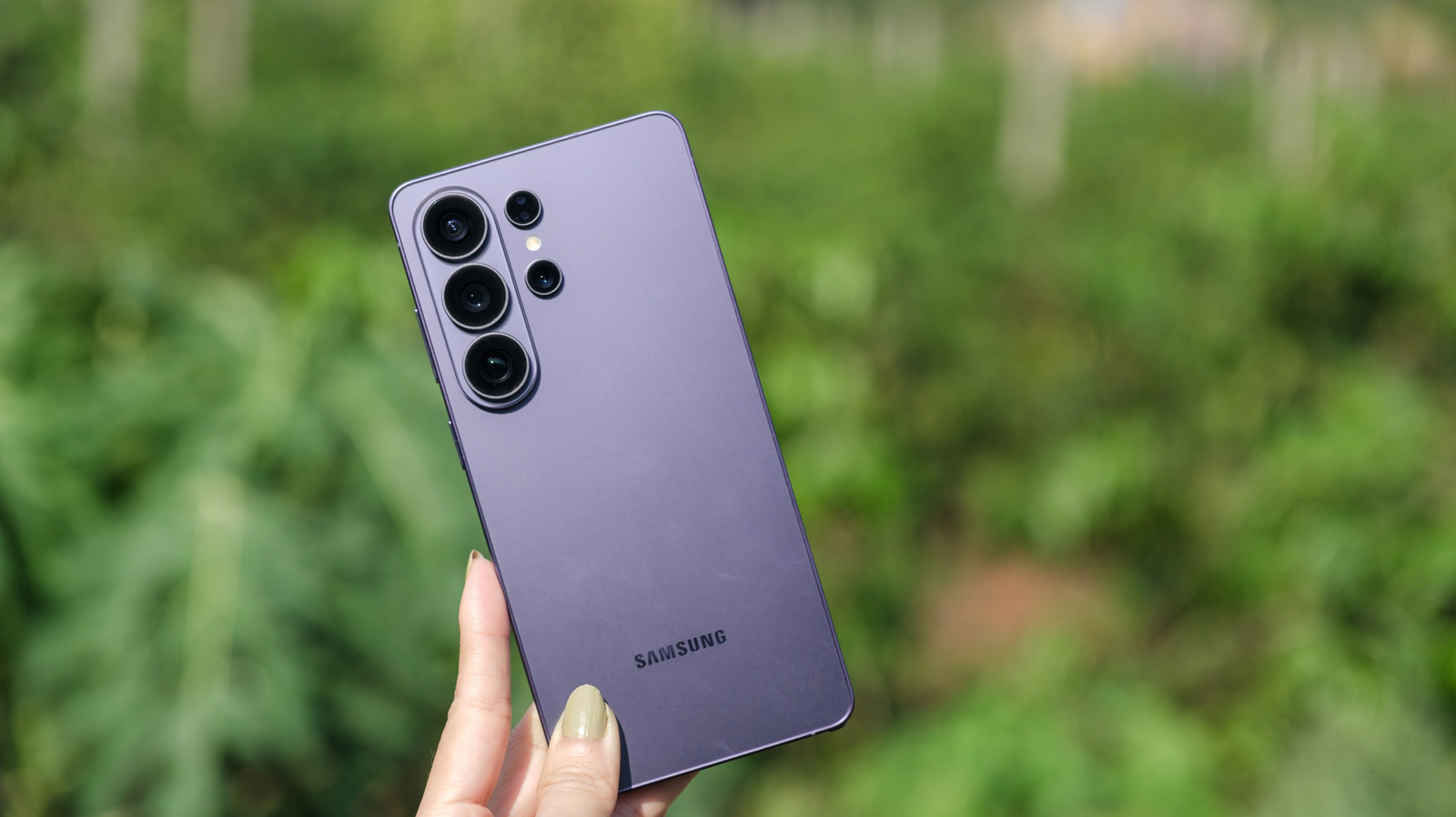
Android updated the name of one of its lesser-known but valuable features in 2023. The change came as part of a flurry of updates, notably the One UI 9 rollout. The feature in question is called Extend Unlock, formerly known as Smart Lock. While Smart Lock aimed to protect Android devices from theft by automatically locking them, Extend Unlock has the opposite function.
It keeps the phone unlocked under certain conditions. Introduced in 2015, Smart Lock allowed users to keep their phones unlocked while in hand, and through options like Trusted places and Trusted devices. The rationale behind renaming Smart Lock to Extend Unlock became clear when examining how the feature works. Essentially, Extend Unlock maintains device unlocking under specific circumstances once the phone has been unlocked once, eliminating the need for constant re-entry of the PIN.
The feature offers three options: On-body detection, Trusted places, and Trusted devices. However, users must be cautious while selecting trusted places and devices to ensure their phone remains secure, as it can remain unlocked in these locations even when accessed by others. To activate Extend Unlock, users must navigate to Settings > Security and privacy > More security and privacy > Extend Unlock and customize their preferences.
The name change to Extend Unlock better conveys the feature's function compared to Smart Lock. While Smart Lock implies the device's intelligence in deciding when to stay unlocked, Extend Unlock more accurately reflects how the feature extends the time the phone can stay unlocked under selected conditions. This name change is particularly beneficial in the current AI era, where distinguishing features from other "smart" features is essential.
The name change for Extend Unlock was also reported alongside the development of Watch Unlock. On the Pixel side of Android, users can access Watch Unlock by going to their Watch app, then Watch preferences > Security > Watch Unlock, and connect a compatible Pixel Watch. Although the names are similar, Watch Unlock unlocks the phone, while Extend Unlock keeps it unlocked.
Rewritten by urgent.news; may contain errors — check the original.
Source: engadget.com