Why AirDrop isn't working on your Apple devices (and how to fix it)
AirDrop is supposed to be a simple tool, but when it trips up, you can fix it by toggling a few settings.
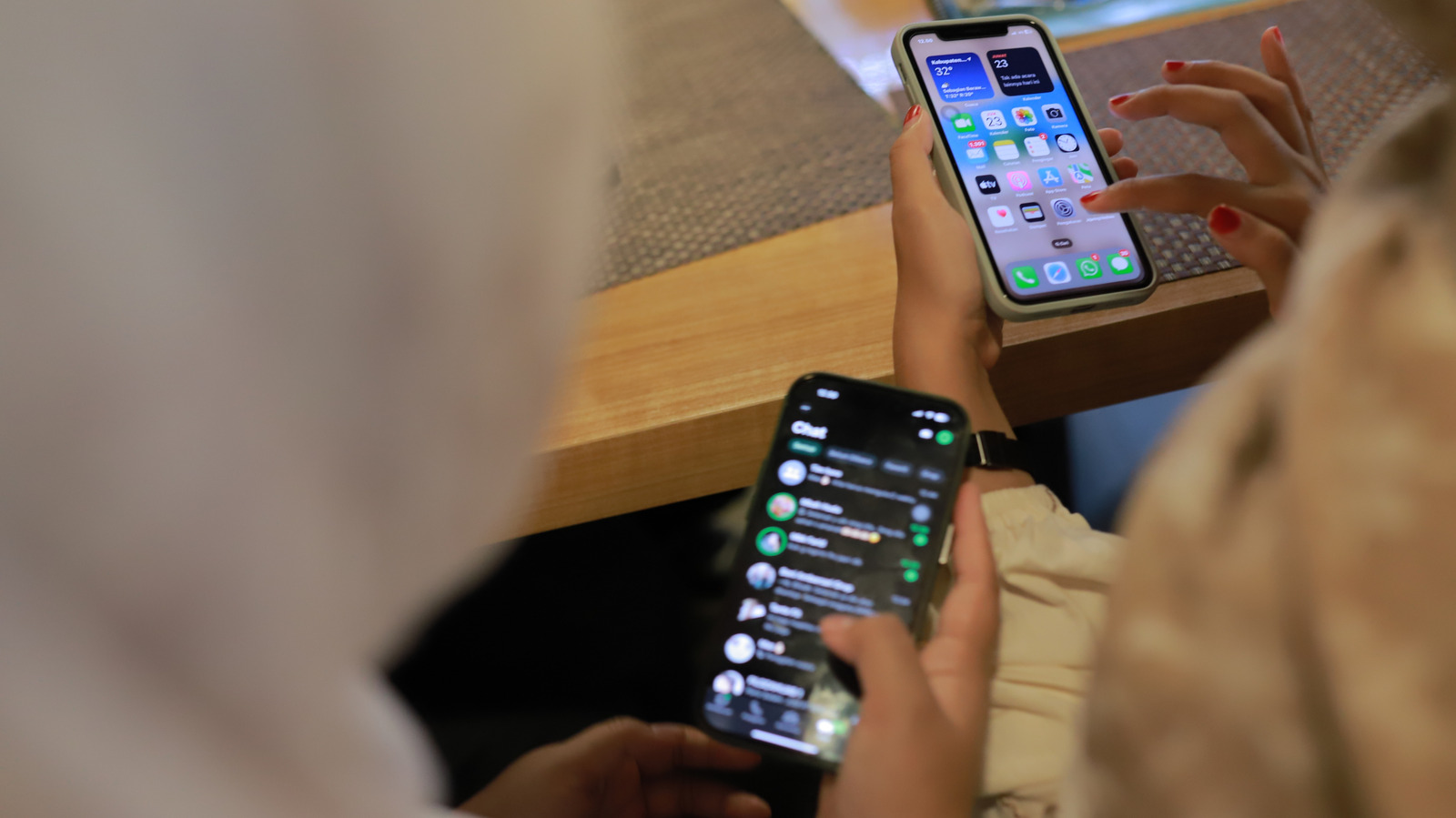
AirDrop issues on Apple devices often stem from Wi-Fi, Bluetooth and permission settings. To troubleshoot, first check that both Wi-Fi and Bluetooth are enabled with a stable signal, and that the devices are within 30 feet of each other. If problems persist, toggle these connections off and on again. Ensure both devices are awake, as a locked iPhone or iPad won't appear as a recipient. Remember, AirDrop only operates between Apple devices; Windows PCs are excluded.
For Android users, Quick Share can serve as an alternative. If AirDrop remains unresponsive, a simple reboot of both devices often resolves the issue. If sending a stream to another Apple device, note that AirPlay, not AirDrop, should be used. In Control Center, select your receiving settings: Receiving Off for complete blocking, Contacts Only for specific contacts, or Everyone for 10 Minutes if applicable. Under Settings > General > AirDrop, additional options are available.
When away from Wi-Fi, enable Use Cellular Data. The Bringing Devices Together toggle on one device initiates transfers. On a Mac, use Finder's AirDrop sidebar to locate the sender's device. In the AirDrop settings, choose Contacts Only if you only want to receive from contacts, and ensure your Apple account email or phone number is listed in your contact card.
If sending to someone who only accepts contacts, you must be in their contact list. After signing into the same Apple account on multiple devices, AirDrop operates automatically between them post-update. If AirDrop fails despite working previously, check for expired timers or changes in sharing settings post-update. After 10 minutes, Contacts Only returns to default; signed-in users revert to Contacts Only, while unsigned users return to Receiving Off.
After a software update, verify settings in frequently used apps and tools for potential restrictions. iOS, iPadOS and macOS 26.2 may now require an AirDrop code for sending to non-contacts, valid for 30 days unless reactivated. Disconnect Active Personal Hotspots and VPNs, as they can interfere. If all else fails, a final reboot may be necessary, or a visit to an Apple Store for service.
Rewritten by urgent.news; may contain errors — check the original.
Source: engadget.com