Using your phone to scan a barcode and identify products is surprisingly easy
Barcodes are tied to databases, so they offer reliable product details. You can scan barcodes on both Android and iPhone.
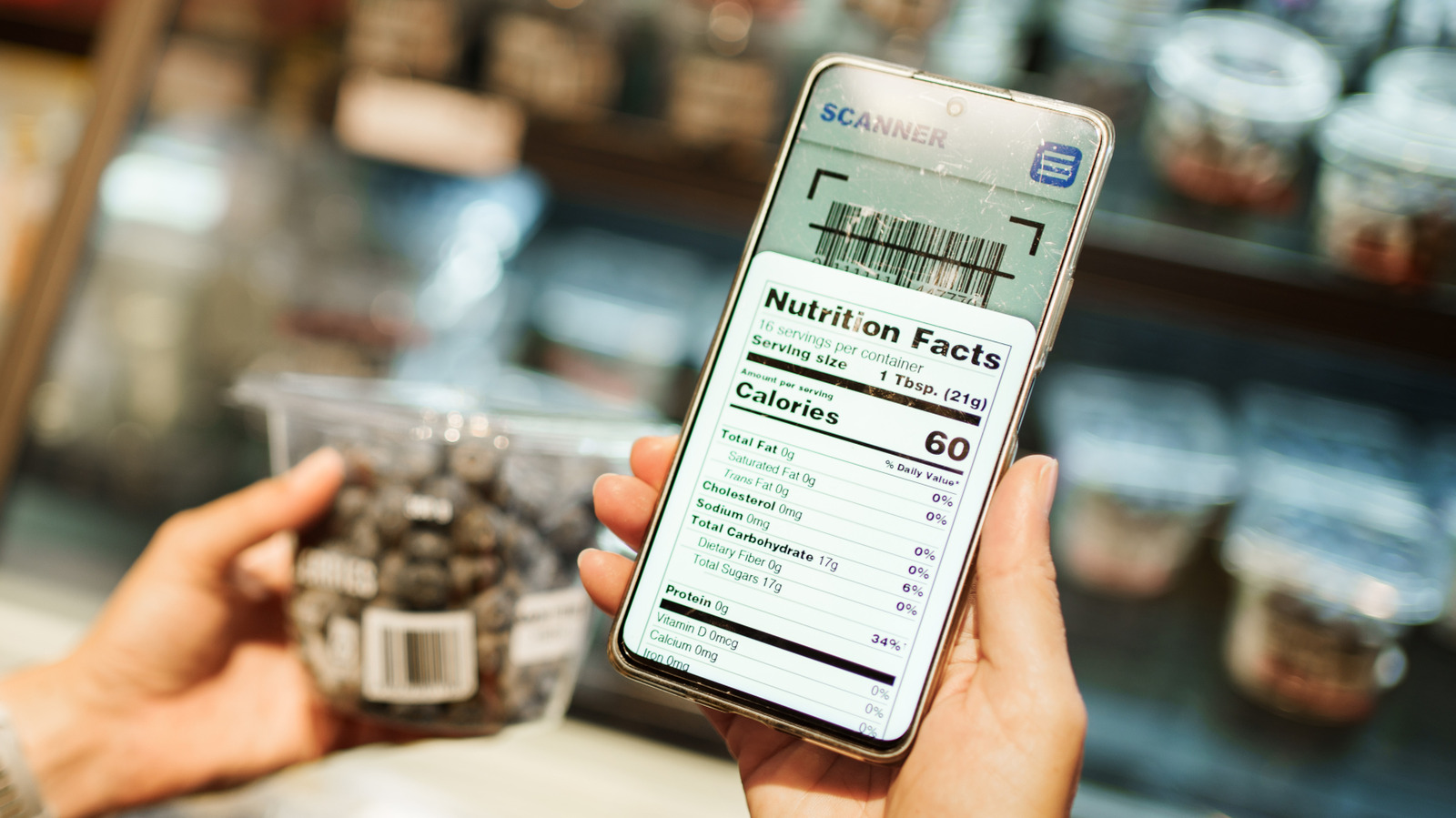
Scanning a barcode on your smartphone can provide a wealth of information with minimal effort. While smartphones are often criticized for their role in our lives, they can actually improve our well-being, as evidenced by fitness apps and smartwatches. Brands such as Apple frequently showcase satisfied customers who attribute their life-saving experiences to their devices.
Although scanning barcodes may seem trivial, they can disclose essential details about the items we consume, aiding in the avoidance of allergens or the reduction of sugars and trans fats in our diets. Such information can be particularly useful in a hardware store, where understanding product specifics can prevent confusion or minor overspending during home improvement projects.
This article serves as a guide on how to scan barcodes, the tools available, and the benefits of doing so. The ease of this process varies depending on your device's operating system and the applications you have installed. Android users generally have a slight advantage due to Google Lens. This feature is preinstalled on most Android devices and is an essential component for barcode scanning. iPhone users can still access this tool through the Google app, albeit with an additional step of downloading it from the App Store.
Another option for iPhone users with Apple Intelligence support (such as the iPhone 15 Pro and later models) is Visual Intelligence, which can provide similar outcomes. However, Apple does not explicitly guarantee this functionality. Instead, it may derive the information using alternative methods, such as product images.
Both Android and iPhone users can activate Google Lens via the camera icon in Google Search. Upon framing the barcode in the camera view, a pop-up may appear, or you can simply press the shutter button to receive relevant details, such as pricing. For those with specific dietary needs, such as individuals engaged in weightlifting, specialized calorie-counting apps like Cronometer or MacroFactor are recommended.
These apps track not just calories but also protein, carbohydrate, and fat intake, as well as vitamins and minerals. While some of these applications require a subscription or highlight premium features, they are indispensable for maintaining progress in such pursuits.
While there are numerous free barcode scanner applications available on both the Apple App Store and Google Play, it is crucial to read reviews before downloading an app. Free applications often come with drawbacks, such as intrusive advertisements or the potential selling of personal data to unethical brokers. Although Google is a known entity, some users may harbor trust issues.
However, scanning barcodes and QR codes are fundamentally different processes. If you are searching for a QR code, you likely do not need to rely on Google Search. Both iPhones and Android devices can detect QR codes automatically through their camera applications, enabling users to tap on links to access them. It is important to note that items lacking barcodes or QR codes may still be scannable using Google Lens and Visual Intelligence, but their results should be treated with caution.
These features depend on Google Gemini and Apple Intelligence, which are susceptible to generating inaccurate information, referred to as hallucinations. Additionally, any generative AI app, such as ChatGPT, can also produce misleading results. Unlike barcodes, QR codes, and generative AI applications, databases provide more reliable and concrete sources of information.
While a store listing may not detail installation instructions, it is preferable to such inaccuracies. However, further research may still be necessary to obtain the complete details you are seeking.
Rewritten by urgent.news; may contain errors — check the original.
Source: engadget.com