The safest way to eject a stuck disc from your PS5
Discs getting stuck in your PS5 is no fun, since you can't switch to another game. You can reclaim the disc by following a short process carefully.
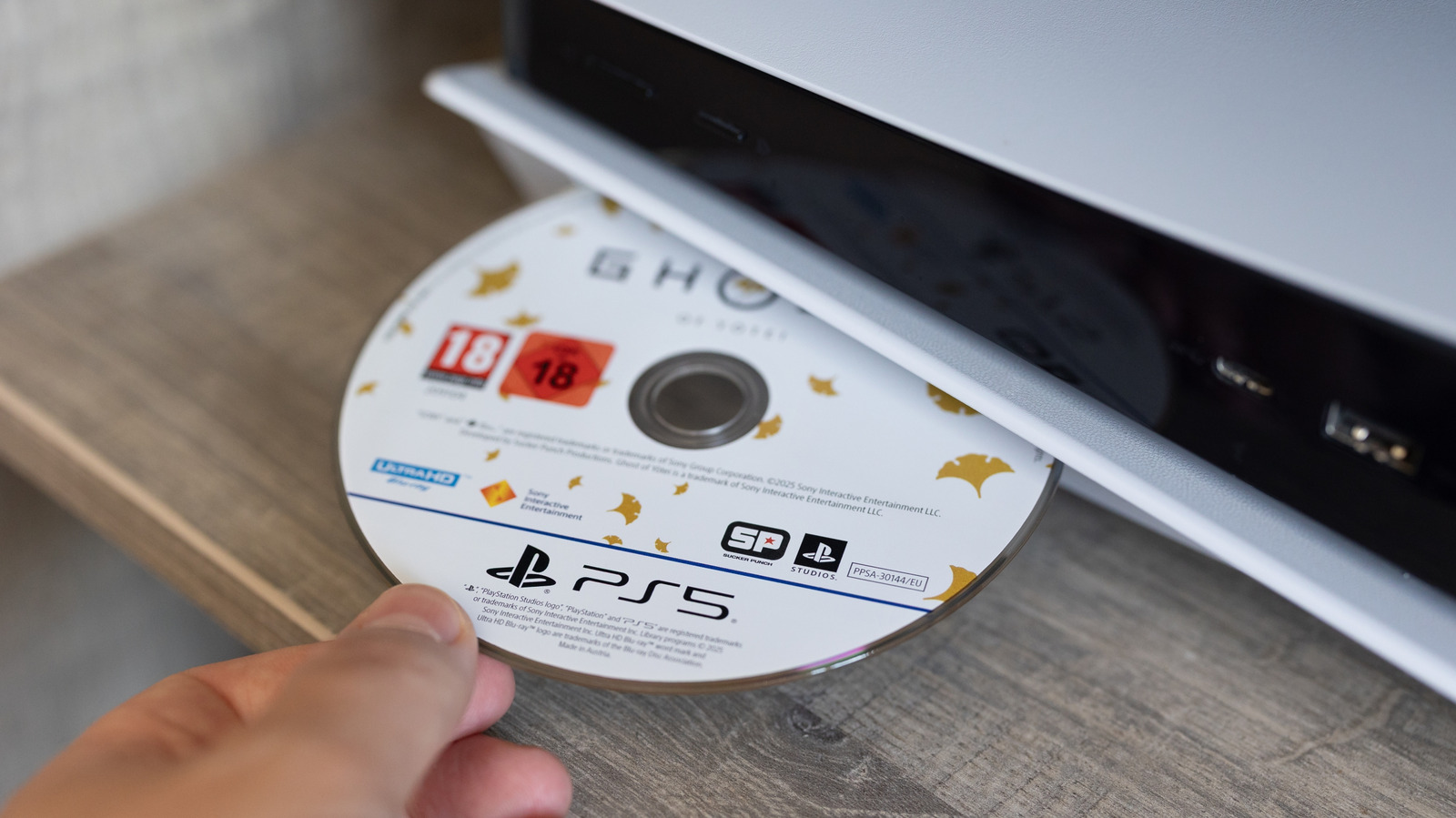
When a disc becomes stuck in your PlayStation 5, it's not a cause for alarm. Sony has announced plans to discontinue disc production for the PS5 in 2028, indicating that this could indeed be the console's last model with a disc drive. While this means digital games are a safer bet, stuck discs can still pose a problem. In such cases, the optimal solution is to remove the disc without causing damage.
To do this, you'll need a flat surface, a soft cloth, and specific tools. A #1 Phillips head screwdriver, a flashlight, and, if possible, a safe mode activation are essential. Once everything is at hand, the process is straightforward. However, it's crucial to avoid inserting discs incompatible with the PS5, such as audio CDs. If the disc is still stuck, you can attempt to activate Safe Mode by pressing and holding the power button until a second beep is heard.
Subsequently, reattempt the eject button. If this doesn't work, and your console is still under warranty, Sony may repair or replace it free of charge. Ensure you inform them about the stuck disc during the claim process. If all else fails, consider seeking assistance from a retailer, like Best Buy, although a professional fix may not be necessary due to the simplicity and affordability of the DIY method.
Rewritten by urgent.news; may contain errors — check the original.
Source: engadget.com