The risks of using alcohol wipes on your laptop screen
Fingerprints on your laptop screen are a pain to clean. Before you reach for an alcohol wipe, see what the top laptop makers recommend and what to avoid.
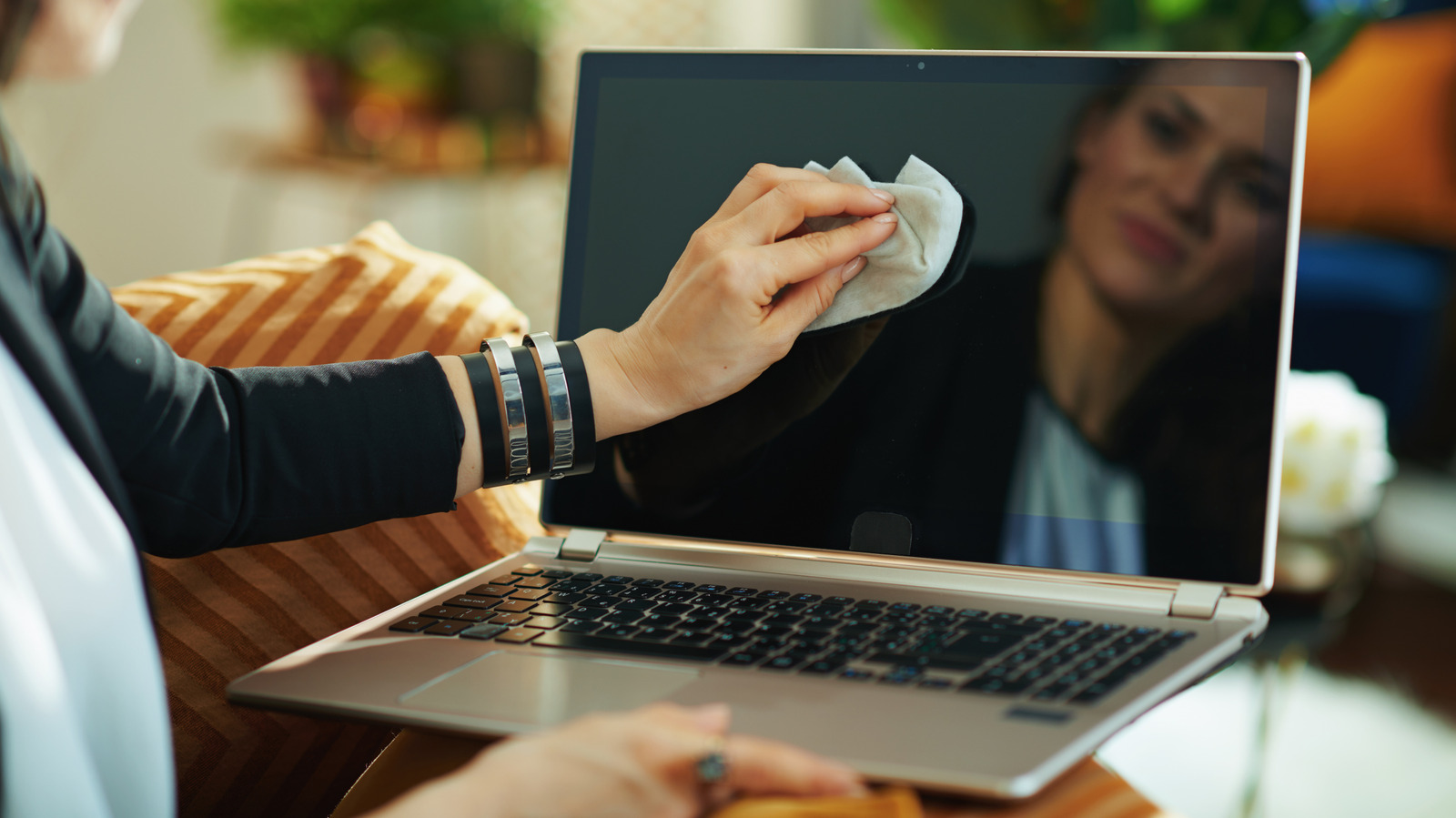
Many laptop manufacturers warn against using alcohol wipes to clean their screens. Apple is the most permissive, allowing a 70% isopropyl alcohol or 75% ethyl alcohol wipe, or a Clorox Disinfecting Wipe, for regular cleaning with water as a backup. Microsoft recommends a screen-cleaning wipe, soft dry cloth, or a damp cloth with 70% isopropyl alcohol or less.
Dell advises a 70% isopropyl alcohol and 30% water solution with a microfiber cloth. Lenovo recommends a 50-50 mix of isopropyl alcohol and distilled water for stubborn smudges. HP suggests a 70% isopropyl alcohol and 30% water solution, avoiding ethyl alcohol. All manufacturers advise against ethyl alcohol, ammonia, bleach, hydrogen peroxide, acetone, and paper towels.
Wipes can damage the anti-reflective or glossy coating and leave permanent marks. Apple warns that liquid damage isn't covered under warranty. To clean, shut down the laptop, unplug it, and gently wipe with a dry microfiber cloth, using water if needed.
Rewritten by urgent.news; may contain errors — check the original.
Source: engadget.com