Should you repair or replace your PC's motherboard?
Fixing is likely cheaper, but replacing a board can sometimes come down to an upgrade that may be beneficial to you in the long run.
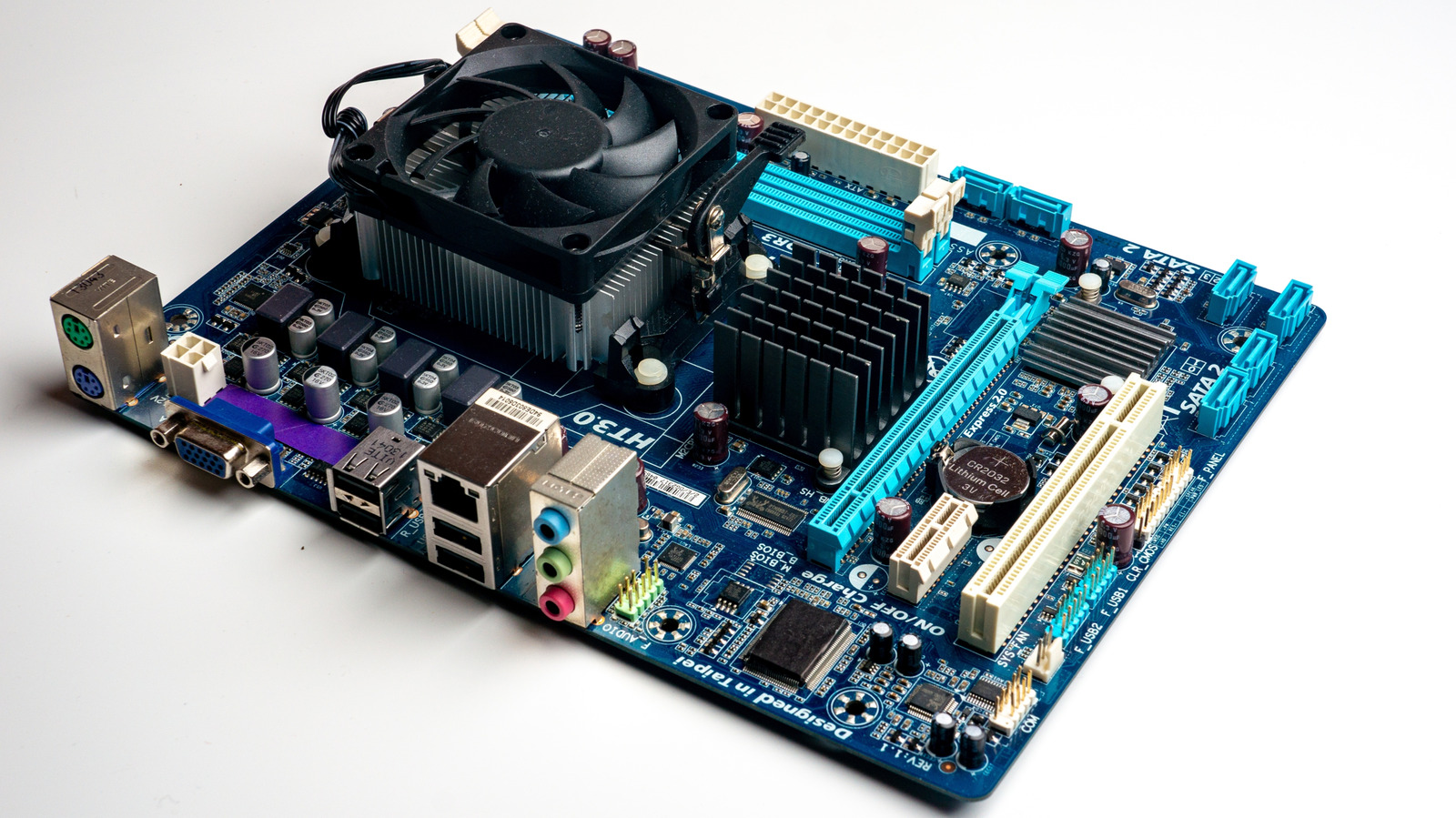
When it comes to your computer's motherboard, there are signs that it may be nearing the end of its life. These signs are easy to spot once you know what to look for. While a motherboard can last up to ten years, the unpredictability of PC parts means it may eventually need to be replaced.
Your motherboard is a crucial component, often defining the entire identity of a PC build. Sometimes, a failing motherboard may send out alarm bells through a POST failure, beep signals, or issues reaching the operating system. Bad capacitors, overheating, and damaged RAM or PCIe slots can also point to a motherboard problem. In these cases, replacing the board might be the best option.
However, sometimes a motherboard replacement can be a welcome upgrade. Newer boards are often more affordable than you might think, and they can bring better performance to your PC. Even if your current board is working fine, upgrading to a newer model could give you a significant performance boost.
The good news is that many motherboard issues can be easily fixed, even by those with basic soldering skills. Replacing a bad capacitor or CMOS battery, fixing bent pins, or reapplying thermal paste are all tasks that can save you a significant amount of money. With a multimeter and some patience, you can often identify and fix the problem yourself.
In many cases, it's more beneficial to replace a motherboard than to attempt repairs, especially if the issue is severe enough to interfere with your ability to use the machine.
Rewritten by urgent.news; may contain errors — check the original.
Source: engadget.com