I replaced a sheet full of VLOOKUPs with one built-in Excel feature, and now my reports rebuild themselves
Power Query is that underrated feature you need to try.
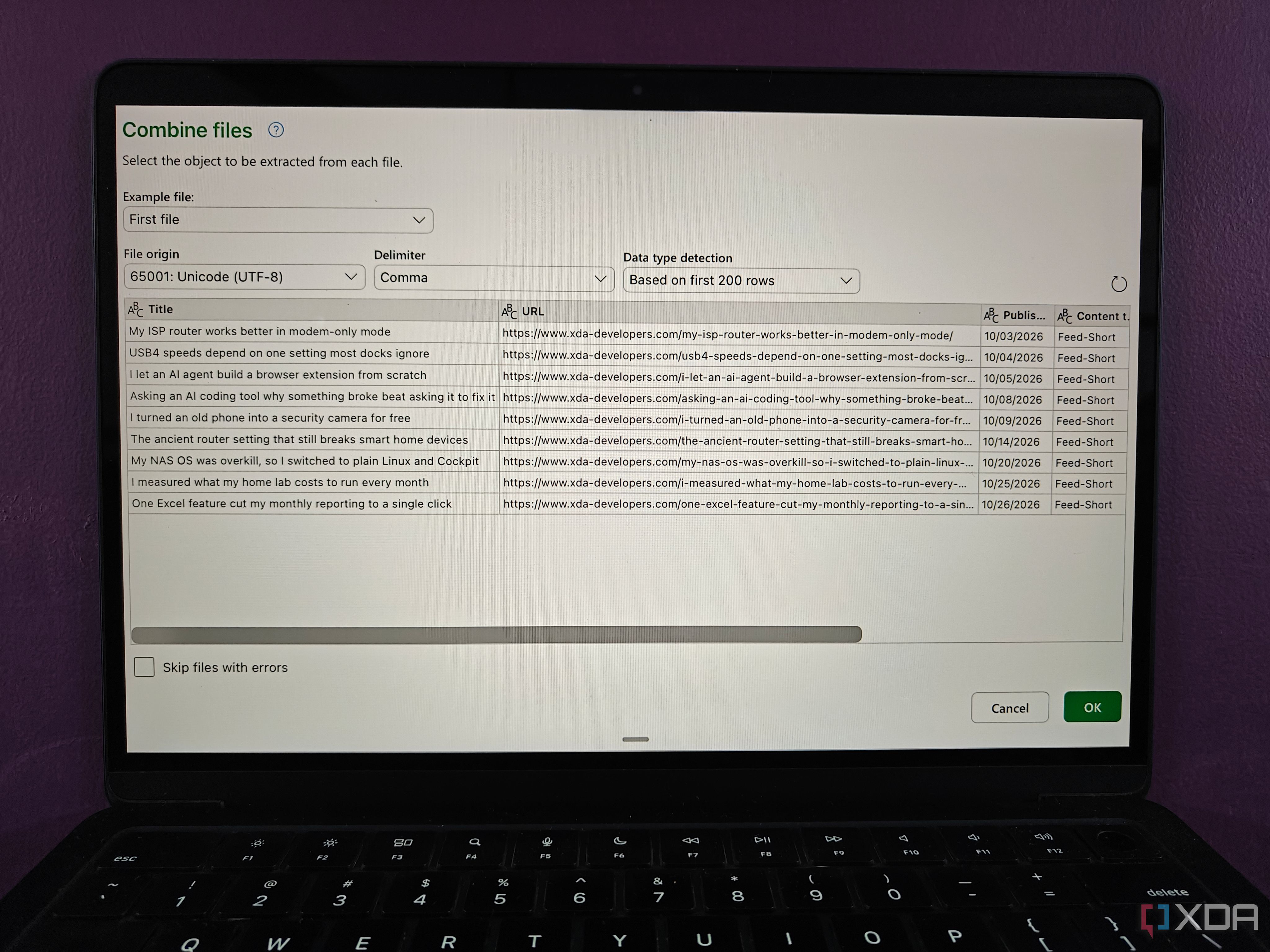
For years, the author's monthly report was a laborious process of manually downloading, stacking, and rebuilding lookup formulas for performance exports. This manual approach took six months to complete and required significant effort. However, the author discovered Power Query, an Excel feature that can automate this process with just a few clicks.
Using Power Query, the author consolidated six months of exports into a single table in under a second, a significant improvement from the previous 24-hour turnaround time. Power Query records each cleanup step as a language called M and replays every step on the current source when refreshed. This feature can be accessed through the Data tab in Excel and has been available for Windows users since Excel 2016, although it was only recently integrated into the Excel for Mac in 2023.
Setting up Power Query involved typing a line of M code, selecting the folder containing the CSV files, and importing all files into one table. The author encountered a few challenges, such as case sensitivity issues and missing columns, but these were easily resolved by adding MissingField.Ignore to the rename step and adjusting the Changed Column Type step accordingly.
The author also integrated Power Query with Asana, using the Merge queries feature to match Asana cards with their corresponding published articles. A Group By step on the Month column provided a summary table that updates automatically on each refresh. The author's initial workflow of four hours was reduced to almost no time at all, demonstrating the power and efficiency of using Power Query in Excel.
Rewritten by urgent.news; may contain errors — check the original.
Source: xda-developers.com