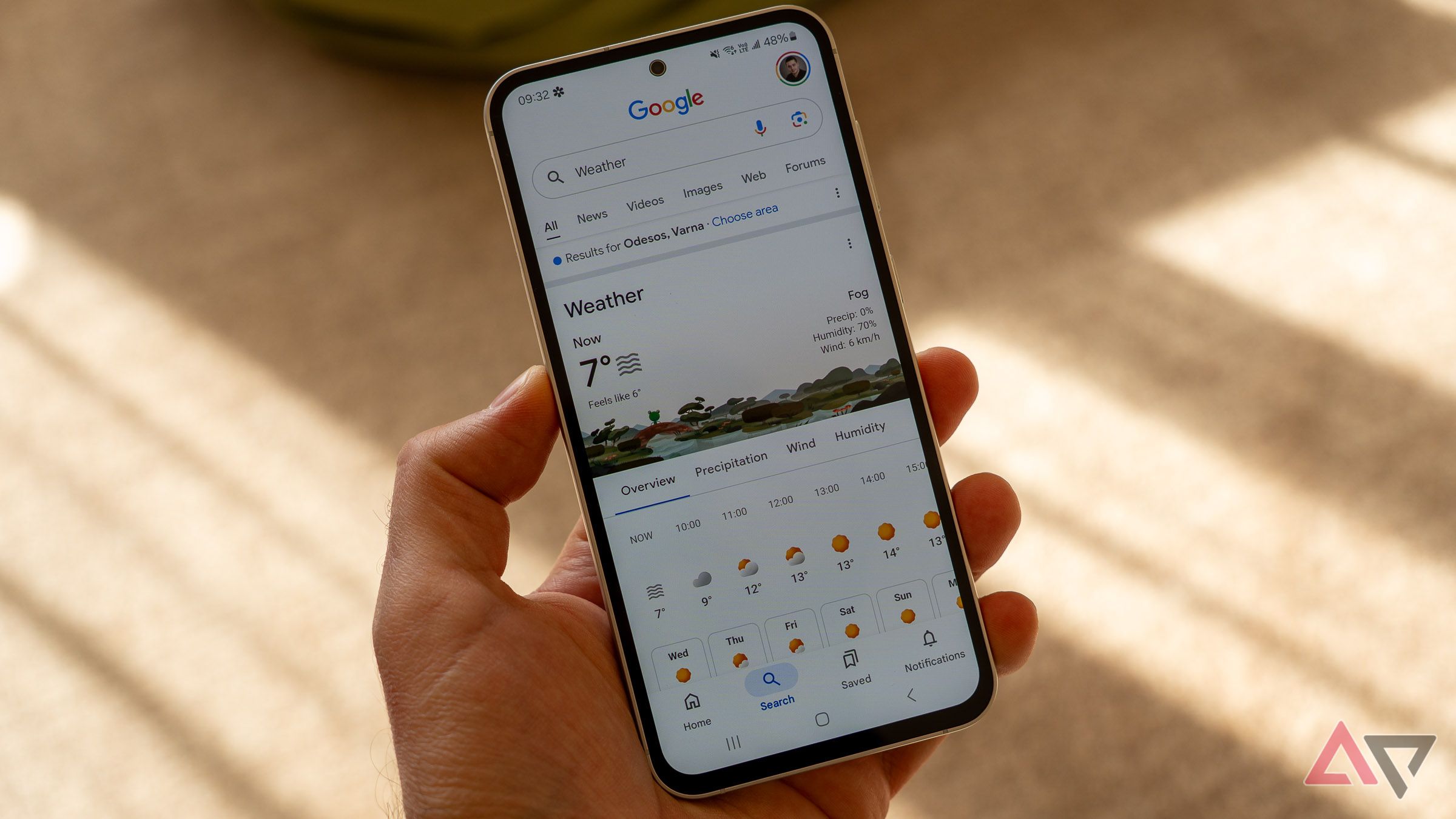
I checked Google Weather against Breezy Weather for 4 days; here's why I still pick Google
I tested two weather apps for four days
Most people have subscriptions for various services, and it's easy to lose track of what we are paying for. Recently, I discovered that I was spending less money due to subscriptions that were unnecessary or hard to cancel. These subscriptions, often related to niche apps I tried once, are called "zombie" subscriptions. This led me to use Google to identify where my money was going and how to reduce my subscription expenses.
I use Gmail for work-related and bill emails, but I received a lot of spam, making it difficult to find receipts and subscription emails. However, after connecting Gemini to Gmail, I found a way to separate subscriptions from my inbox and credit card statements. To connect Gemini to Gmail, navigate to Gemini's Settings -> Personal Intelligence -> Connected Apps and enable Google Workspace.
This allows Gemini to read your inbox and works with other Google apps like Keep, Tasks, Calendar, and Docs. For payment history, I also recommend connecting Google Wallet using Plaid for a more detailed history.
Gemini only reads your inbox and cannot move money or cancel subscriptions automatically. With my Gmail already connected to Gemini and bills being paid, I created a prompt that would scan all my emails, statements, and Google Wallet to show me where my money was going. The prompt Gemini provided was: "Scan my Gmail and linked credit-card/Wallet transactions for all recurring subscriptions and charges.
List each service, amount, billing frequency, last charge date, and whether the price has increased recently. Flag anything I haven't used or that looks like a forgotten trial."
Upon running the prompt, Gemini listed all my recurring subscriptions from various sources. To my surprise, I found several subscriptions that I could save money on. Some were zombie subscriptions I no longer needed, while others could be improved by switching plans or finding alternatives. I further used additional prompts to get more information, such as estimating my total monthly and annual subscription spending and pulling information from recent credit card statements, Google Wallet history, and confirmation emails.
After reviewing the results, I identified subscriptions I could live without and set up this workflow as a scheduled action to run monthly, ensuring I could continue finding any other zombie subscriptions I might have missed. Gemini successfully identified active subscriptions, canceled subscriptions, and subscriptions with price increases that I hadn't noticed.
It even found a zombie subscription from Hugging Face that I no longer needed, and subscriptions for services I had switched away from, such as Brave. One necessary subscription, my broadband connection, was also listed as a recurring subscription, prompting me to search for better deals and save about $10 per month. Similarly, I saved about $25 by unsubscribing from Hugging Face and PlayStation Plus.
Gemini even identified subscriptions that had lapsed due to an expired credit card, reminding me to resubscribe with my new card. To ensure accuracy, always double-check amounts and merchants against your statements and unsubscribe from each service manually since Gemini cannot perform these actions.
With rising living costs, saving money on recurring subscriptions can make a significant difference, especially if they are unnecessary or unknown. I found a workflow that helps me spot unwanted subscriptions and remind me monthly if I slip up. If you've tried this method, please share your experience in the comments to see if you managed to curb subscription costs as I did.
Rewritten by urgent.news; may contain errors — check the original.
Source: androidpolice.com