Google Messages has these hidden features you're probably missing
No, I’m not talking about Gemini here.
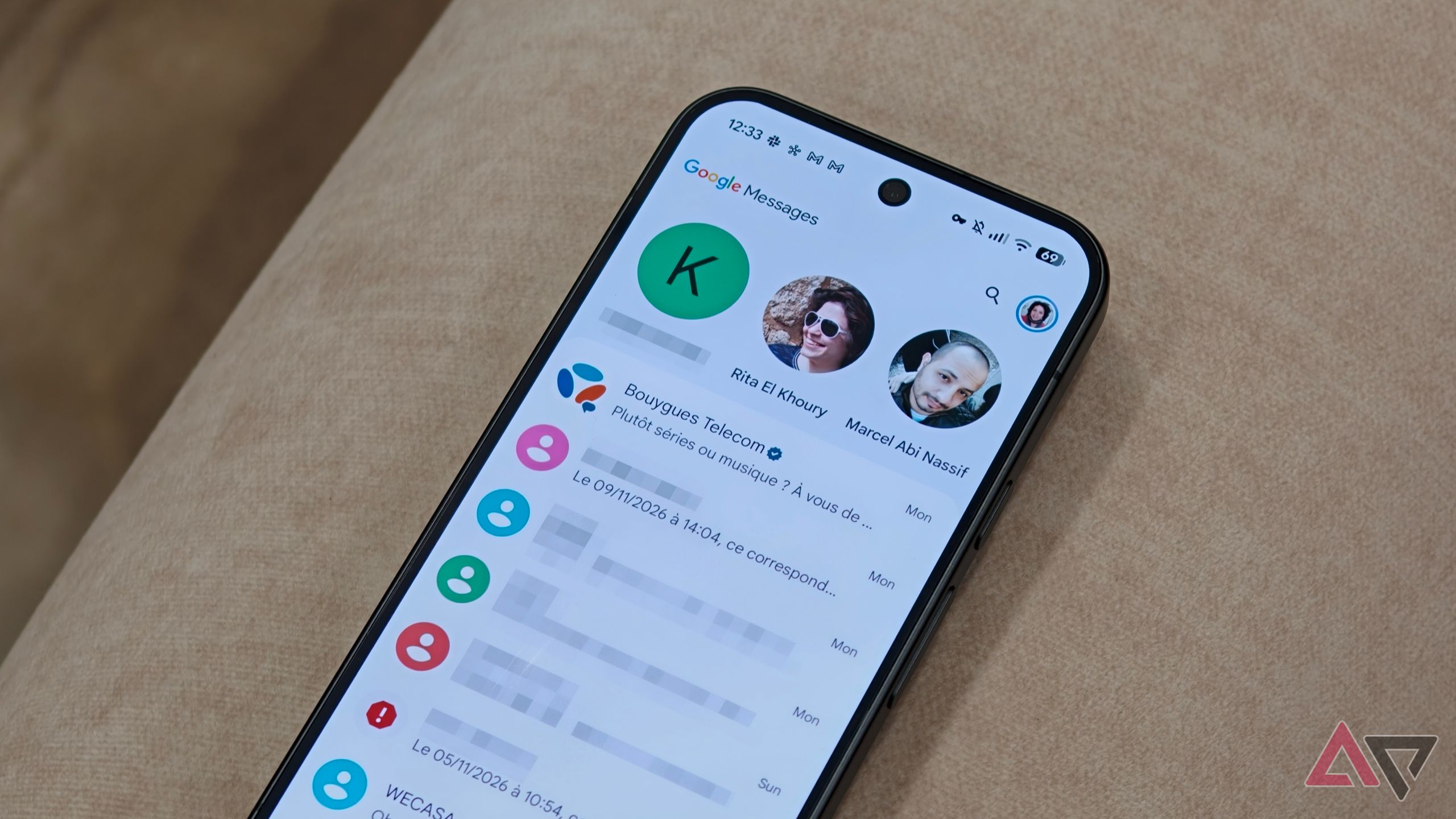
Google Messages, despite its unassuming appearance, hides a treasure trove of useful features that many users overlook. Amidst basic functionalities like high-quality image sharing and end-to-end encryption, there lie gems such as themes, location sharing, and integration with Google Keep. The app's Screen Effects, for instance, play animated confetti and balloons when certain phrases like "Happy birthday" or "I love you" are exchanged, creating a festive atmosphere on both your and the recipient's screen.
These effects are automatic, requiring no additional input from the user, provided you're sending messages via Google Messages, not plain SMS. In terms of collaboration, Google Messages integrates with Google Keep, allowing you to send notes directly from a chat without leaving the conversation. This feature is particularly useful for group chats, where you can collaboratively manage grocery lists or plan trips.
For location sharing, Google Messages offers a real-time feature through Google Find Hub, enabling you to share your current whereabouts without leaving the app. This feature can be easily activated within any chat by tapping the plus icon and selecting Real-time location. Google Messages also provides a range of chat customization options, from altering bubble colors to choosing themes, enhancing the visual appeal of individual chats.
These themes, applied to a personal chat, remain unseen by others, making it a discreet way to personalize your messaging experience. With Google Messages available on the web, users can sync their chats across devices, including PCs, tablets, and smartphones, offering flexibility and convenience in messaging. Lastly, the inclusion of Magic Compose leverages AI to draft replies and rewrite texts, while Chat bubbles allow multitasking by keeping conversations floating over other apps. Additional features like pinch-to-zoom for text enlargement further enrich the user experience.
Rewritten by urgent.news; may contain errors — check the original.
Source: androidpolice.com