Common reasons your Apple AirTag will randomly beep
Sometimes, your AirTag could randomly chime even if you're not making it a play a sound through Find My.
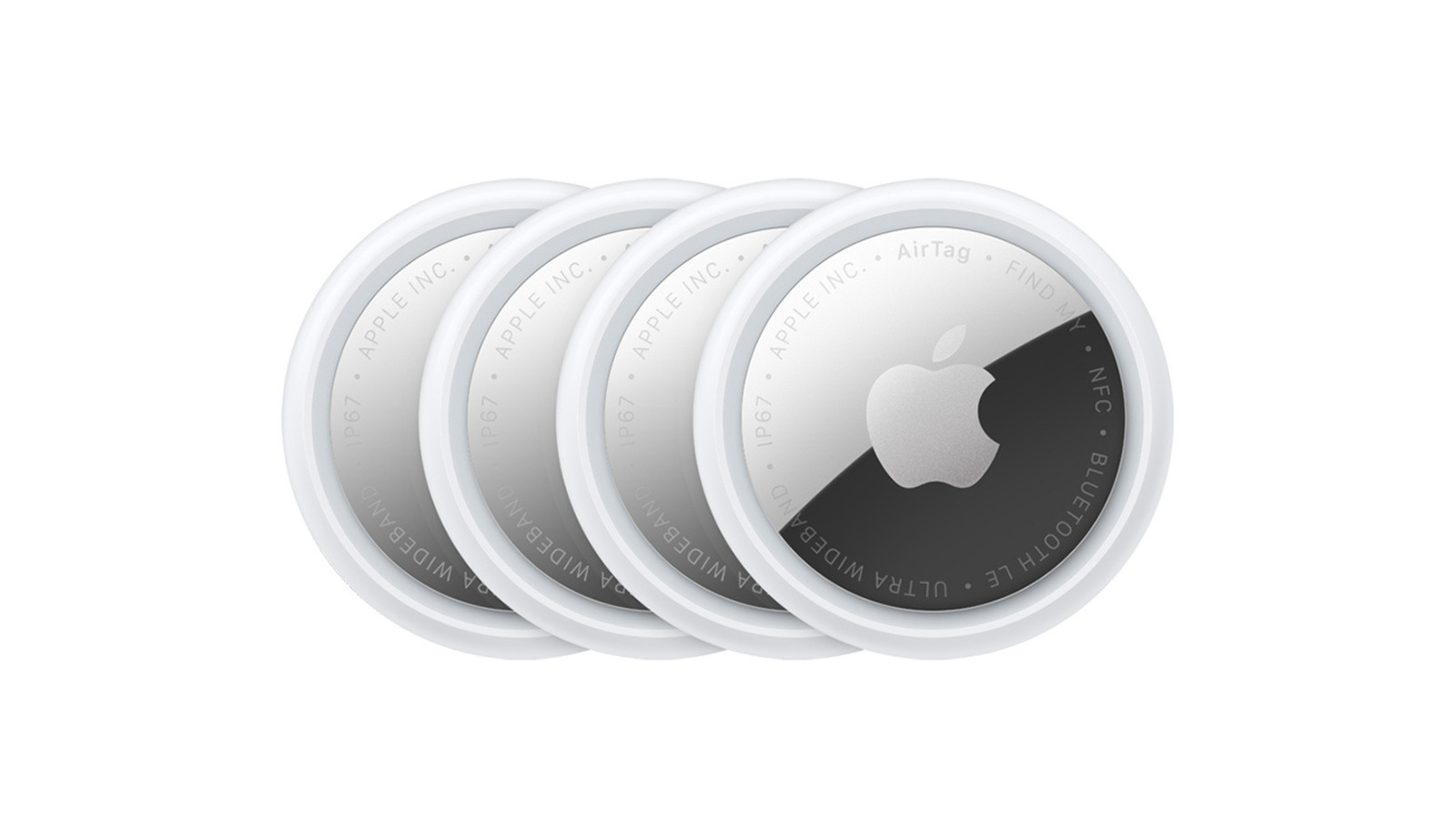
An Apple AirTag may emit a variety of beeps for several reasons, both under your control and beyond. When you first set up an AirTag, it produces a distinctive chime to indicate it's ready for use, followed by another chime signaling completion.
However, beeping can occur for other reasons that are outside of your control. A common reason for random beeping is when the AirTag loses its Bluetooth connection to the paired iPhone. If left behind, the AirTag will beep periodically if it senses movement, which could be startling for pets who might be unaccustomed to the sounds. To potentially stop the beeping when it's near you, try toggling Bluetooth on and off.
Apple included the beeping feature to deter stalking, activating it after a certain period of time if the AirTag loses its Bluetooth link to the iPhone. If you have Location Services enabled and Tracking Notifications activated in the Settings, you'll receive a notification if the AirTag is detected as a foreign entity moving with you over time. The AirTag itself might also beep, allowing for easy identification and disposal if it's not yours.
Additionally, an AirTag may sound due to low battery levels, which can be easily addressed by replacing the CR2032 lithium coin cell battery. Replacement is a straightforward process involving pressing down on the metal back cover, twisting it counterclockwise, popping it off, and swapping in a new battery.
Rewritten by urgent.news; may contain errors — check the original.
Source: engadget.com