Car speakers rattling? Try these fixes before calling a mechanic
Rattling speakers may need to be replaced, but they also could be rattling for very benign reasons. Here are things to check.
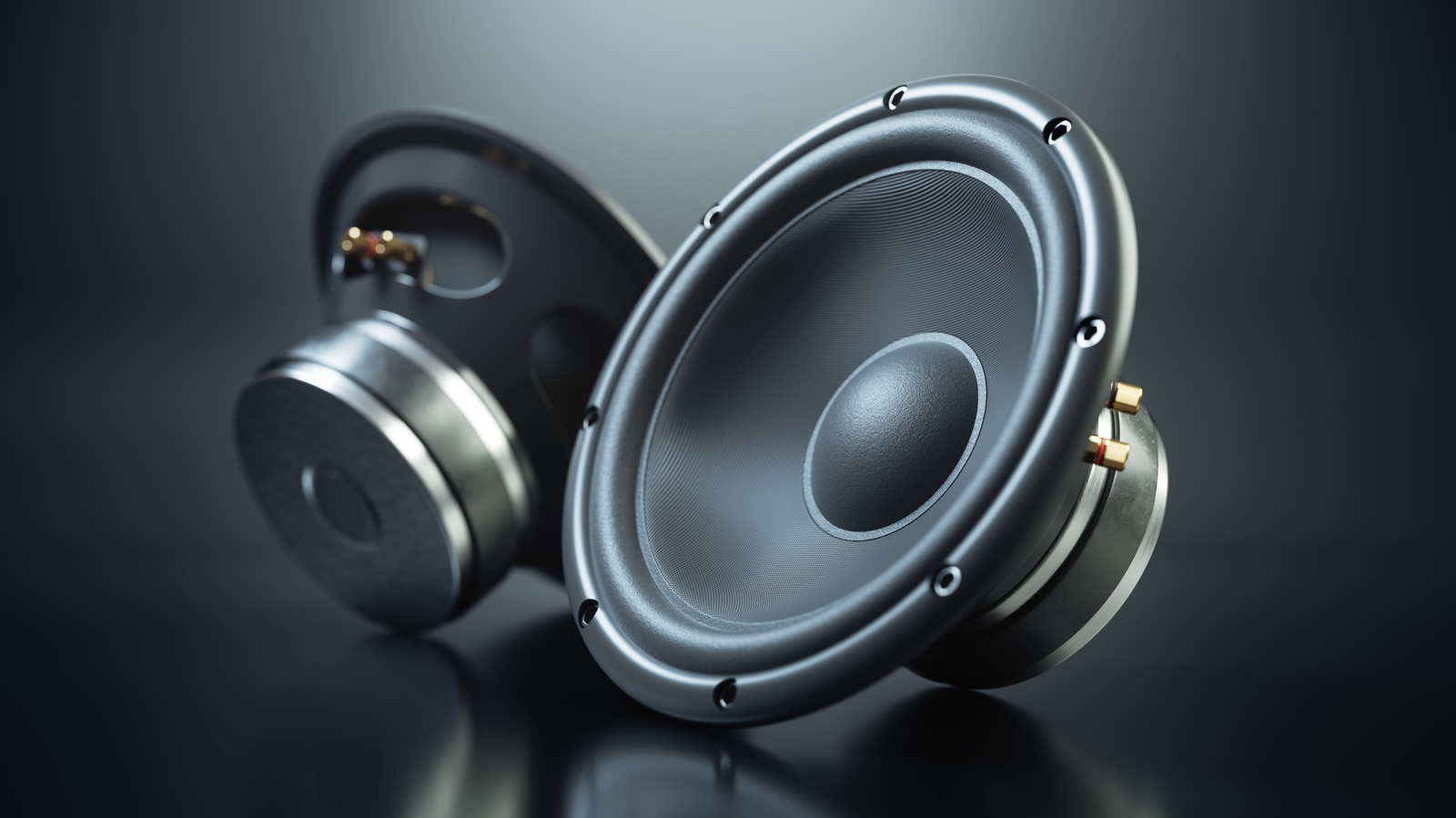
Experiencing rattling sounds coming from your car speakers? Before rushing off to the mechanic, there are a few potential fixes you can try on your own. Rattling speakers may not always signal a major issue or expensive repair. Often, it can be an easy fix that restores your music listening experience. Don't immediately assume the worst – many rattling sounds can be resolved with simple troubleshooting.
First, check if any components within the speakers might be damaged. However, more commonly, the issue stems from power and volume settings. If the speakers draw too much power, they'll likely rattle and distort. Conversely, insufficient power due to a weak amplifier can also cause problems. The higher the volume, especially with lots of bass, the more likely your speakers will rattle.
Bass frequencies require more power, causing increased movement in the speaker cones. This movement can lead to loose components hitting against each other. The car's door panels may also vibrate from heavy bass, leading to rattling that sounds as though it originates from the speakers rather than the panels.
Debris getting lodged in the speakers can cause rattling if it makes contact with moving parts. Additionally, poorly dampened cabinets that vibrate with music can result in rattling noises. Loose mounting hardware, such as screws coming loose due to poor installation or road vibrations, is another common cause. Check for any gaps between the speaker and its mounting surface. Tightening screws might resolve the issue, or pressing the speaker panel while it rattles may indicate loose mounting hardware.
To determine whether the speaker is merely rattling or completely blown, listen for certain indicators. Distortion at any volume level suggests a blown speaker, while rattling typically occurs at high volumes. A missing frequency, such as a lack of bass or absence of high frequencies, could also indicate a broken speaker. If you've ruled out a blown speaker, test different tones and frequency ranges to pinpoint the source of the rattling.
Use test tones or your stereo's equalizer to identify when and where the rattling occurs. Low-frequency rattling might point to bass-related components like subwoofers or bass response. Midrange rattling could signify issues with the door speakers, while high-frequency rattling might be due to the tweeters.
Inspect your speaker for any visible damage, such as broken components like surrounds, voice coils, and cones. If you spot any damage, it's time for a new speaker. Check the speaker wiring for loose connections, as incorrectly connected positive and negative terminals or a loose wire can create rattling. Wiggle the wires behind the head unit to test for loose terminals or breaks in the wire's insulation.
If you suspect power issues, try adjusting amplifier gain and gradually increasing it until you find the right balance. A multimeter can help ensure you're not exceeding the speakers' RMS power rating. If the issue is underpowering, consider upgrading the amplifier or reducing the load by disconnecting some speakers.
Rewritten by urgent.news; may contain errors — check the original.
Source: engadget.com