Apple Passwords vs. Google Password Manager: How are they different?
See where Apple Passwords and Google Password Manager differ across iOS and macOS, and figure out which password manager makes more sense for your devices.
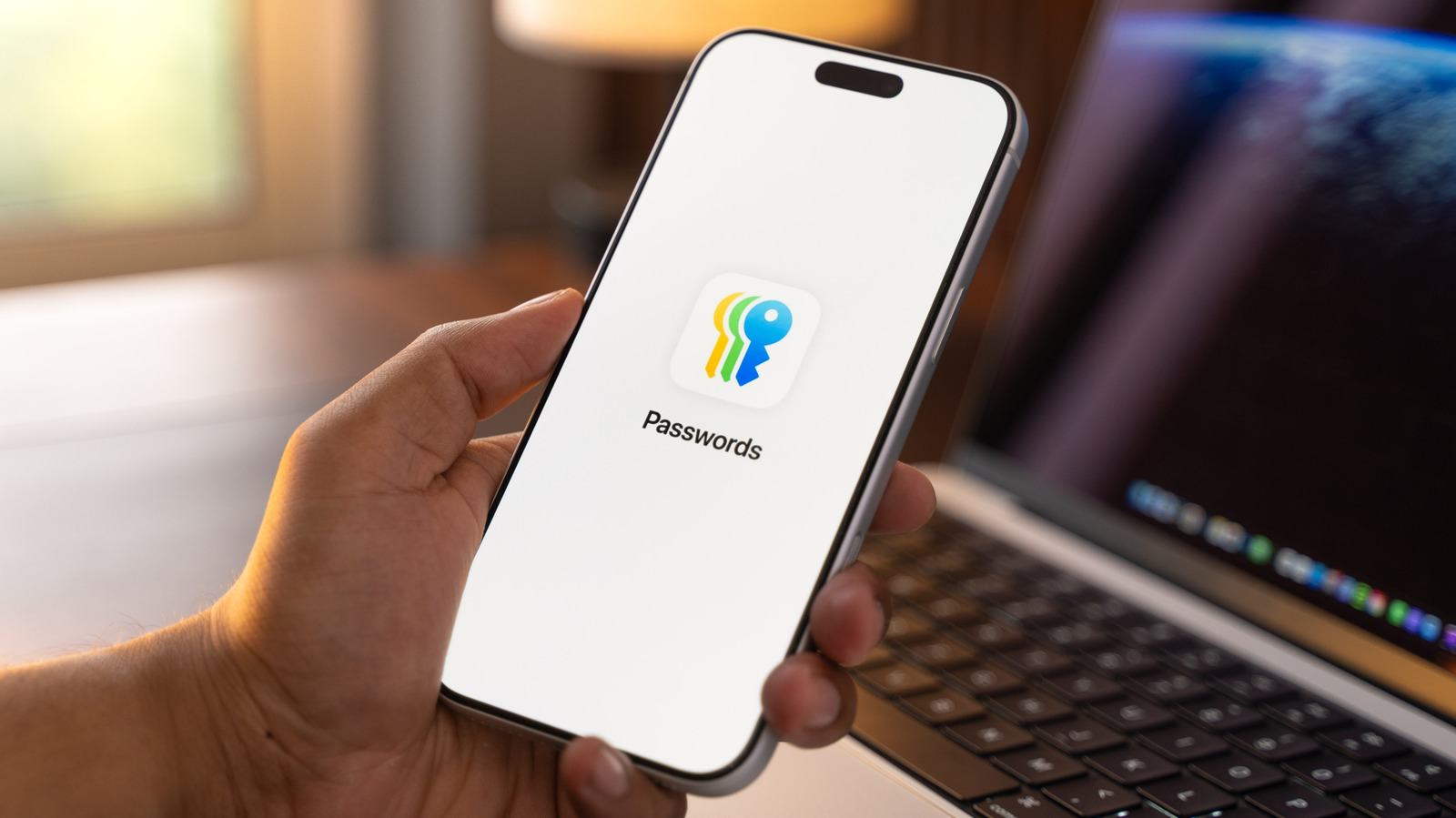
Apple Passwords and Google Password Manager serve as free tools for managing online logins on iPhones, but they operate differently. Both apps present a single, scrolling list of usernames linked to websites or applications; tapping or clicking a choice reveals the associated username and password. The primary distinction lies in their availability - Google Password Manager is either a webpage or integrated into Chrome (passwords.google.com), while Apple Passwords functions as a standalone app on iPhones, iPads, and Macs.
On iOS devices, Google Password Manager resides within Chrome and utilizes Google account credentials, enabling access across browsers. To access Google's full password capabilities on an iOS device, toggle on Chrome in Settings > General > AutoFill & Passwords. While Apple Passwords offers instant access upon device setup, Google Password Manager requires a slightly longer setup process.
Post-login, both managers feature similar capabilities, such as editing and adding notes to saved credentials. They also support password exportation. Starting from iOS 26, Apple introduced a password version history feature to track past entries. Each password manager possesses distinct aesthetics: Apple's app presents a "Copy Password" option upon tapping a row, while Google's app uses individual copy buttons and an additional eye icon to reveal passwords.
To export passwords from iOS or macOS to Google Password Manager, go to Settings > Apps > Safari > Export, choose Passwords, and tap Save to Downloads.
Rewritten by urgent.news; may contain errors — check the original.
Source: engadget.com