This free, open-source tool replaced one I've paid for and used for more than 33 years
My PDF workflow got simpler when I stopped reaching for Acrobat and started using this open-source alternative.
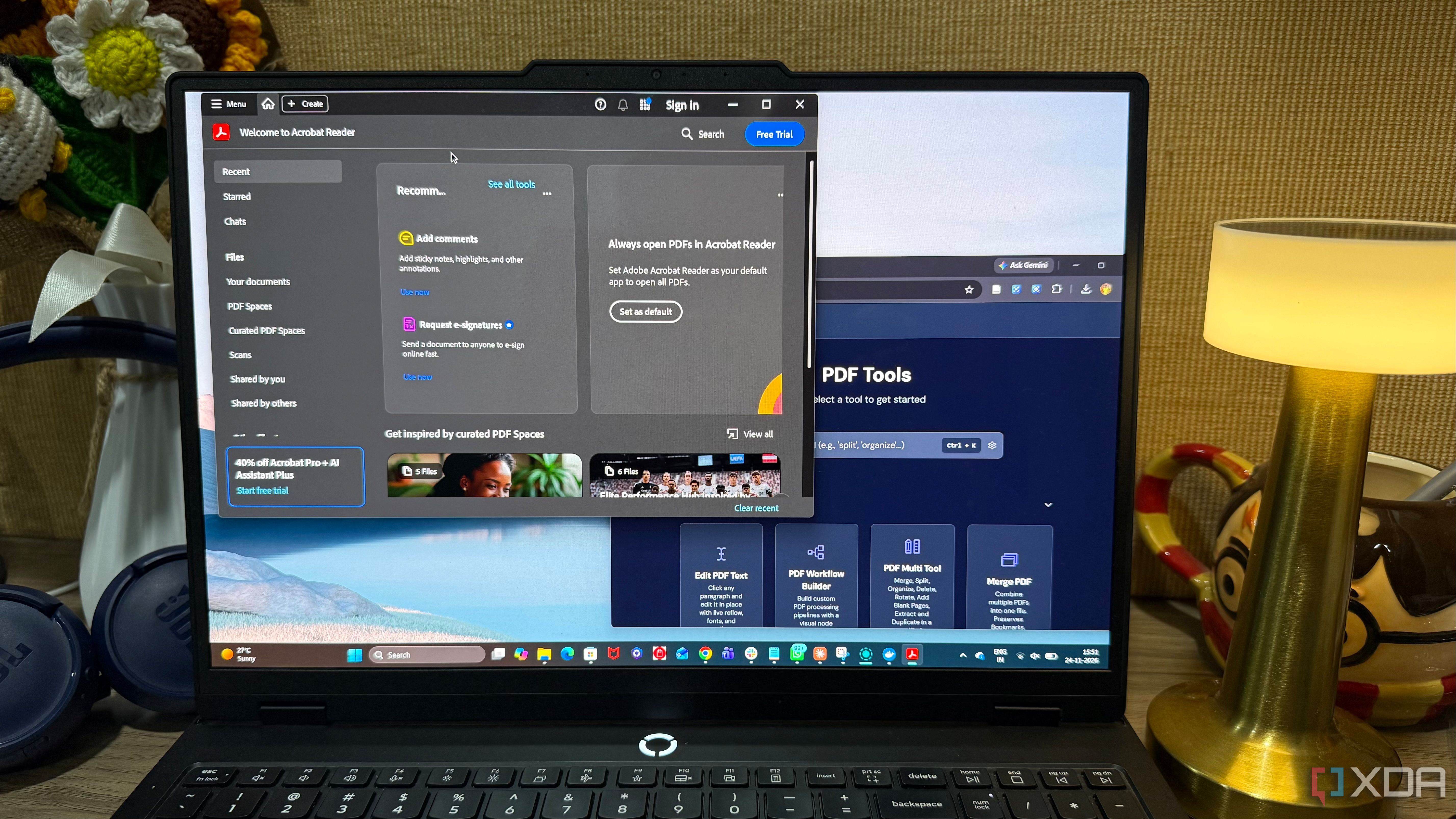
PDFs have become an integral part of modern work, from handling contracts and invoices to merging documents. Adobe Acrobat has been the go-to tool for managing these files since its release in 1993. However, not everyone requires a comprehensive editing suite to make minor adjustments to PDFs. This is where BentoPDF comes into play, offering an alternative approach to handling PDFs without the need for a desktop editor or paying for seldom-used features.
After exploring its features, I discovered that BentoPDF had more to offer than its relative youth suggested. I tested it over several weeks to determine whether this newcomer could handle the PDF tasks I'd relied on Acrobat for over three decades. Upon first using BentoPDF, I was impressed by its clean and intuitive interface, which puts individual tools front and center.
Unlike Acrobat's extensive workspace, BentoPDF's homepage categorizes tools into conversion, editing, organization, optimization, and security, making it easy to find the specific utility needed.
With over 130 utilities available, I could browse categories or use the search function to locate the desired tool. Acrobat's approach, while suitable for professionals working with complex PDFs, can feel overwhelming for those who need to perform simple operations. BentoPDF keeps things more streamlined, opening each utility in its dedicated workspace with only the relevant controls.
There's no need to navigate through multiple menus or create an account to get started - simply open the website, select a tool, and upload your document.
I began testing BentoPDF by handling routine document tasks such as filling out forms, adding signatures, converting files, merging PDFs, removing unnecessary pages, adding page numbers, and compressing larger files. These tasks were completed effortlessly, with no need to interrupt my workflow to make small adjustments to a document. The focused approach of BentoPDF allowed for a smoother and more efficient experience, leaving more time to focus on the actual work at hand.
BentoPDF not only offers a collection of PDF utilities but also stands out for its open-source code, available under the AGPL-3.0 license. This gives users greater control over the tool's operation and management. For those who prefer a more secure option, BentoPDF provides a commercial licensing agreement for proprietary applications.
Another advantage of BentoPDF is its privacy-focused design, as it processes documents directly in the browser using WebAssembly instead of sending them to a remote server. This feature is particularly useful when working with sensitive files like invoices or contracts, as they remain on the user's device. Additionally, BentoPDF supports Docker-based self-hosting, allowing users to run their own instance on a personal server or other infrastructure, providing a reliable alternative to hosted services.
While Adobe Acrobat remains the industry standard for advanced document editing and workflows, BentoPDF provides a more focused and less complicated experience for everyday PDF management. The choice between traditional tools and newer alternatives like BentoPDF ultimately depends on individual needs and preferences. Established platforms have their place, but it's essential not to overlook newer alternatives simply because of their longer history. The improved workflow may come from an unexpected source.
Rewritten by urgent.news; may contain errors — check the original.
Source: xda-developers.com