You can turn Claude artifacts into Windows and Mac apps now – here’s how
Anthropic’s new ‘install as app’ feature makes it easy to turn your Claude artifacts into desktop apps on your computer – with some limitations.
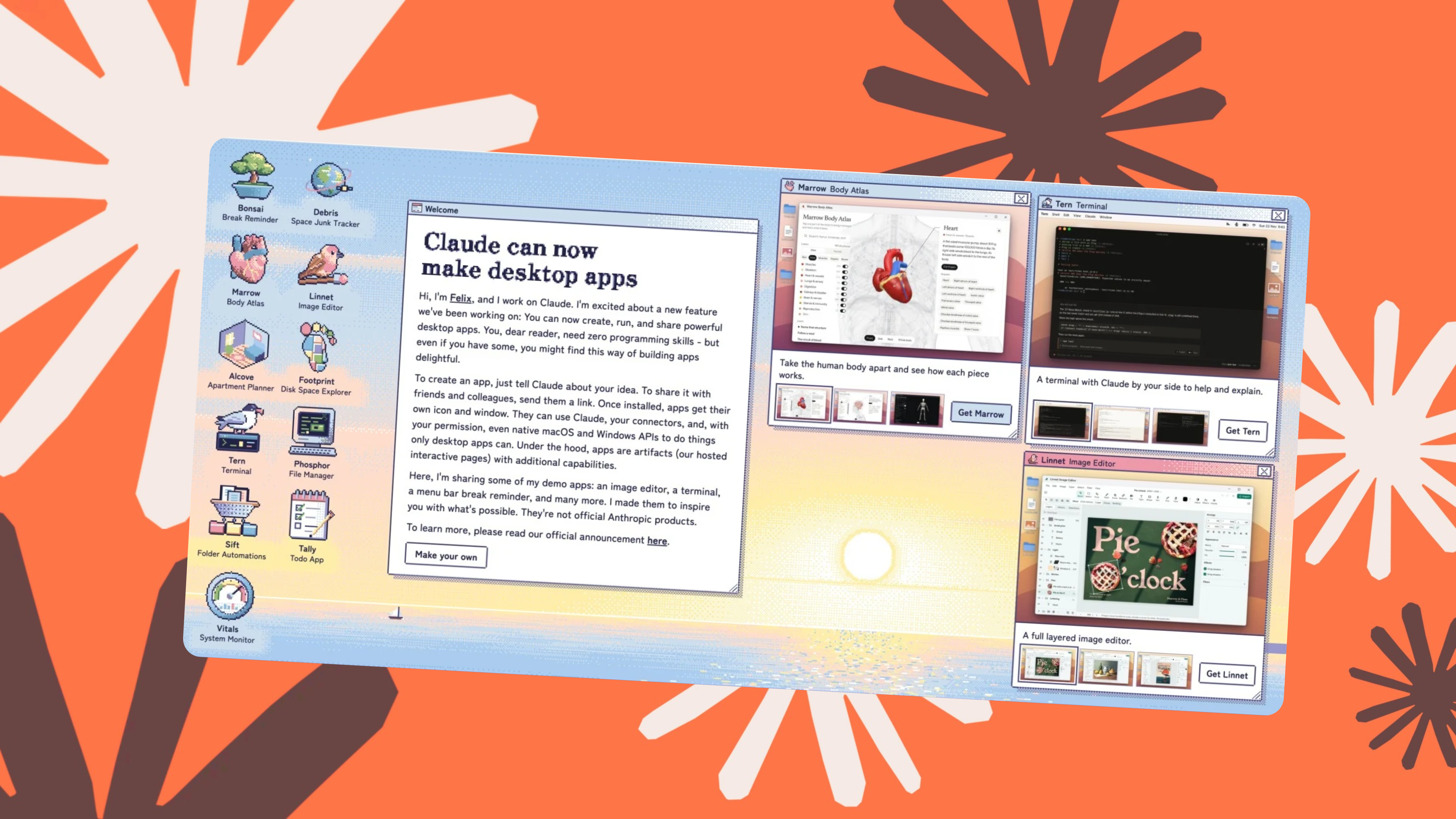
Anthropic has introduced the ability to install Claude artifacts as desktop applications for both Mac and Windows operating systems. This update allows users to share and easily access their most-repeated tasks on their computer. The "install as app" feature is currently in beta and available for all free and paid Claude plans, but not for Linux users.
Claude artifacts, released in 2024, have become a way to standardize and repeat tasks, especially at work. By transforming them into distinct desktop apps, users can now run different Claude queries while also using artifacts locally or use those apps without opening Claude at all.
When an artifact is installed as a Mac or Windows app, it receives its own icon and opens in its own window, separate from the Claude interface. Users can share the app with others, and it requires permission before interacting with their computer. However, the app still accesses Claude and any connectors in use, and its usage contributes to the user's Claude usage limits, which are lowest for free users.
Anthropic designed the app feature to streamline building apps for both developers and non-developers. While Claude artifact apps lack the full functionality of apps built using Claude Code, they do allow users to install and use Claude-based tools like discrete software on their computers. These apps require internet access and are signed into Claude, making them not entirely portable or off-grid options.
To install an artifact as an app, ensure Claude for Mac or Windows is updated and access the feature via Claude's Share menu. The app will then download to the desktop, and permissions can be set as needed. Permissions range from default browser settings to specific app permissions such as sending notifications and full computer access.
Full computer access allows the app to run programs and read, change, or delete files without constant permission prompts. It's essential to grant full computer access only to apps you trust, as Anthropic does not review apps before installation.
Permissions are reviewed each time the artifact (and app) is updated, ensuring regular checkpoints to revise access. Anthropic only grants full computer access to apps created by users or, for Team and Enterprise plans, any apps made by coworkers. The install-as-app feature is currently unavailable for Claude Enterprise plans until an admin enables it in Organization settings.
Rewritten by urgent.news; may contain errors — check the original.
Source: zdnet.com